CR Console Operation Manual
3 - 60 2011. 06 897N0519M
When reading images from the FCR 5000 series, the size shown in the exposure menu box will be
changed from 17"x14" to 14"x17" or 10"x8" to 8"x10" after the completion of image reading
processing, if IP reading size has been determined to be 17"x14" or 10"x8". Note that this is a
symptom that can occur with respect to representation for reason of internal processing and image
reading processing has completed normally.
NOTE
To delete an exposure menu, be sure to confirm the exposure menu status.
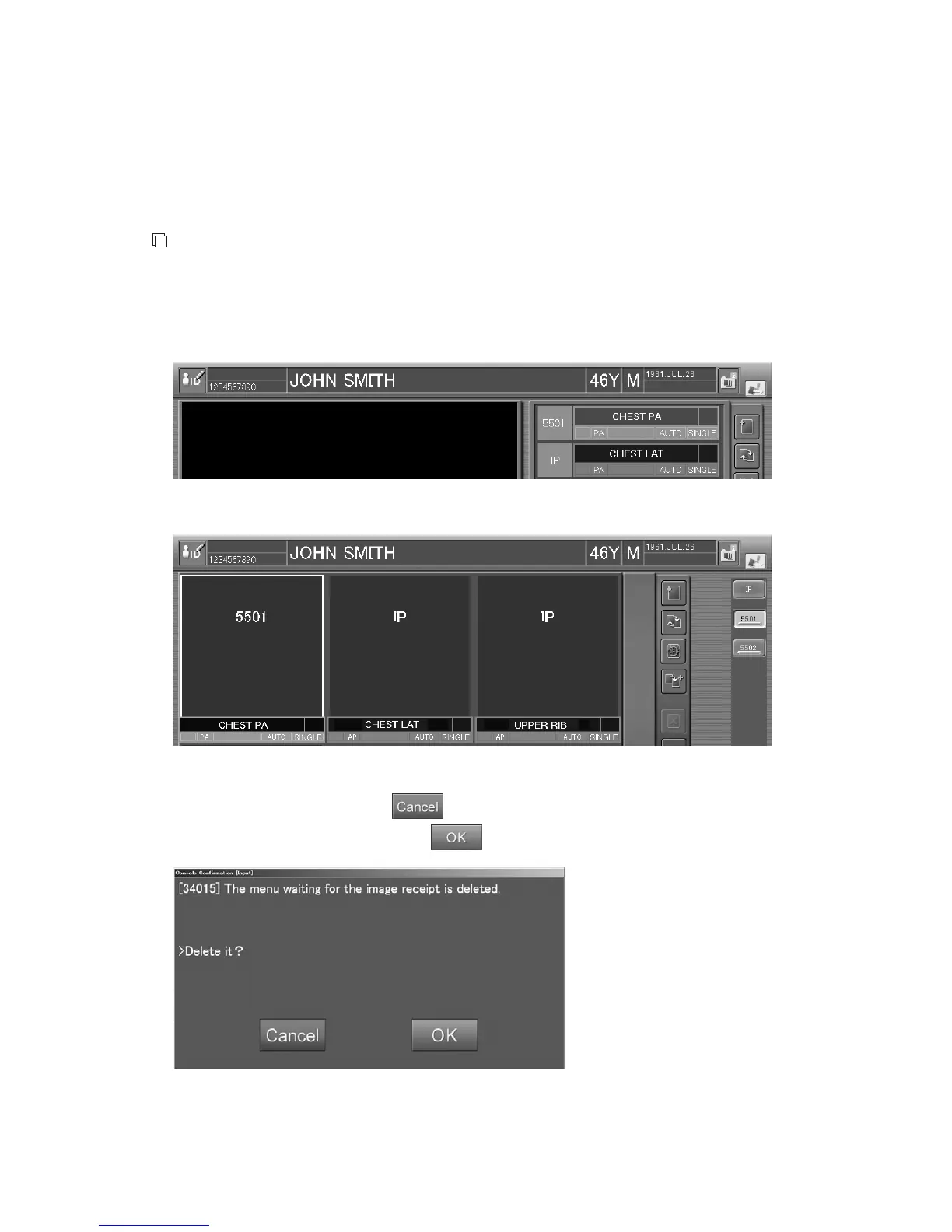
When reading images derived from the FCR 5000 series equipment, part (thumbnails) of the
exposure menu turns black before actually reading images.
Sample of one-image display mode:
Sample of six-image display mode:
Deleting the exposure menu at this time will display a message like that shown below.
If you do not want to delete it, select
.
Be careful images will be lost if you select
here.



 To Next Page