CR Console Operation Manual
3 - 82 2011. 06 897N0519M
If no IP has been registered for the exposure menu, the study will be suspended or deleted, depending
on the pre-determined settings.
If an exposure menu, for which IP has been registered but images not yet read, is remaining
unprocessed, the study will be suspended.
For an exposure menu for which IP has been registered and images already read, the study will be
stacked in the “QA” or “Queue” list. Whether it is stacked in the “QA” list or “Queue” list will
depend on the pre-determined settings.
Note, however, that when [Exposure Suspended] is selected, both exposure and image edit (QA) will
end independent of the exposure menu status. In such case, the study will be stacked in the “Local
WL” list.
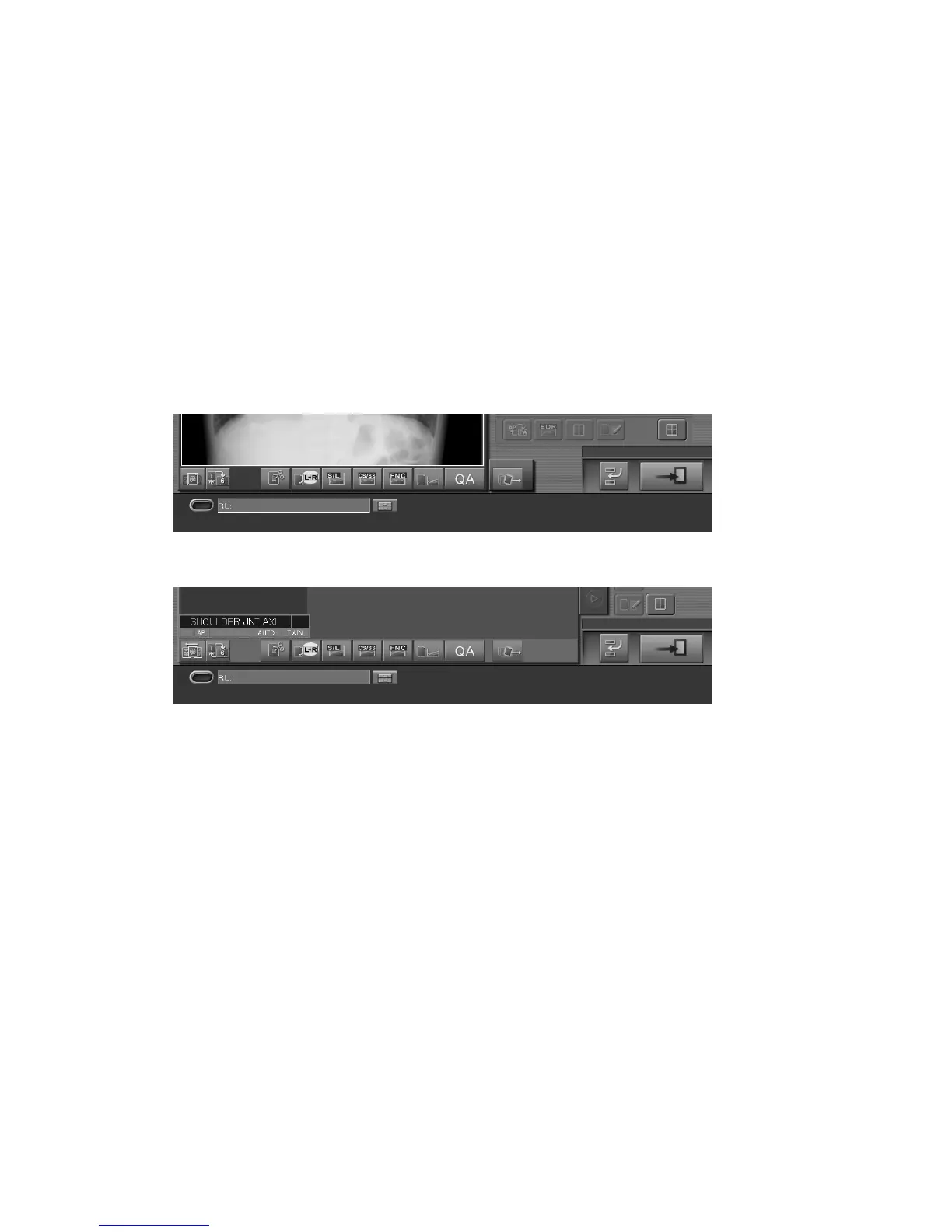
Sample of one-image display mode :
Sample of six-image display mode :
Explained herein are the conditions set in the “The method at the time pushed Study Finish button
(The unregistered menu exists.)” field within the User Utility configuration settings and those applied
when a study is ended.
The unregistered menu is deleted, and study is finished. :
If this condition is set, the study is completed deleting the exposure menus to which the IP
registration has not been done. So, the study cannot be suspended. When the study needs to be
suspended, perform the same operation as the previous section.
The unregistered menu is not deleted, and study is suspended. :
If this condition is set, the study is suspended without deleting the exposure menus to which the IP
registration has not been done and stacked in the “Local WL” list.



 To Next Page