CR Console Operation Manual
2009. 09 897N0519H 4 - 31
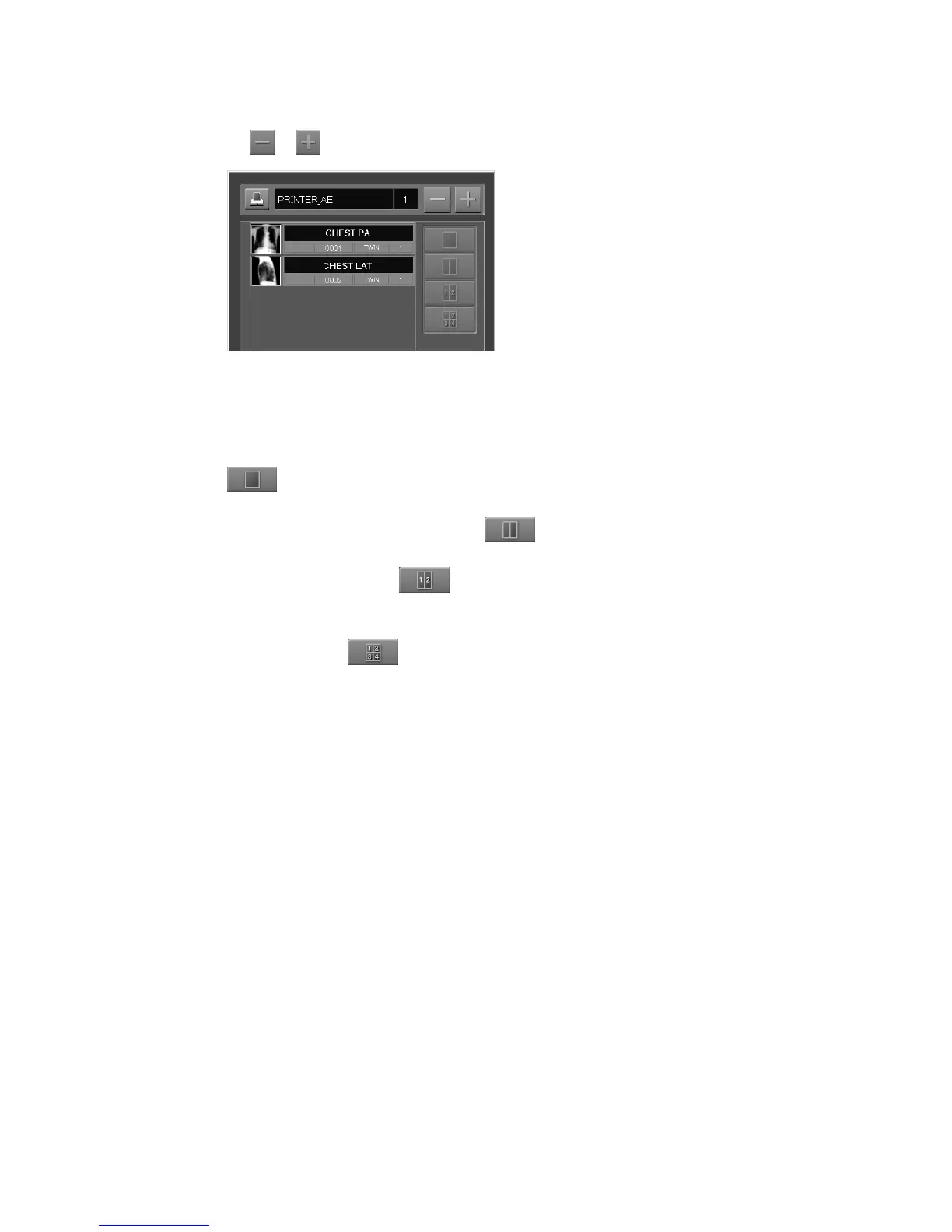
Changing the number of printouts
Select
or to change the number of desired printouts.
Changing format
Perform the following operation according to the desired format.
• For one image format, select an image (more than one image can be selected.), and then select
.
• For two image format (right and left images of one same image), select image (more than one
image can be selected.), and then select
.
• For 2on1 format (two different images), select left image (frame position: 1) and then right image
(frame position: 2). Select
.
• For 4on1 format, sequentially select upper left image (frame position: 1) → upper right image
(frame position: 2) → lower left image (frame position: 3) → lower right image (frame position:
4), and then select
.



 To Next Page