CR Console Operation Manual
2011. 06 897N0519M 2 - 3
•
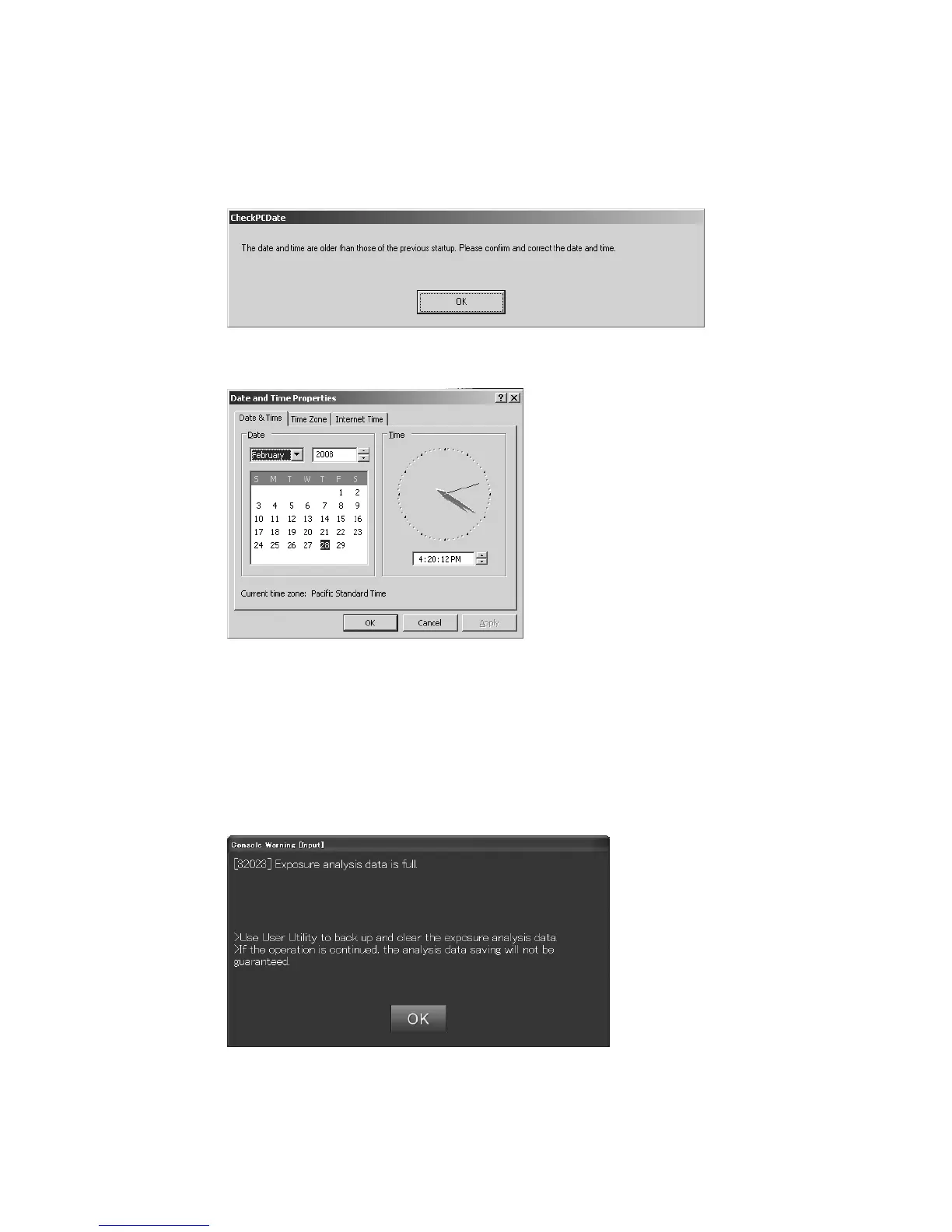
If the time displayed on the personal computer is before that of the last time when it was turned on,
the following message appears. In this case, contact our authorized distributor.
“The date and time are older than those of the previous startup. Please confirm and correct the
date and time.”
Selecting [OK] will display the “Date and Time Properties”.
Set the time and date to the current ones, and then select [OK]. The correct time and data will be
displayed on the personal computer.
Clear the logs when a message saying that “Exposure analysis data is full.” appears at the startup
of the CR Console.
For details, see
[Chapter 9 EXPOSURE RESULT LOG / CR Console OPERATION
MANUAL - THE USER UTILITY OPERATIONS].



 To Next Page