CR Console Operation Manual
5 - 18 2006. 10 897N0519C
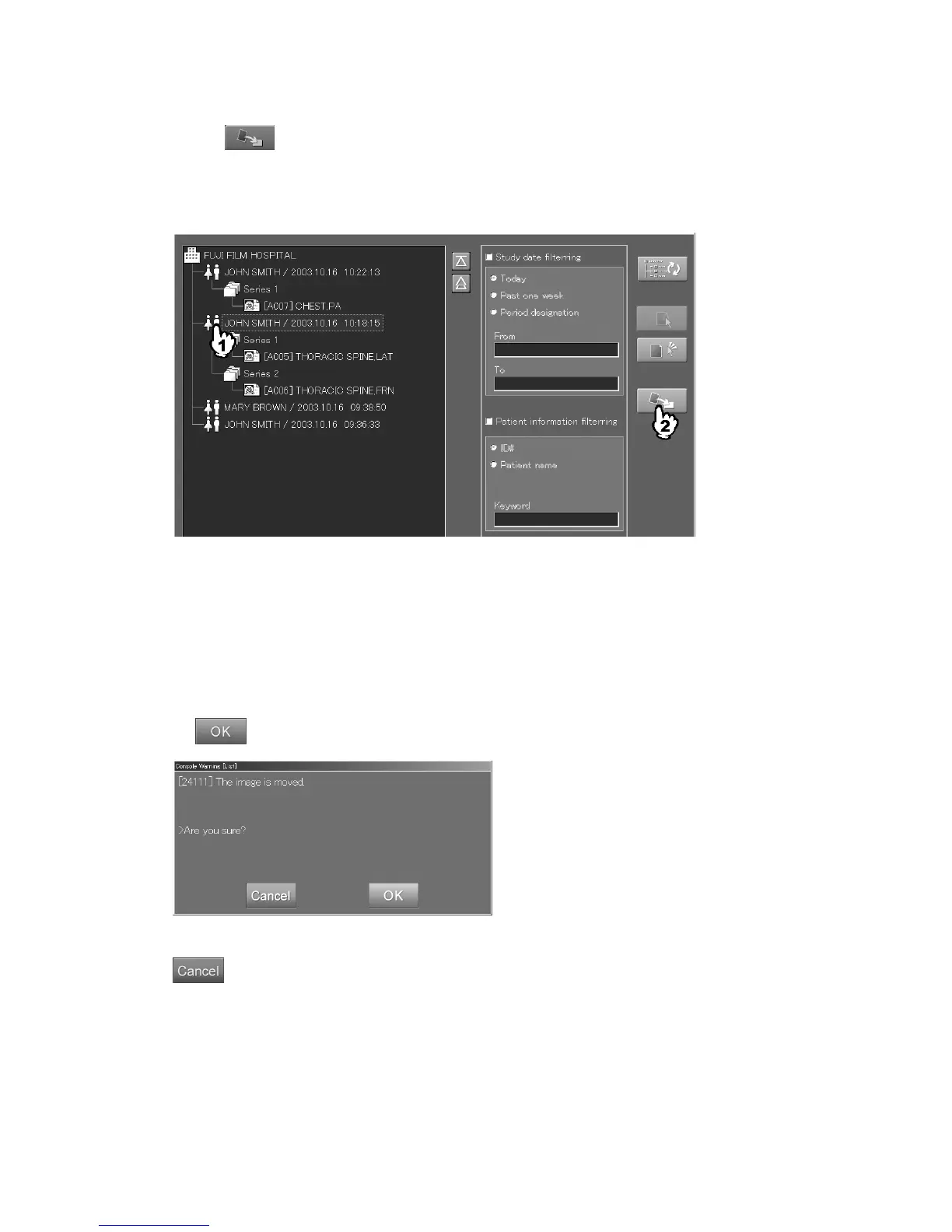
Same as with the previous procedure, select the moving destination (institution/series/image), and
then select
.
The image cannot be moved to the study that has the unread image ([****] display) or the image in
“Queue” list. The image before delivery (in “QA” list) cannot be moved to the study delivered
already.
When the institution is selected
: An image will be moved as a new study.
When the study is selected
: An image will be moved as a new series to the selected study.
When the series is selected
: An image will be moved to the selected series.
When the image is selected
:
An image will be moved to the series that the selected image is
registered.
The following confirmation box is displayed.
Select .
“Confirmation box”
: Cancels operation.



 To Next Page