CR Console Operation Manual
5 - 28 2008. 09 897N0519F
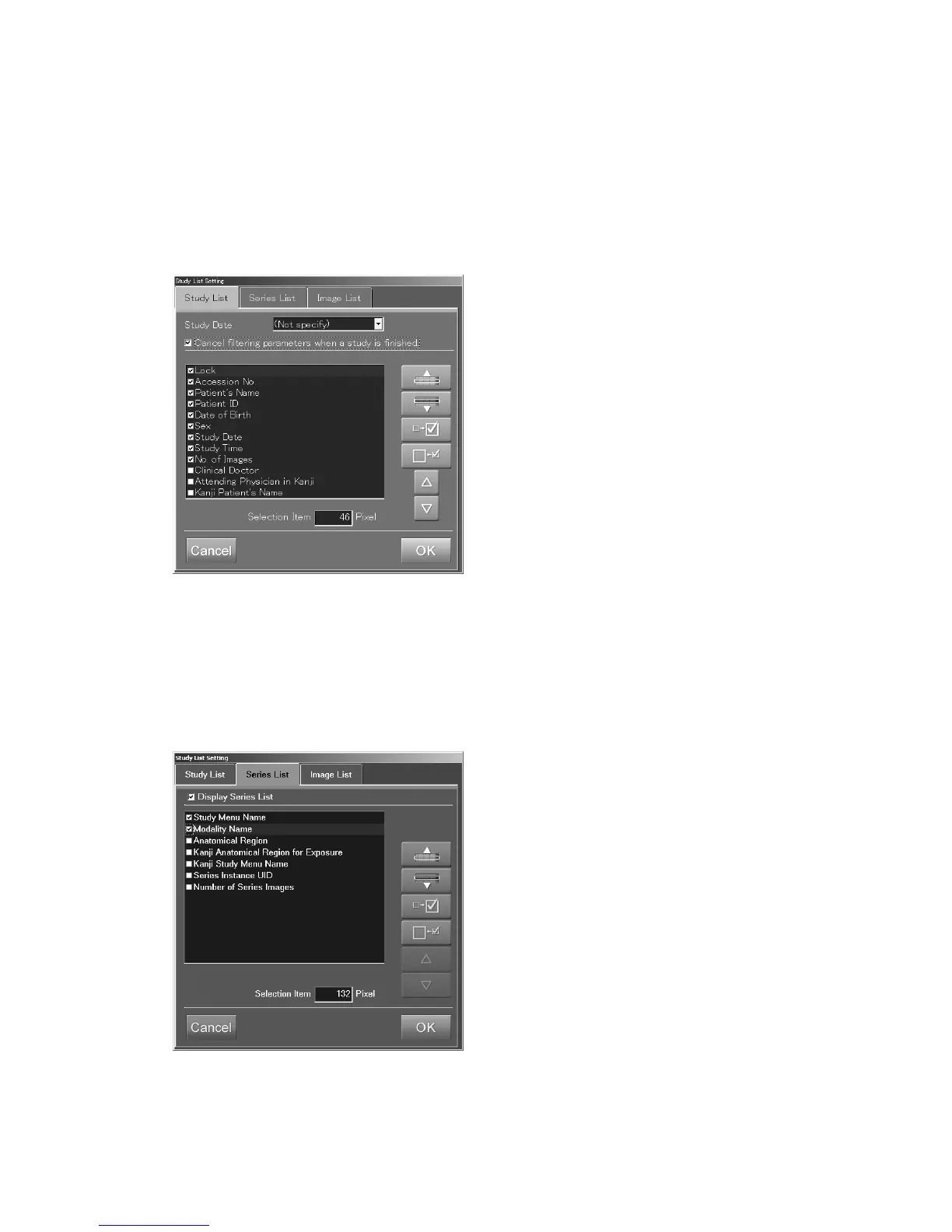
Releasing filtering conditions
After a study in the filtered study list is executed and finished, the study list will be re-displayed.
At this time, auto-release /non-release of filtering conditions can be switched alternately.
This setting is not valid for “Queue” / “Delivered” / “All” / “Today”.
Select the “Cancel filtering parameters when a study is finished.” in the “Study List” folder.
Whenever it is selected, release (with check mark)/non-release (no check mark) of filtering
conditions is switched.
Display/non-display of series list :
Alternately switches display/non-display of series list. As this setting is valid for all the lists (except
the “Queue” list), it is not necessary to set this for each list separately.
Select “Display Series List” at the “Series List” folder. Each time selecting it, display (check mark is
on)/non-display (check mark is not on) is switched alternately.



 To Next Page