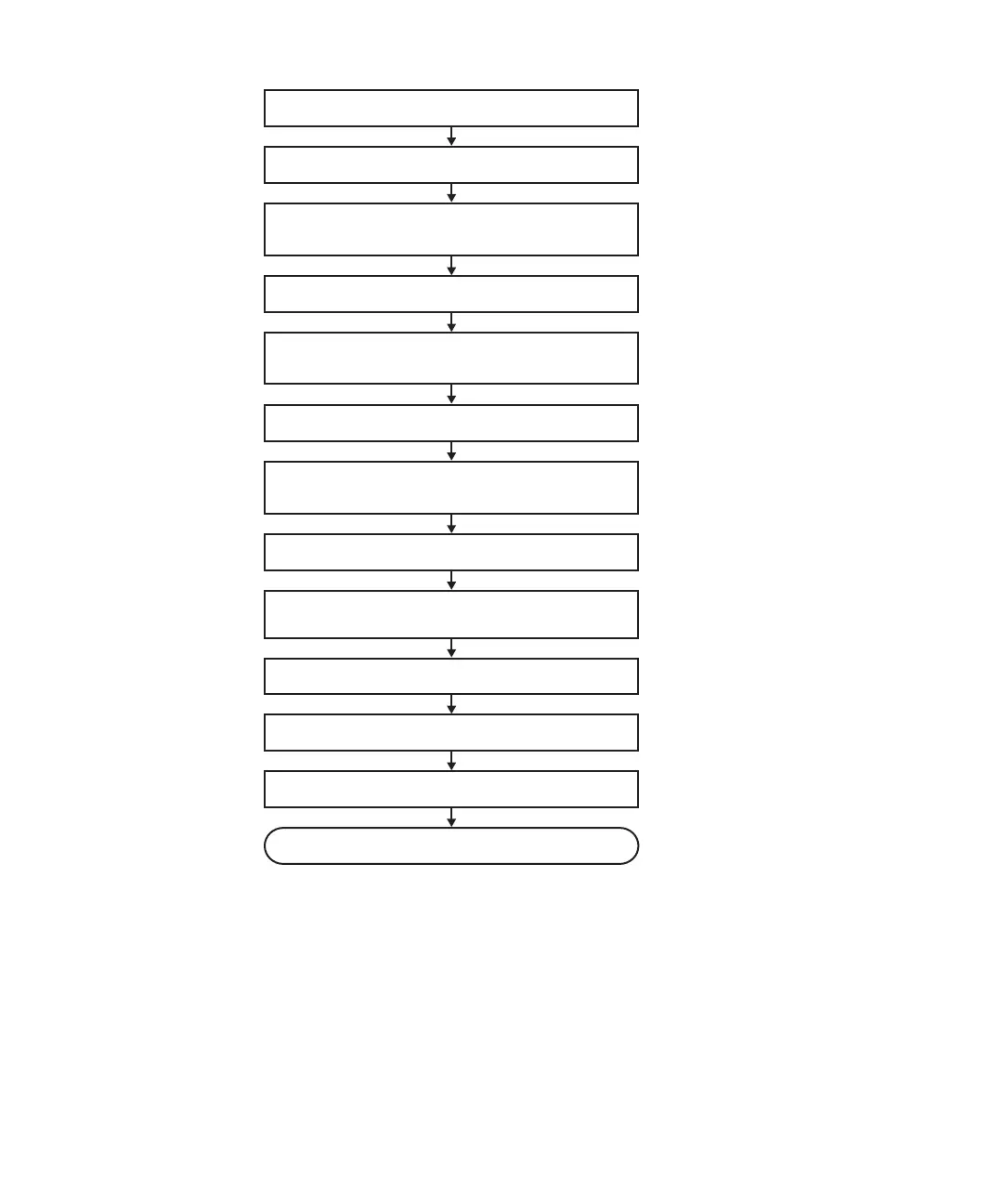
1. Open rack door
3. Check operating condition of system and I/O
device usage status
4. Power off chassis requiring maintenance
5. Lower cable support for maintenance on
PCIe card
6. Replace faulty FRU
7. Secure cable support after maintenance on
PCIe card
8. Diagnose replaced FRU
10. Return mode switch to original mode
11. Power on chassis requiring maintenance
12. Close rack door
Maintenance complete
2. Switch mode switch
9. Confirm that there is no problem with
replaced FRU
Figure
7-8
Inactive/hot
replacement
flow
(for
an
internal
disk
or
PCIe
card)
Chapter
7
Maintenance
Flow 125














 To Next Page