EasyManua.ls Logo

Fujitsu M10-4 - Checking the LED Indications; Operation Panel Leds

Fujitsu M10-4
342 pages
Print Icon
To Next Page IconTo Next Page
To Previous Page IconTo Previous Page
Loading...
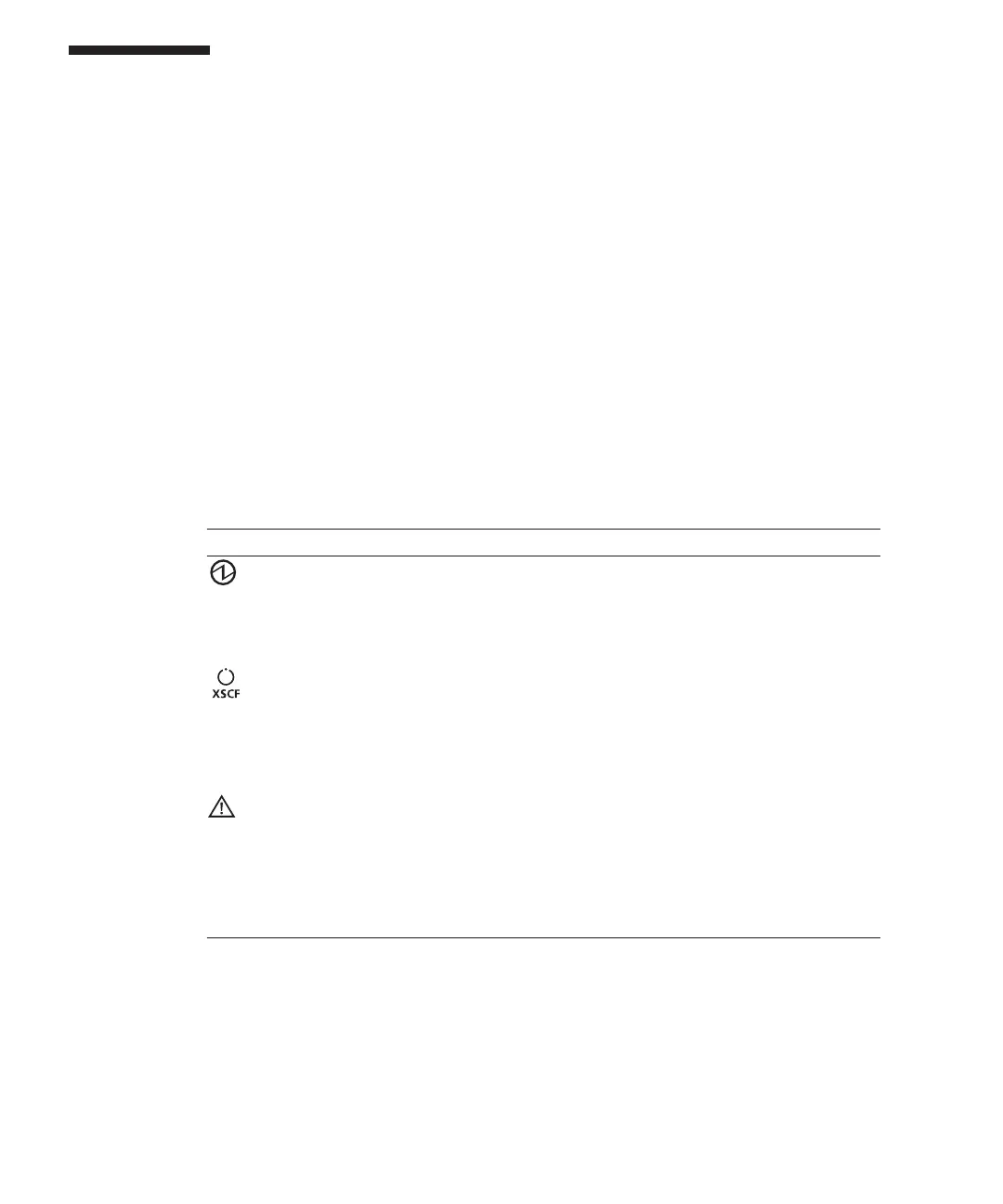
Table
2-9
  
System
operation
status
indicated
by
LEDs
Icon
Name Color Description
POWER
Green Indicates
the
startup
or
stop
status
of
the
system
for
each
chassis.
On:
System
is
started.
Off:
System
is
stopped.
Blinking
(*1):
System
stop
process
is
in
progress.
XSCF
STANDBY
Green Indicates
the
status
of
the
XSCF
for
the
entire
system
or
for
each
chassis.
On:
XSCF
is
functioning
normally.
Off:
XSCF
is
stopped.
Blinking
(*1):
System
is
being
initialized
after
power-on.
CHECK Amber Indicates
the
system
operation
status
for
each
chassis.
On:
An
error
that
prevents
startup
was
detected.
Off:
Normal,
or
the
power
is
disconnected
or
not
being
supplied.
Blinking
(*1):
Indicates
that
the
chassis
requires
maintenance
(this
function
is
also
referred
to
as
the
"locator").
*1
The
blink
interval
is
1
second
(1
Hz).
2.4 Checking
the
LED
Indications
This
section
describes
the
indications
given
by
LEDs
mounted
on
the
SPARC
M10-4/M10-4S.
LEDs
are
mounted
on
the
operation
panel
on
the
front
of
the
chassis,
on
the
rear
panel
of
the
chassis,
and
on
each
component
that
can
be
maintained.
If
an
error
occurs,
the
LED
indication
enables
you
to
determine
which
system
requires
maintenance.
2.4.1 Operation
panel
LEDs
The
three
LEDs
on
the
operation
panel
indicate
the
operation
status
of
the
overall
system.
In
addition,
the
LEDs
enable
you
to
check
the
system
status
by
their
combination
of
being
on,
blinking,
or
off.
Table
2-9
lists
the
system
operation
status
indicated
by
the
LEDs,
while
Table
2-10
lists
the
system
status
indicated
by
the
combination
of
LEDs.
Fujitsu
M10-4/Fujitsu
M10-4S/SPARC
M10-4/SPARC
M10-4S
Service
Manual
November
201424

Table of Contents

Related product manuals