EasyManua.ls Logo

Fujitsu M10-4 - Installing a Power Supply Unit

Fujitsu M10-4
342 pages
Print Icon
To Next Page IconTo Next Page
To Previous Page IconTo Previous Page
Loading...
Note
-
Place
the
removed
power
supply
unit
on
a
grounded
antistatic
ESD
mat.
Note
-
Do
not
forcibly
push
the
power
supply
unit
into
its
slot.
Using
excessive
force
may
damage
the
component
or
the
chassis.
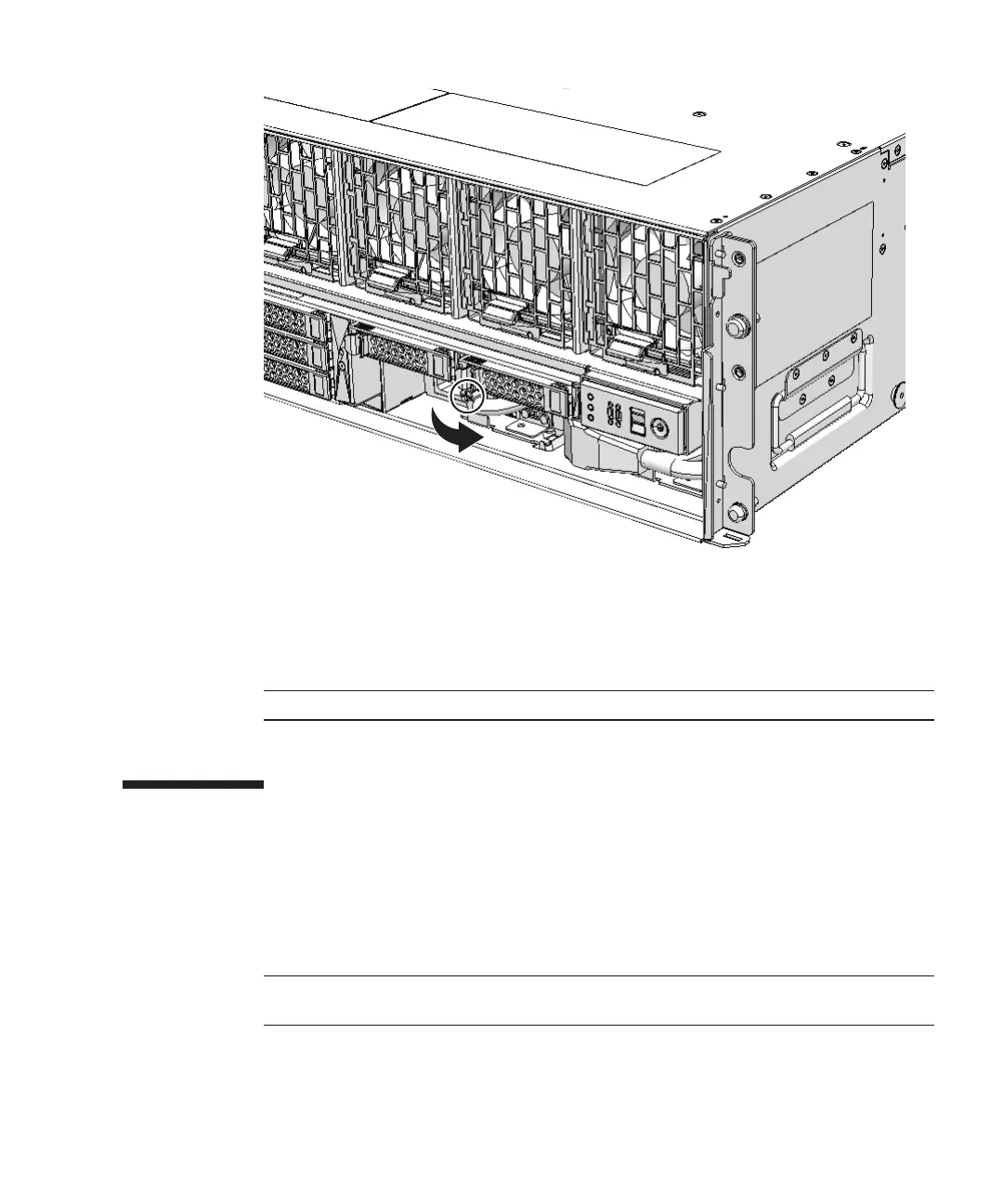
Figure
12-2
  
Screws
securing
power
supply
unit
3.
Hold
the
lever
and
pull
the
power
supply
unit
out
of
the
chassis.
4.
Support
the
power
supply
unit
from
below
with
one
hand
and
remove
it
carefully
from
its
slot.
12.3 Installing
a
Power
Supply
Unit
This
section
describes
the
procedure
for
installing
a
power
supply
unit.
1.
Support
the
power
supply
unit
from
below
with
one
hand
and
insert
it
carefully
into
its
slot.
2.
Firmly
push
the
power
supply
unit
into
its
mounting
position.
3.
Close
the
lever
and
then
tighten
the
screws.
4.
Connect
the
power
cords
to
the
power
supply
unit.
Chapter
12
 
Maintaining
the
Power
Supply
Units 265

Table of Contents

Related product manuals