EasyManua.ls Logo

Fujitsu M10-4 - Installing an Internal Disk

Fujitsu M10-4
342 pages
Print Icon
To Next Page IconTo Next Page
To Previous Page IconTo Previous Page
Loading...
Note
-
Do
not
force
the
internal
disk
into
the
slot.
Using
excessive
force
may
damage
the
component
or
the
chassis.
Note
-
Ensure
that
the
internal
disks
are
firmly
inserted
and
secured.
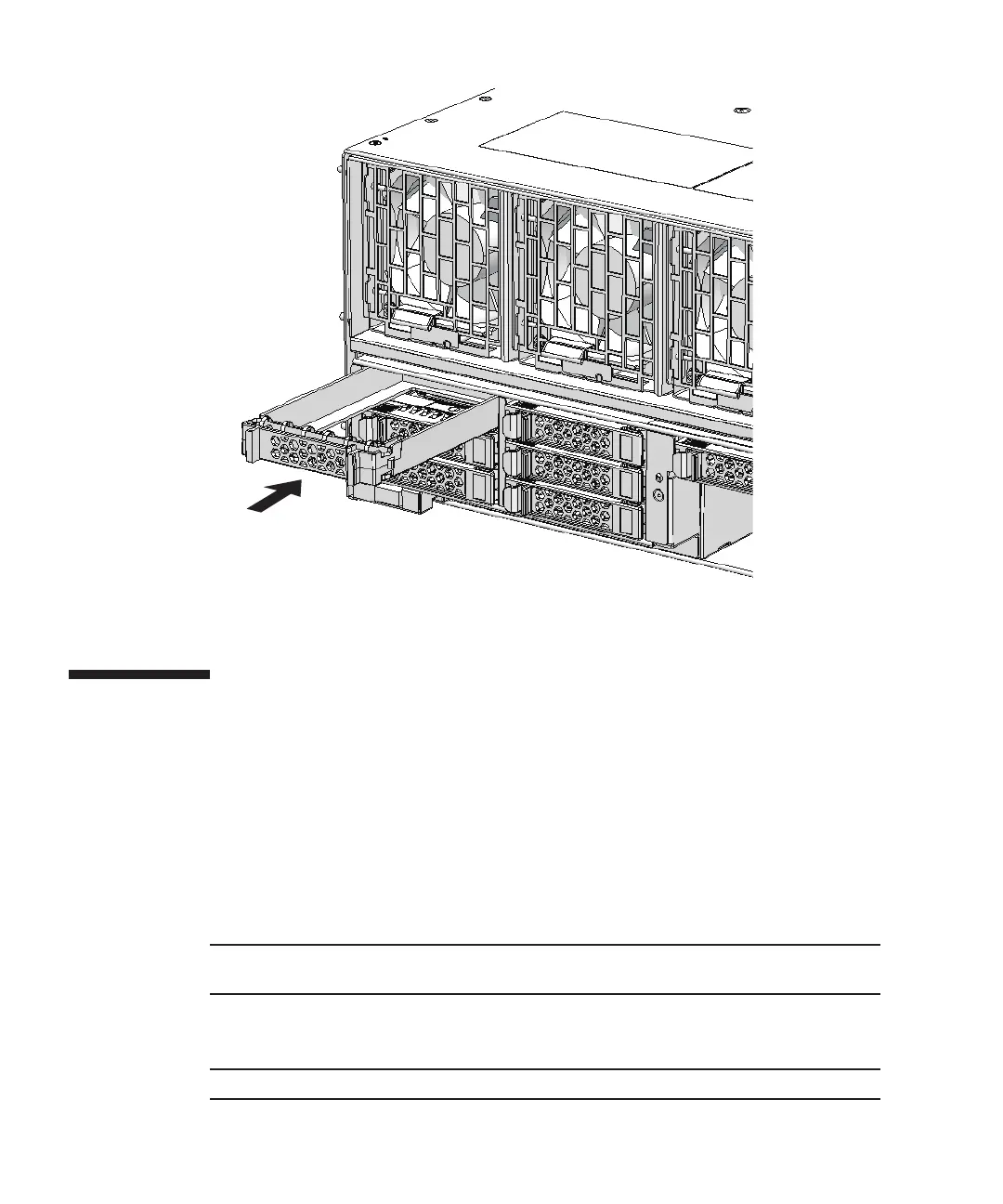
Figure
10-5
  
Installing
the
disk
filler
10.4 Installing
an
Internal
Disk
This
section
describes
the
procedure
for
installing
an
internal
disk.
Perform
expansion
using
the
same
procedure.
1.
When
expanding
an
internal
disk,
remove
the
internal
disk
filler
unit
from
the
slot
in
which
the
disk
is
to
be
installed.
2.
With
the
lever
opened,
hold
the
internal
disk.
3.
Carefully
insert
the
internal
disk
into
the
slot.
4.
Close
the
lever
to
secure
the
internal
disk.
Fujitsu
M10-4/Fujitsu
M10-4S/SPARC
M10-4/SPARC
M10-4S
Service
Manual
November
2014258

Table of Contents

Related product manuals