EasyManua.ls Logo

Fujitsu M10-4 - Installing the Crossbar Cables

Fujitsu M10-4
342 pages
Print Icon
To Next Page IconTo Next Page
To Previous Page IconTo Previous Page
Loading...
Note
-
There
is
no
problem
if
you
connect
the
crossbar
cables
(optical)
at
the
crossbar
box
while
electricity
is
supplied.
Note
-
If
you
insert
a
connector
with
the
tab
pulled,
the
connector
may
be
damaged.
Note
-
Confirm
that
the
crossbar
cables
are
correctly
connected
and
firmly
secured.
Note
-
After
installing
the
crossbar
cables,
use
the
hook-and-loop
fastener
to
bundle
the
cables
on
the
rear
side
together
and
secure
them
to
the
cable
support.
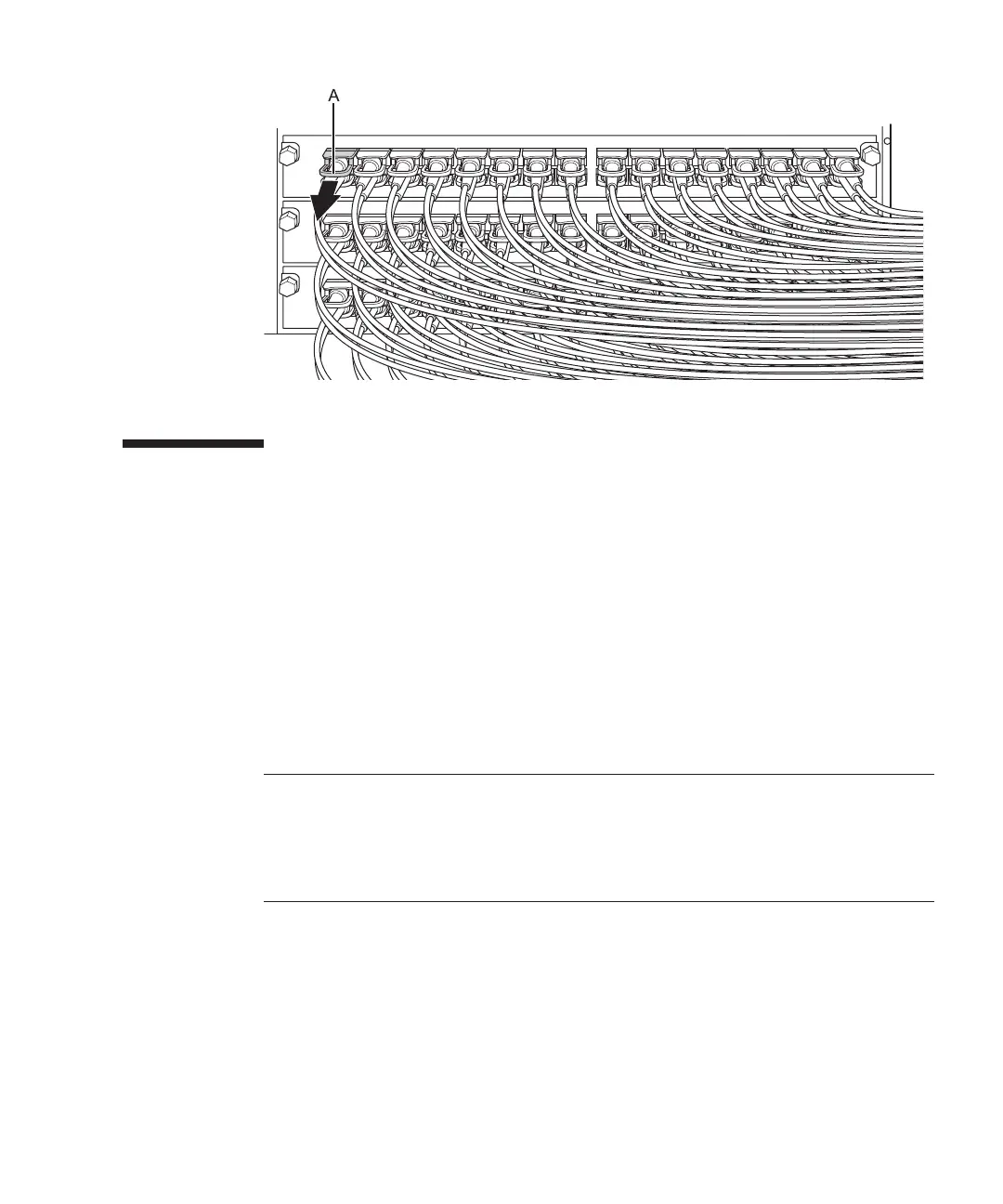
Figure
14-8
怀怀
Removing
the
crossbar
cables
(crossbar
box)
14.3 Installing
the
Crossbar
Cables
This
section
describes
the
procedure
for
connecting
the
crossbar
cables.
1.
Attach
the
supplied
connection
dest ination
label
to
the
new
replacement
crossbar
cable.
For
the
new
crossbar
cable,
use
the
same
type
of
label
as
the
one
on
the
cable
requiring
maintenance
and
write
the
same
port
number
on
it.
2.
Connect
a
pair
of
cros sbar
cables
to
each
chassis.
Insert
each
crossbar
cable
by
holding
the
connector
part
of
the
cable
and
inserting
it
straight
into
the
opening.
Do
not
hold
the
cable
part
when
inserting
the
cable.
Chapter
14
怀
Maintaining
the
Crossbar
Cables 283

Table of Contents

Related product manuals