EasyManua.ls Logo

Fujitsu M10-4 - Leds on the Rear Panel (System Locator)

Fujitsu M10-4
342 pages
Print Icon
To Next Page IconTo Next Page
To Previous Page IconTo Previous Page
Loading...
Table
2-10
怀怀
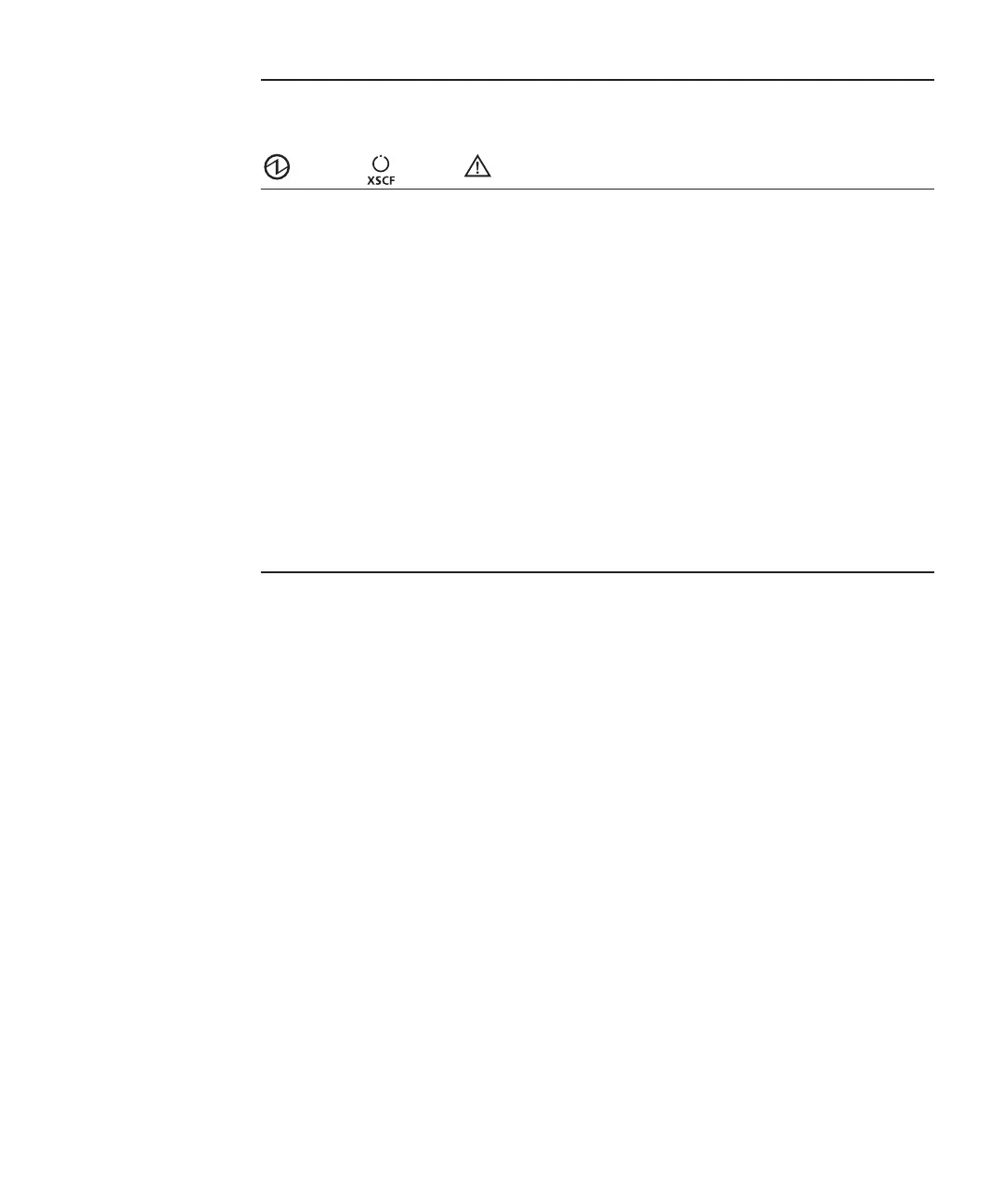
System
status
indicated
by
combination
of
LEDs
LED
state Description
POWER XSCF
STANDBY
CHECK
Off Off Off Power
is
disconnected.
Off Off On Power
has
just
been
turned
on.
The
XSCF
has
detected
an
error.
Off Blinking
(*1)
Off The
XSCF
is
being
initialized.
Off On Off The
XSCF
is
in
the
standby
state.
The
system
is
waiting
for
power-on
of
the
air
conditioning
facilities
(in
the
data
center).
On On Off Warm-up
standby
processing
is
in
progress.
After
the
end
of
this
processing,
the
system
starts
up.
System
startup
processing
is
in
progress.
The
system
is
operating.
On On On The
system
is
operating
normally,
but
an
error
has
been
detected.
Blinking
(*1)
On Off System
stop
processing
is
in
progress.
After
the
end
of
processing,
the
fan
unit
stops.
*1
The
blink
interval
is
1
second
(1
Hz).
2.4.2 LEDs
on
the
rear
panel
(System
locator)
The
field
engineer
or
system
administrator
can
identify
the
chassis
requiring
maintenance
by
using
the
CHECK
LED
(A
in
the
figure)
on
the
rear
panel.
The
CHECK
LED
on
the
rear
panel
is
referred
to
as
the
system
locator,
and
has
the
same
function
as
the
CHECK
LED
on
the
operation
panel.
Chapter
2
怀
Understanding
the
System
Components 25

Table of Contents

Related product manuals