EasyManua.ls Logo

Fujitsu M10-4 - Confirming the Functions of the Operation Panel

Fujitsu M10-4
342 pages
Print Icon
To Next Page IconTo Next Page
To Previous Page IconTo Previous Page
Loading...

+
Freq:3.700
GHz;
Type:0x20;

+
Core:16;
Strand:2;

MEM#00A
Status:Normal;

+
Code:ce8002M393B5270DH0-YK0
0000-85D0AD54;

+
Type:01;
Size:4
GB;

MEM#01A
Status:Normal;

+
Code:ce8002M393B5270DH0-YK0
0000-85D0AD67;

+
Type:01;
Size:4
GB;
------------------------
Omitted
-----------------------
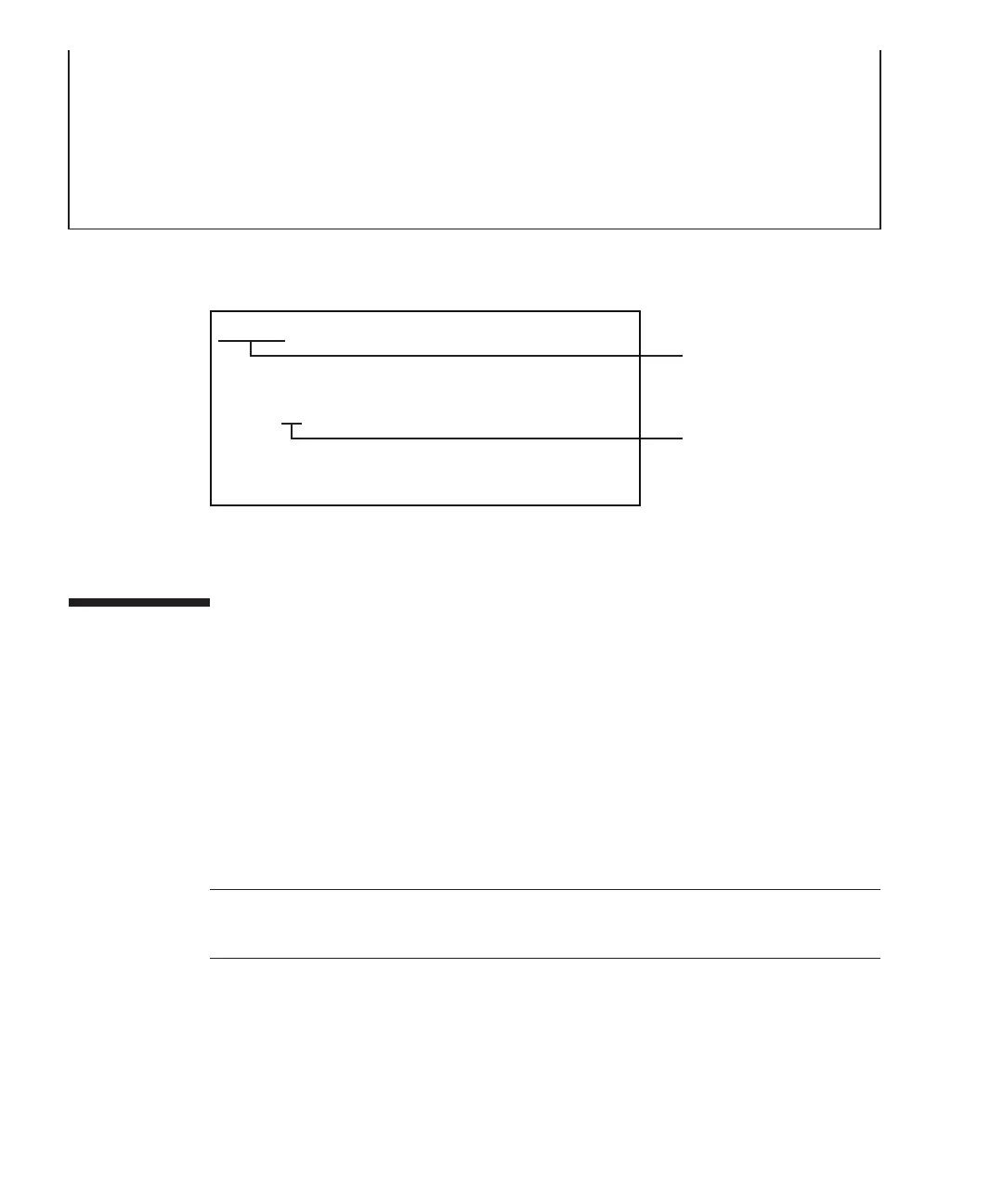
MEM#00A Status:Normal;
+ Code:ce8002M393B5270DHO-YH9 0000-83AE9A65;
+ Type:04; Size:8 GB;
Memory slot
Capacity and rank
04: R-DIMM (8GB 1rank)
07: R-DIMM (16GB 2rank)
09: R-DIMM (32GB 4rank)
47: LR-DIMM (64GB 8rank)
Note
-
In
a
building
block
configuration
with
a
crossbar
box
connected,
only
the
operation
panel
of
the
crossbar
box
that
is
the
master
XSCF
can
have
all
the
operation
panel
functions
enabled.
Figure
2-6
  
How
to
read
the
memory
information
2.3 Confirming
the
Functions
of
the
Operation
Panel
This
section
describes
the
functions
of
the
operation
panel
mounted
on
the
SPARC
M10-4/M10-4S.
The
operation
panel
provides
the
system's
display
and
control
functions.
A
field
engineer
and
the
system
administrator
can
specify
the
operation
mode
or
control
the
starting/stopping
of
the
system
while
checking
the
system
operation
status
by
referring
to
the
LED
indications.
Fujitsu
M10-4/Fujitsu
M10-4S/SPARC
M10-4/SPARC
M10-4S
Service
Manual
November
201418

Table of Contents

Related product manuals