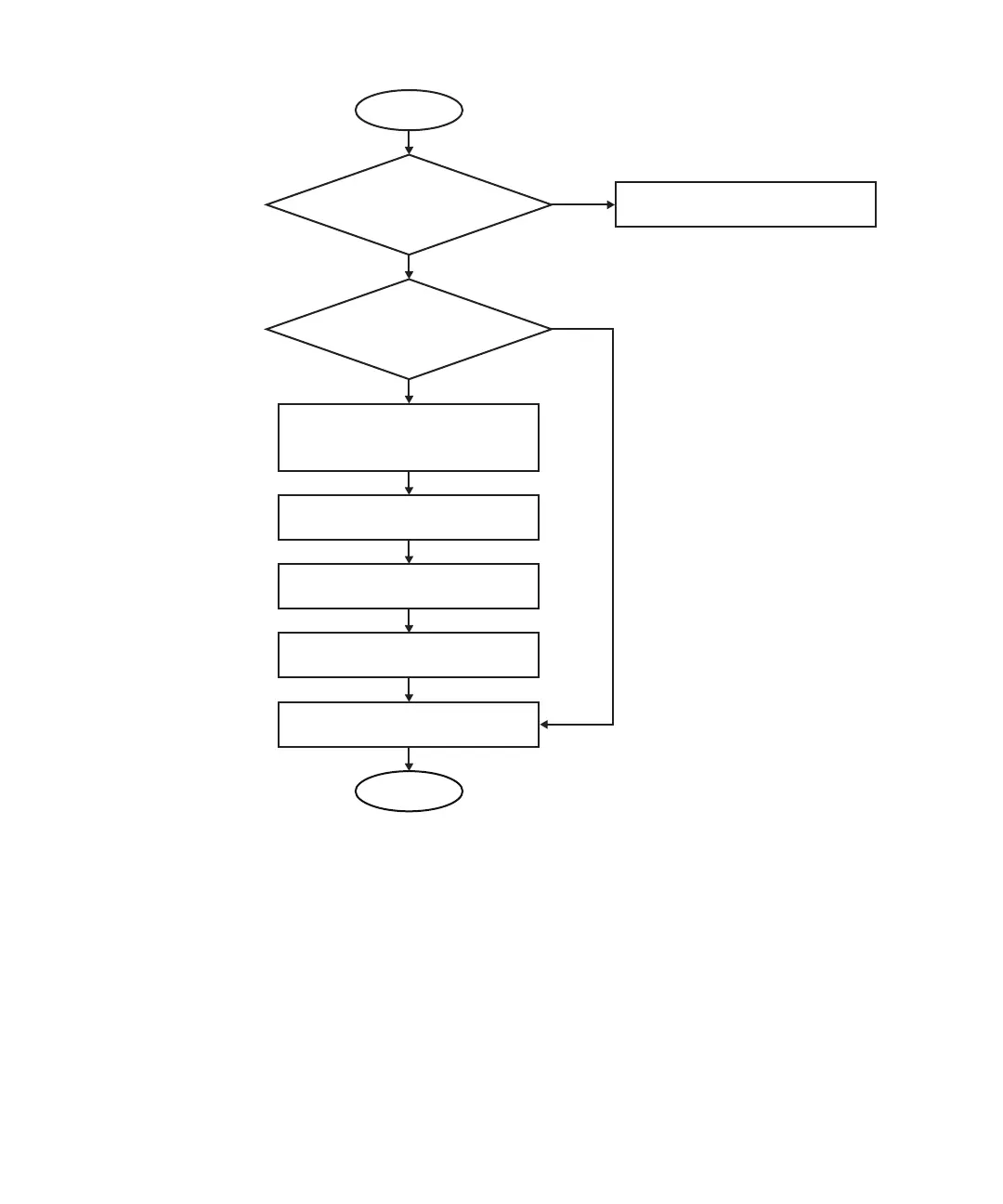
Start
End
Is the LED on the power
supply unit off?
Check the connection of the power
supply unit and power cords.
YES
NO
NO
YES
Was e-mail sent by the
XSCF mail function?
Check /var/adm/messages on
Oracle Solaris.
Write down the displayed failure
information.
Contact our service engineer.
Confirm that an error message is
displayed on the OS and XSCF
consoles.
Execute showlogs on XSCF to
display failure information.
Figure
4-1
Troubleshooting
flow
4.2.2 Identifying
a
failure
This
section
describes
how
to
identify
a
failure.
Use
the
troubleshooting
flow
described
in
"4.2.1
Determining
the
causes
of
failures"
to
determine
an
appropriate
way
to
check
the
failure.
Checking
the
LED
indications
Check
the
LEDs
on
the
operation
panel,
rear
panel,
and
each
component
to
identify
the
FRU
requiring
maintenance.
Check
the
status
of
an
FRU
from
its
LED
before
Chapter
4
Preparation
and
Precautions
for
Maintenance 41














 To Next Page