EasyManua.ls Logo

Fujitsu M10-4 - Page 235

Fujitsu M10-4
342 pages
Print Icon
To Next Page IconTo Next Page
To Previous Page IconTo Previous Page
Loading...
Note
-
Do
not
attempt
to
install
a
PCIe
cable
in
the
wrong
direction.
If
excessive
force
is
used
to
install
a
PCIe
cable,
it
may
be
damaged.
Note
-
Ensure
that
the
PCIe
cables
are
firmly
connected
and
secure.
-
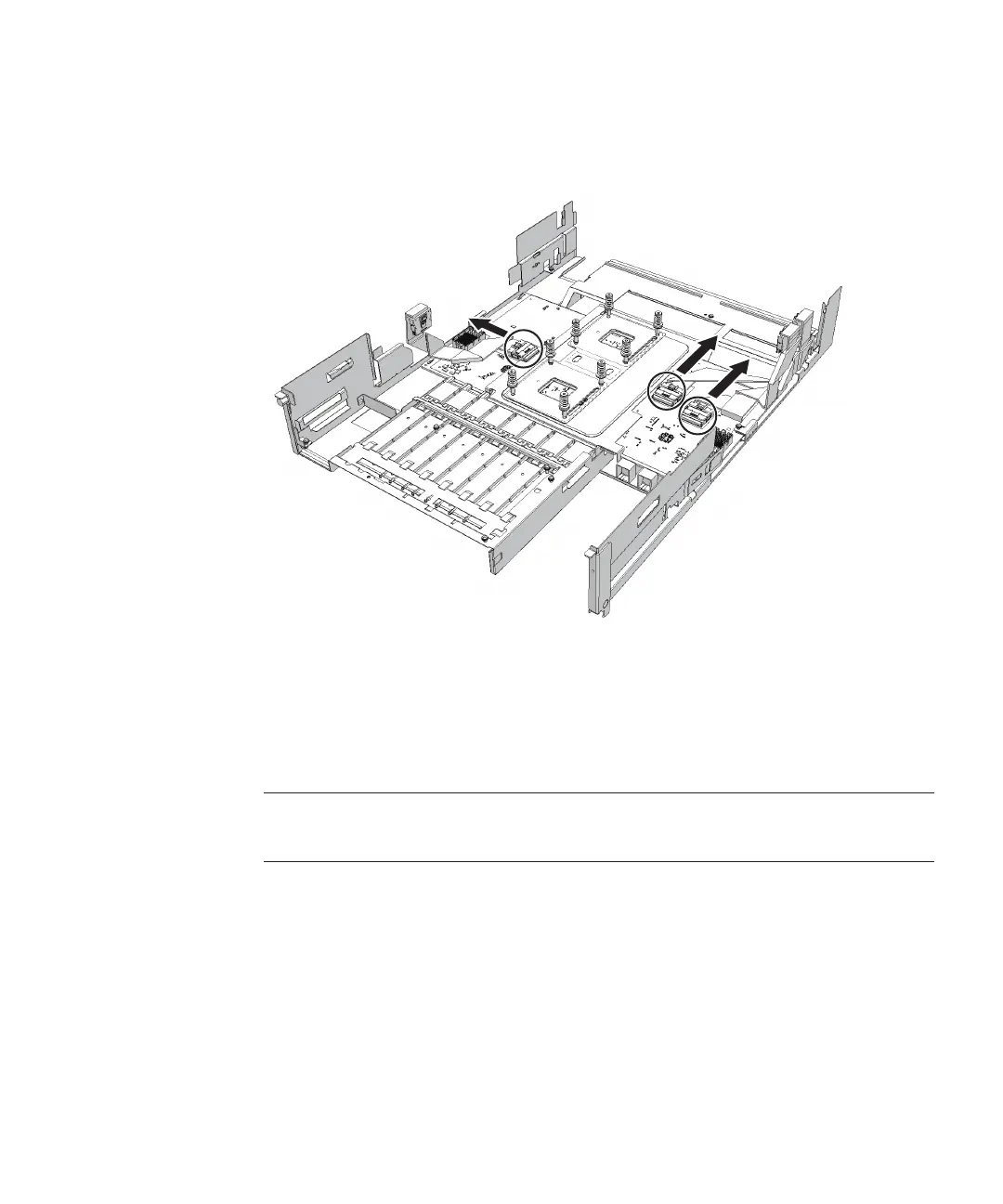
The
connector
for
one
PCIe
cable
facing
the
outside
of
the
CPU
memory
unit
and
the
other
two
facing
the
front
of
the
CPU
memory
unit
Figure
9-41
  
Removing
the
PCIe
cables
(with
the
connector
for
one
PCIe
cable
facing
the
outside
and
the
other
two
facing
the
front
of
the
CPU
memory
unit)
14.
Insta ll
the
PCIe
cables
on
the
PCIBP
board.
Connect
the
three
PCIe
cables
by
matching
the
PCle
cable
position
labels
with
the
corresponding
position
marks
on
the
PCIBP
board
(A
in
the
figure).
The
direction
in
which
the
PCIe
cables
are
installed
varies
depending
on
the
type
of
the
CPU
memory
unit.
Chapter
9
 
Maintaining
the
CPU
Memory
Unit/Memory 221

Table of Contents

Related product manuals