81901A “MSW_GPC-40/600A”_03-2021_ENG_page 11
2. COMMISSIONING
2.1. Commissioning operations
2.2. Programming tool
2.2.1. GF_eXpress
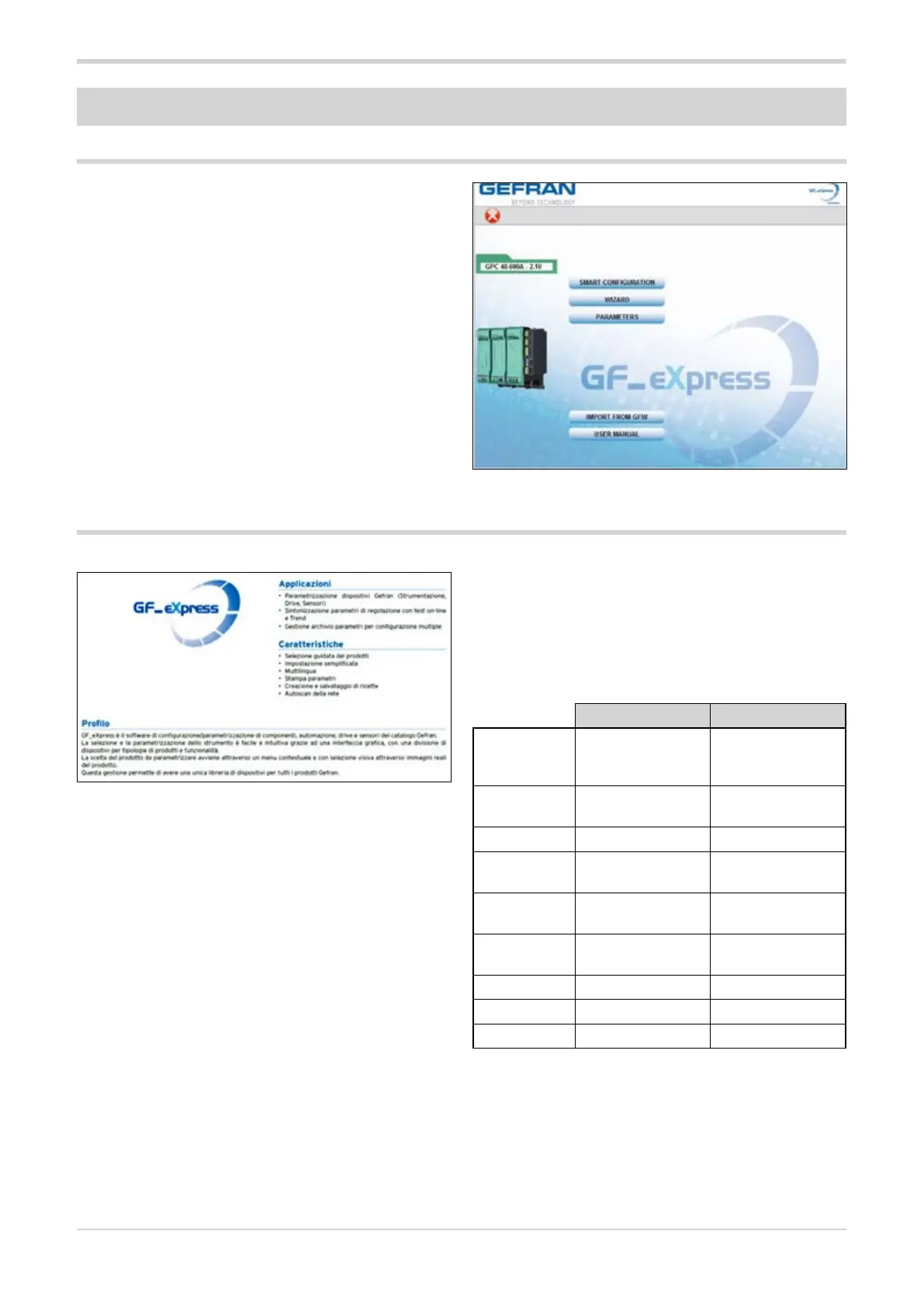
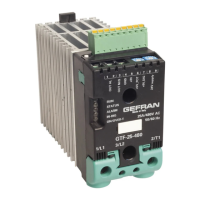
GF_eXpress is the configuration tool for components, auto-
mation, drives and sensors in the Gefran catalog.
GF_eXpress tool is easy and intuitive thanks to a graphical
interface, with devices divided according to product type
and function. The choice of the product to be configured is
made through a contextual menu with visual selection using
real product images.
This management makes it possible to have a single device
library for all Gefran products.
The software is available free of charge and can be down-
loaded from www.gefran.com, where it is always updated
to the latest version available.
Applications
• Create a resource library of all Gefran devices on the
plant floor (instrumentation, drives, sensors, power
controllers). of Gefran devices (instrumentation, drives,
sensors).
• Tuning of adjustment parameters with on-line test and
Trend.
• Parameter archive management for multiple configura-
tions.
Features
• Guided product selection.
• Simplified setting.
• Multilingual.
• Print parameters.
• Creation and saving of recipes.
• Network autoscan.
2.2.1.1. System requirements
Minimum Recommended
Operating
system
Windows XP SP2,
Windows Vista or
Windows 7 (32-bit)
Windows 10 (64
bit)
Processor Intel Pentium
1 GHz
Intel Core i7 2.9
Ghz or higher
RAM 2 GB 4 GB or more
Free hard
disk space
2 GB 4 GB or more
Graphic res-
olution
XGA
(1024 x 768 pixels)
SXGA (1280 x 1024
pixels) or higher
Browser Microsoft Internet
Explorer 8.0
Microsoft Edge or
higher
Ethernet Port 1 RJ45 1 RJ45
DVD player Yes Yes
USB port 1 USB 2.0 1 USB 2.0
The simplest and safest way to commission GPC Advanced
Power Controllers, after connecting the 24 Vdc power sup-
ply and a PC to the CPU, is to use the GF_eXpress software
and its “SMART CONFIGURATION” function.
Through the “SMART CONFIGURATION” wizard menu, a
safe working recipe can be created to test the controller
and its load in just a few minutes, by answering some sim-
ple questions about the application.
Connection from PC to GPC, use cable Gefran F055002
which is a USB to RS485 type cable.





 To Next Page