CHAPTER 7
127
Gerber Solara ion Web Pages
4/29/10 Rev G
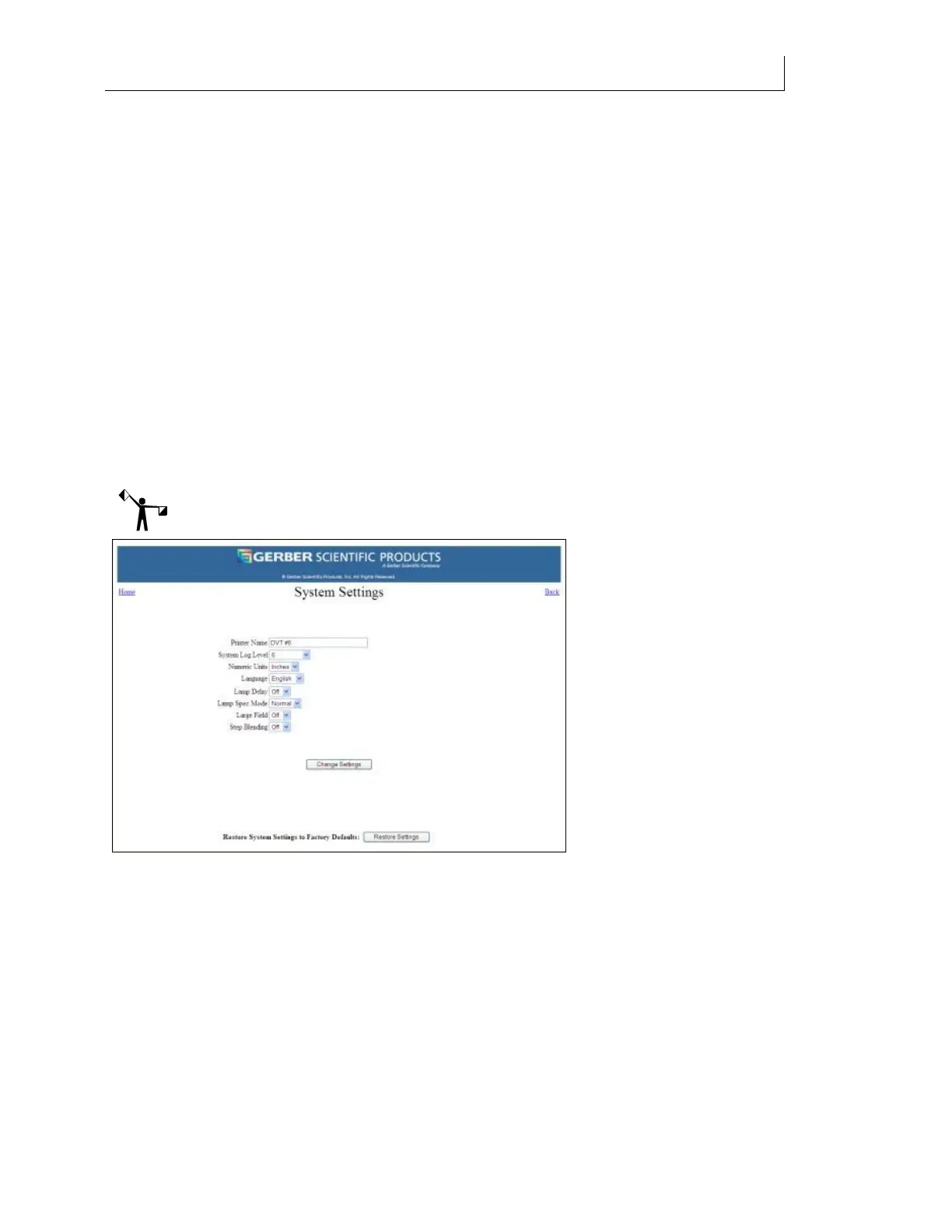
System Settings page
The System Setting page is available from a link on the Gerber Solara ion Home web page. Click
the link to open the System Settings page where you can modify:
Printer Name
System Log Level
Numeric units
Language used on the display
Lamp Delay mode
Lamp Spec Mode
Large Field mode
Step Blending mode
After editing the printer name or selecting new values, the Change Settings button activates the
new settings.
Note: You cannot modify the System Settings while a job is printing.
Changing the printer name
You can assign a unique name for your Gerber Solara ion printer to help you distinguish it from
other Gerber Solara ion printers on your network. The default name of the printer is Gerber
Solara ion Printer.
Changing the System Log Level
The System Log is an application running on the network that records messages sent from the
Gerber Solara ion printer. You can view the System Log messages through a link on the
Diagnostics web page. See “Viewing the System Log” on page 134 for details on viewing the
log.



 To Next Page