CHAPTER 6
84
Routine Printer Maintenance
4/29/10 Rev G
CAUTION: It is imperative that the End of Day Clean is performed to prevent ink
buildup. A Clean Heads procedure must be performed whenever the Clean Heads
LED is blinking. Perform this simple maintenance procedure to maximize printhead
life and ensure high quality prints.
Clean Heads Procedure
Perform a Clean Heads procedure whenever the Clean Heads LED is lit before printing in order to clear
the nozzles by pushing a small quantity of ink through the printhead nozzle plates. The UV
bulbs will turn off and the printheads will move to the maintenance location before cleaning
begins. The Clean Heads command is located in the Maintenance section of the printer's menu
but can be easily accessed using the CLEAN HEADS key on the control panel.
After cleaning the printheads, wipe the nozzle plates with an Anticon-covered swab moistened
with Daily Maintenance Solution as described in the following procedure. It is critical that you
follow the instructions exactly, using only the amount of Daily Maintenance Solution that is
recommended, or you could cause printhead problems. When wiping is complete, print a
Nozzle Out Job to verify that all of the nozzles are functioning.
If there are missing (clogged) nozzles you can clean all of the printheads again, or clean only the
color printheads that have missing nozzles.
The UV shield and the side plates should be checked and cleaned during every Clean Heads
procedure. This procedure should be done after you have completed the Clean Heads
procedure and before you lift the Maintenance Shelf.
The Clean Heads procedure timer automatically resets after cleaning all of the printheads.
Required routine Clean Heads procedure cleaning supplies
Daily Maintenance Solution
Fisher Scientific foam-ti
pped swabs
Anticon Gold heavy-weight, clean room wipes
All-purpose wipes
Impervious nitrile gloves at least 8 mils thick
Safety glasses
CAUTION: Use impervious gloves to protect your hands. Nitrile gloves of no less
than 8 mils have proven impervious for one hour of exposure. Gloves should be
disposed of after one hour of exposure time. Wear goggles to protect you eyes.
Dispose of used swabs, wipes, and gloves according to local laws and regulations.
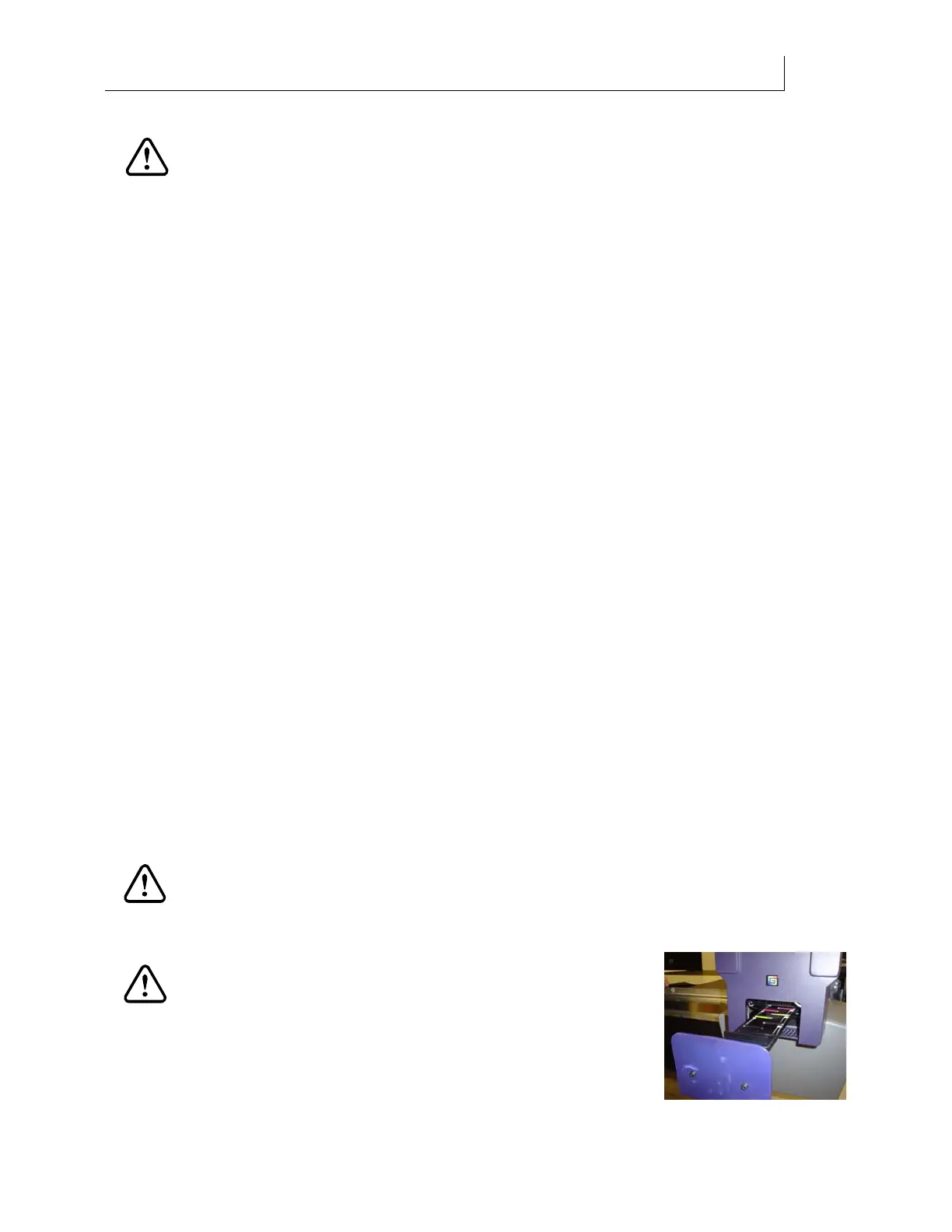
CAUTION: During maintenance procedures, always wait
for printer prompts before lowering the maintenance shelf
or opening the head access door. Performing either of these
actions prior to the prompts will cause an emergency stop
and require you to redo maintenance procedures from the
beginning.



 To Next Page