CHAPTER 7
129
Gerber Solara ion Web Pages
4/29/10 Rev G
Network Settings
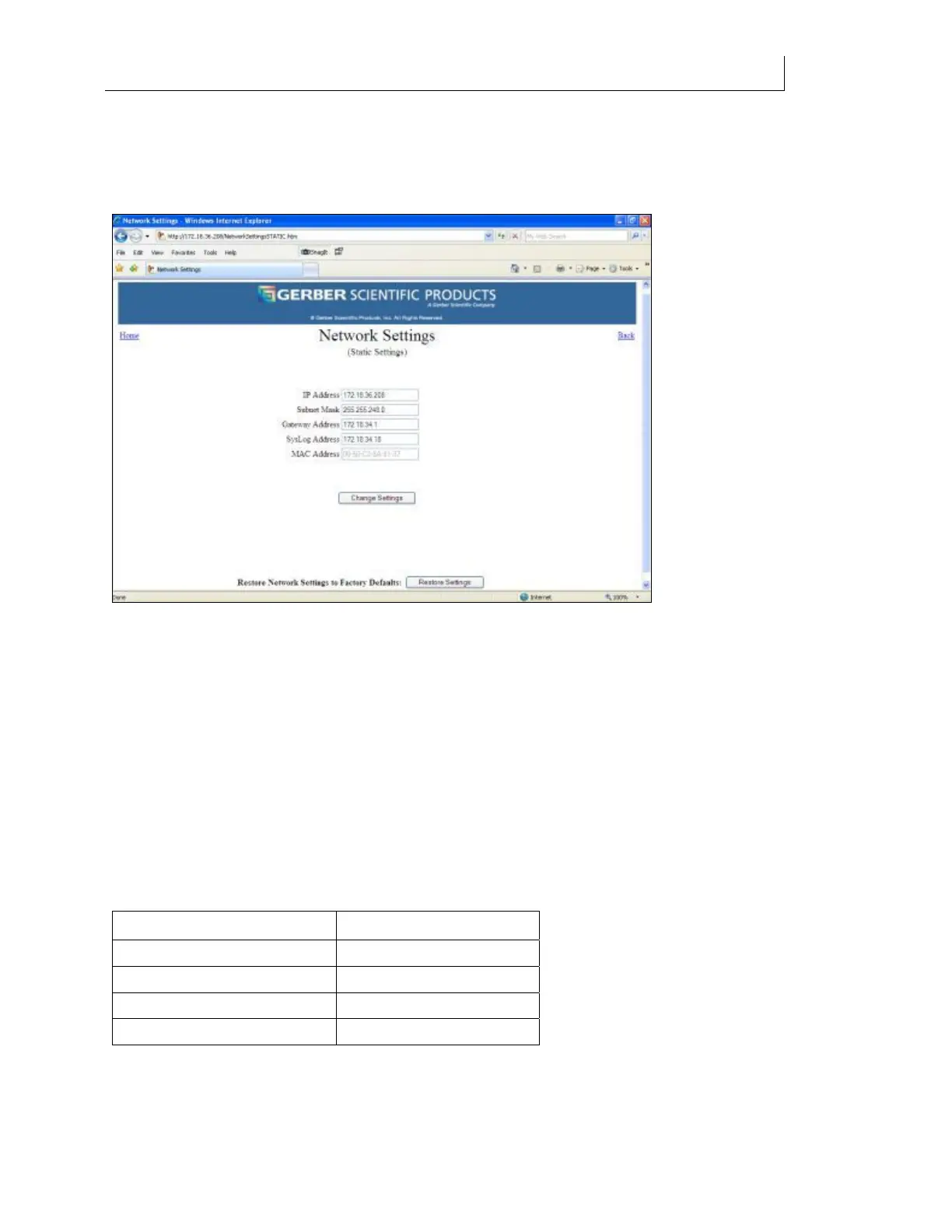
The Network Settings page is available from a link on the Gerber Solara ion Home web page.
Click the link to open the Network Settings page.
The network settings of the Gerber Solara ion allow you to send jobs to the printer or
communicate with the printer using the web interface. To enter or modify the network settings
via the Network Settings web page you must have already established a network connection
with the Gerber Solara ion.
Using Static Settings
By default the Gerber Solara ion is setup to use Static (fixed) network settings. When entering
static addresses for the Gerber Solara ion on a network, you must obtain the IP Address, Subnet
Mask, and Gateway from the network administrator or IT department. A Gateway address is
only used if you are communicating in a multiple local area network (LAN) environment. A
single network environment should leave the Gateway address at the factory default setting. Do
not attempt to assign your own addresses.
Factory default settings for the network address fields are as follows:
Network Address Default Value
IP address 192.168.000.050.
Subnet Mask 255.255.255.000.
Gateway Address 000.000.000.000.
SysLog Server Address 0.0.0.0.
After entering new addresses, click the Change Settings button and then you must cycle the
power on the Gerber Solara ion.



 To Next Page