CHAPTER 7
156
Gerber Solara ion Web Pages
4/29/10 Rev G
Update page
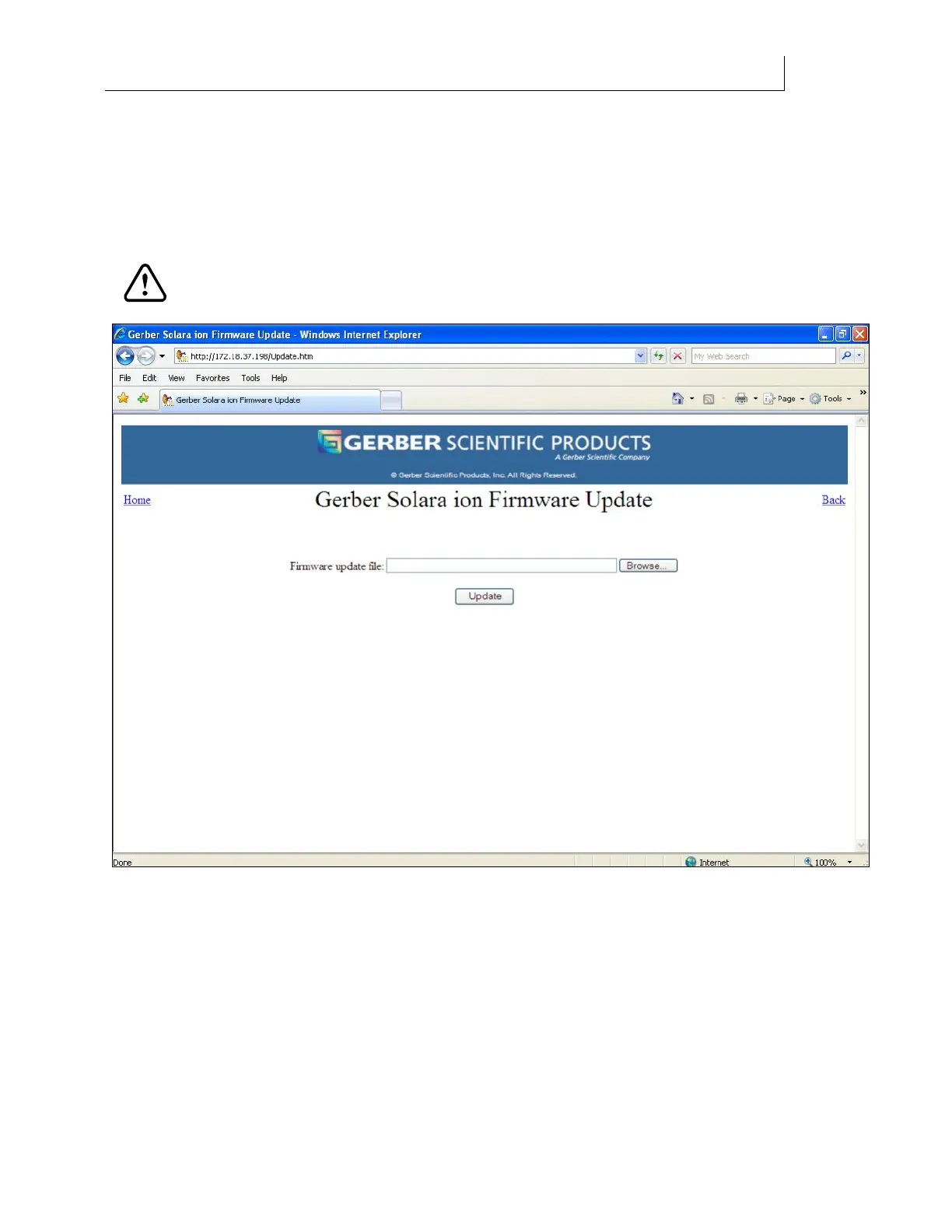
The Gerber Solara ion Update page is available from the Update link on the Home page. Click
the link to enter the Gerber Solara ion Update program which installs internal firmware
upgrades to the printer. When you are updating the printer’s firmware you can not print a job
or use the printer’s control panel.
CAUTION: Do NOT access this page while the Gerber Solara ion is printing
as it may disrupt the print job.
Loading firmware upgrades
The Gerber Solara ion operating system software (firmware) is upgradeable. New versions of
firmware may be released periodically to fix problems that occur during normal operation or to
add new features. If there is an internal operating system error, it may be necessary to either
reload the current version of firmware or to update it.
Before you can upgrade the Gerber Solara ion firmware you must have a compatible download
file with a GSP filename (for example: Solara_ion_A0_Build_XX.gsp). This file can either be on a
CD (if one is provided), on a computer connected to the printer directly or via a network, or can
be downloaded from the GERBERnet website.



 To Next Page