CHAPTER 3
32
Setting up the GERBER SOLARA ION
4/29/10 Rev G
CAUTION: The device ID number (last octet or last two octets depending on the
type of network) of each device's IP Address must be unique. It can not be the same
address as any other computer or equipment in the network or it will cause
problems for the network.
Note: You must power-cycle the system after changing the settings in the NETWORK
SETTINGS web page in order for them to take effect.
Tip: The default settings of the Gerber Solara ion are: IP Address: 192.168.000.050,
Gateway: 000.000.000.000, and Subnet: 255.255.255.000.
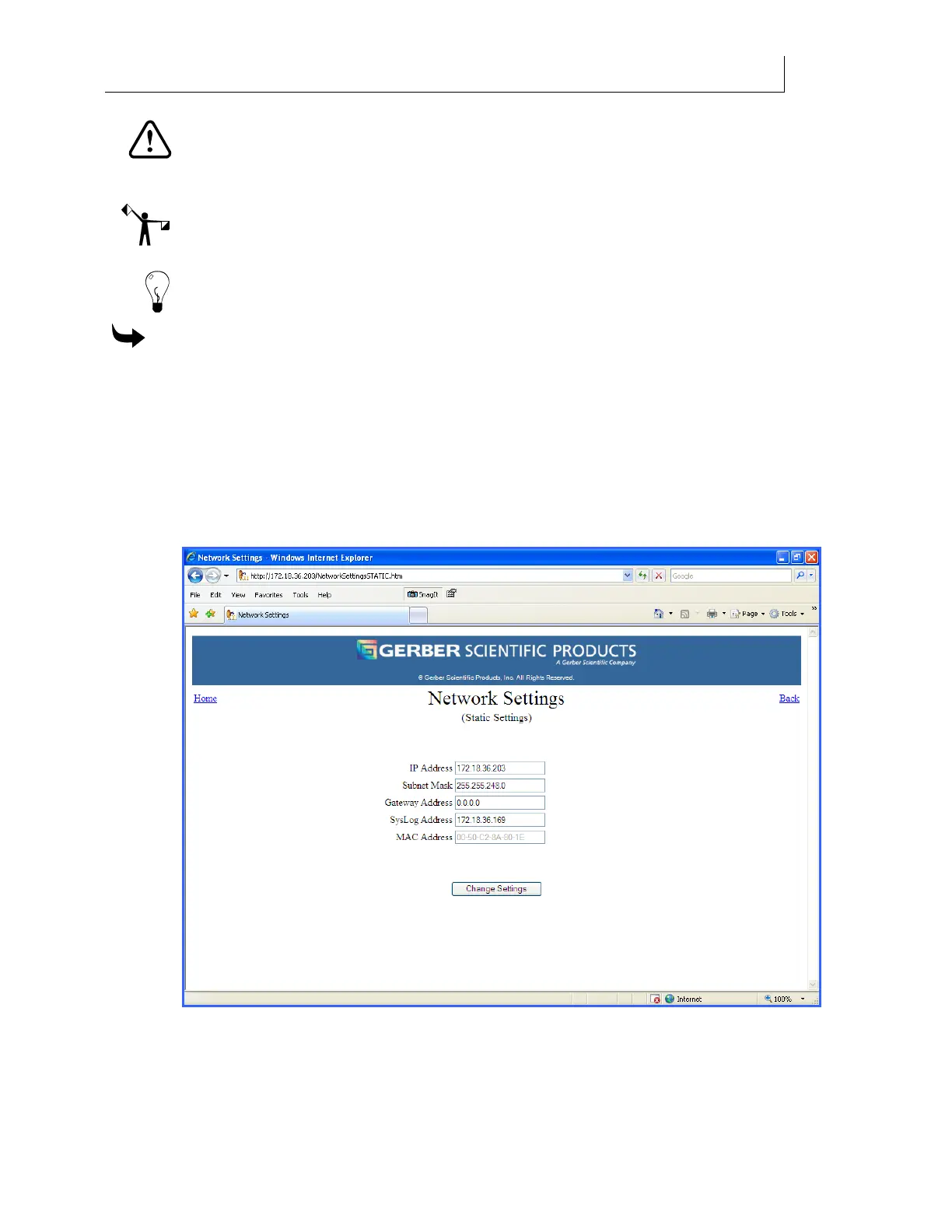
To set the network addresses of the Gerber Solara ion
1 Open a web browser on a computer connected to the Gerber Solara ion. (The internet
connection does NOT have to be active.)
2 Enter the IP address for the specific Gerber Solara ion that you wish to access as a web
address in the web browser. (Do not use any slashes or colons.)
3 Press Enter and the Home page should appear on your web browser. There are links
on the Home page that connect you to other Gerber Solara ion web pages.
4 Click the Network Settings link to open the Network Settings page.
5 Enter an IP Address of the Gerber Solara ion in the field.



 To Next Page