CHAPTER 5
70
Printing Jobs on the GERBER SOLARA ION
4/29/10 Rev G
requested material and size. Job information is only available after the job is received
and when printing or warming.
4 When printing in roll-to-roll mode, if the vacuum is currently off, the following
message displays giving you the option to turn the vacuum on before printing. Press
ENTER to turn on the vacuum and CANCEL to leave the vacuum off. (CANCEL will
not abort the job from this screen.)
5 Verify that the correct material is loaded in the printer and press the RUN JOB key on
the control panel.
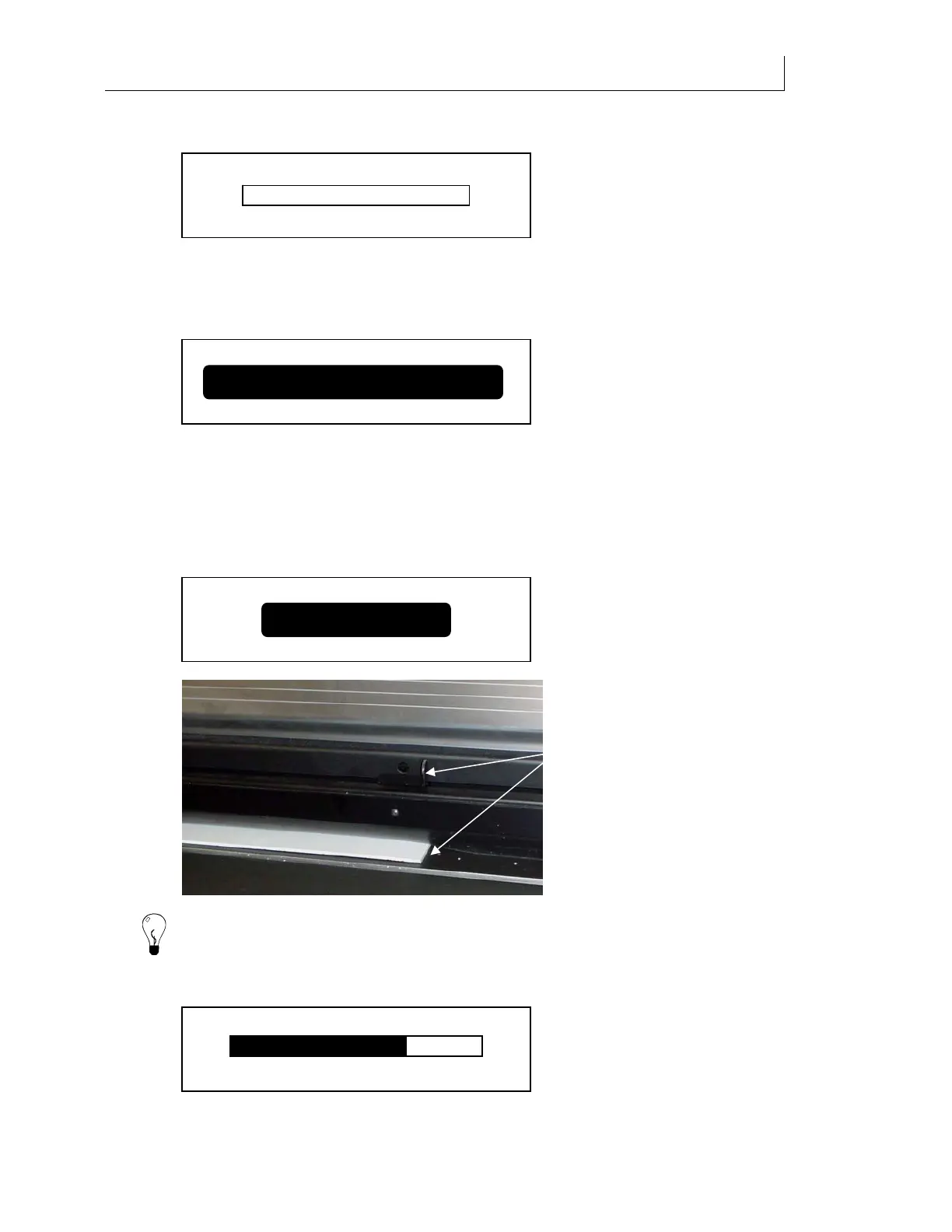
6 The screen prompts you to
Slide UV shield next to the material if the material is thicker
than 0.040". Grasp the UV shield handle and slide the shield until the right edge of the
handle is aligned with the right edge of the material. This will properly position the
shield in relation to the material so the thickness can be measured.
Tip: If the lamps are not at proper operating temperature the Warm Up screen with progress
bar displays. See “UV lamp warm-up” on page 64.
7 The printheads spit to clear the no
zzles, and then begins printing the job. The
Printing -
job name
screen displays.
ENTER = Vacuum CANCEL = No
Roll to Roll Vacuum Fans
Duration 20 Min
Ready - <job name>
0%
Slide UV shield next to th
Start Duration 20 Min
End
10:22 10:42
Printing - <job name>
Line up right edge
or sliding UV
shield handle with
edge of material.



 To Next Page