CHAPTER 6
87
Routine Printer Maintenance
4/29/10 Rev G
Note: A shortcut for Steps 1-4 below can be performed be depressing the PAUSE key and
holding it while depressing the CLEAN HEADS key simultaneously.
1 From the main control panel press the MENU key. The
Status screen displays.
2 Press the or key until the
Maintenance screen displays.
3 Press ENTER to display the End of Day Clean screen display
4 Press ENTER and the gantry will move over the maintenance shelf and will prompt
you to
lower the Maintenance Shelf.
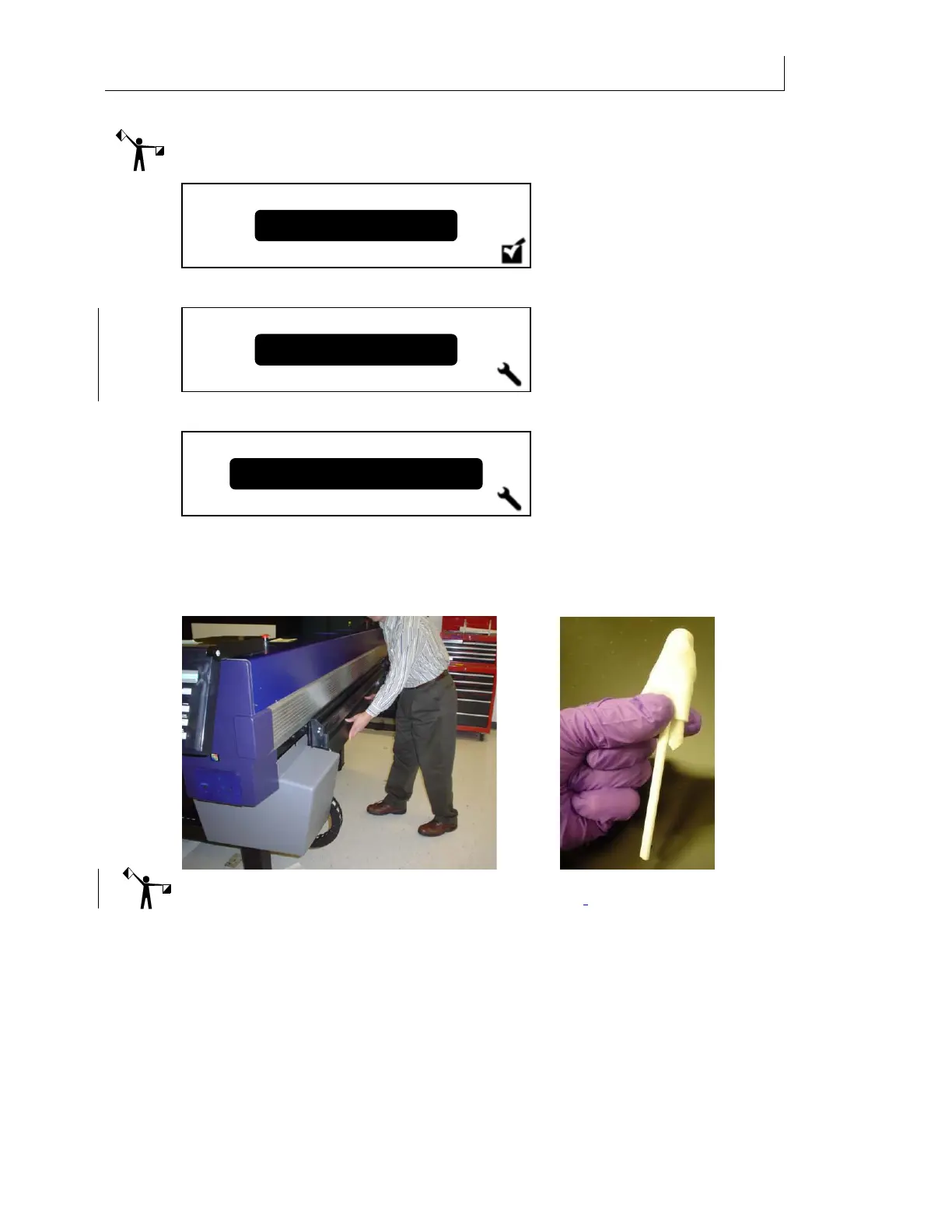
5 Lower the maintenance shelf. The screen now displays Raise shelf when done.
Note: Do not raise shelf until all heads have been swabbed with Daily Maintenance Solution.
6 Put impervious nitrile gloves on both hands and put on safety glasses.
7 Place 3-5 drops of Daily Maintenance Solution onto a new Anticon-covered swab. See
photo above.
8 Wipe the left-most printhead from back to front 2 times at a 45 angle, using light
pressure, by holding the swab in the middle of the stick, between the thumb and index
finger as pictured below.
Maintenance
Status
End of Da
Clean



 To Next Page