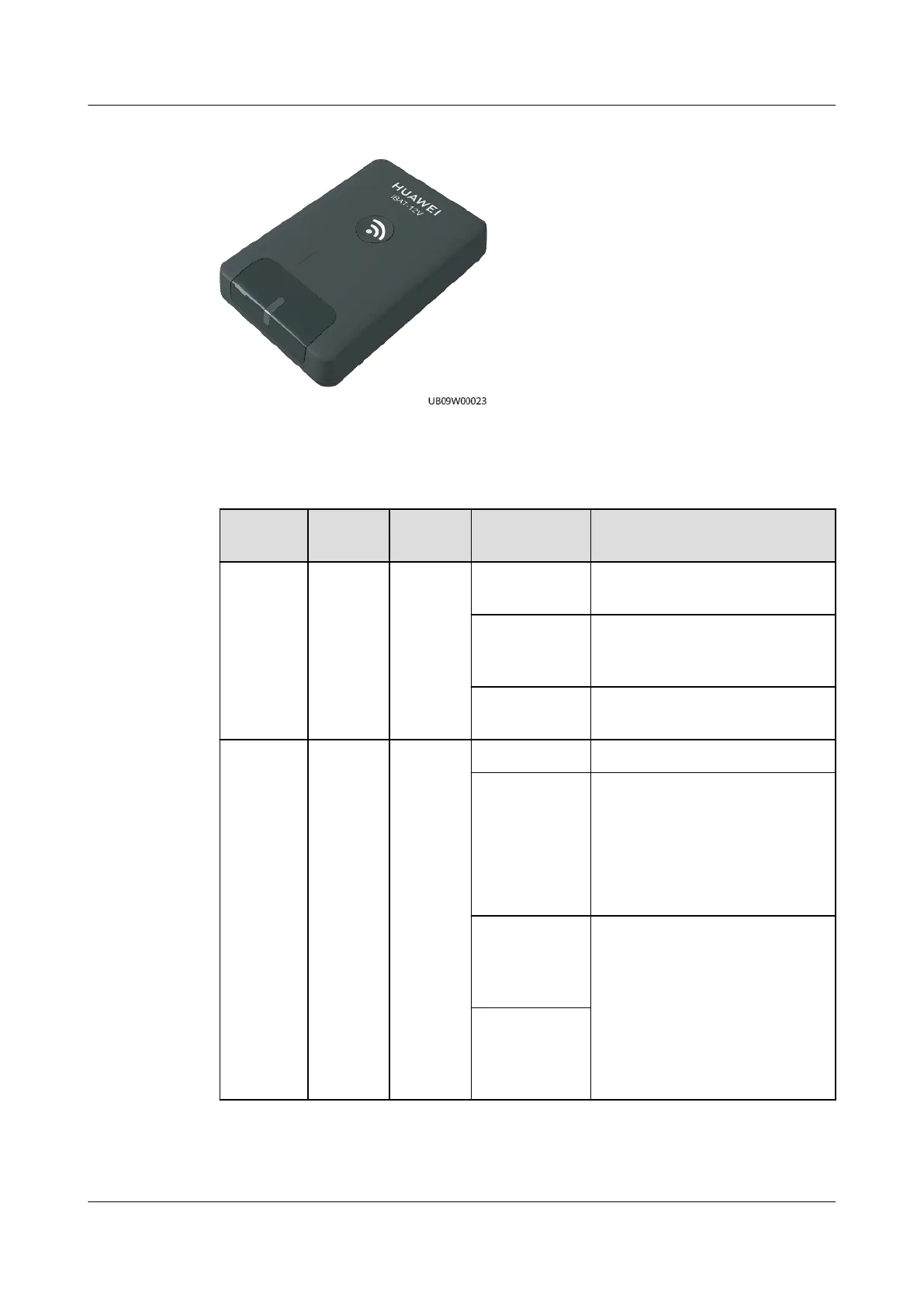
Figure 3-54 iBAT3.0
Indicators
Table 3-85 Indicators
Indicator Color Silk
Screen
Status Description
Running Green RUN O Power consumption is low or
the iBAT is not powered on.
Blinking at
super short
intervals
The networking has started
but not completed.
Blinking at
long intervals
The networking succeeds.
Alarm Red ALM O The iBAT is not faulty.
Steady on ● The iBAT is faulty.
● Communication with the
iBOX times out.
● No network is connected.
(The iBAT is waiting to
connect to a network.)
Blinking at
super short
intervals
(iBattery 2.0)
● Network parameters are
being cleared.
● The iBAT is blinking.
Blinking at
short
intervals
(iBattery 3.0)
ECC800 Data Center Controller
User Manual (for ECC800-Pro) 3 Device Description
Issue 02 (2020-09-07) Copyright © Huawei Technologies Co., Ltd. 89



 To Next Page