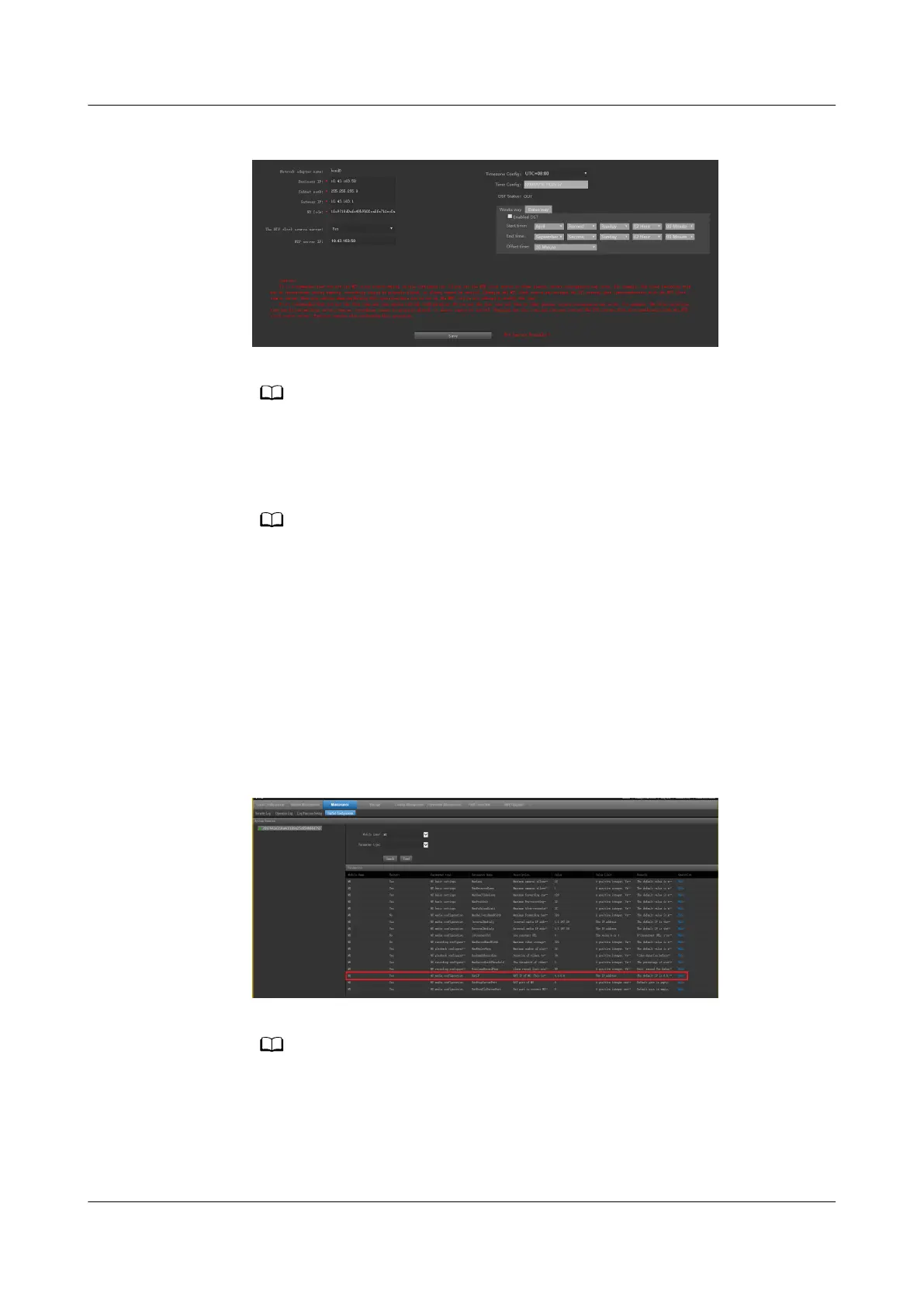
Figure 6-51 Conguring the server
Set Business IP to XXX.XXX.XXX.XXX, Subnet mask to 255.255.255.0, and Gateway IP
to XXX.XXX.XXX.XXX. The values here are examples. The actual value prevails.
4. (Optional) Congure the NTP synchronization. After setting The NTP clock
source server to Yes, set the IP address of the NTP server.
Currently, the VCN and NTP source server must be in the same LAN for NTP
synchronization. For details, see Step 2.
If the VCN and the NTP source server are not in the same LAN, you need to manually
set the time as follows: Choose Local Conguration > Server conguration and
change Timezone
cong and Time cong based on the time of the source server to
be synchronized.
5. Choose Maintenance > Unied Conguration, set Module name to MU,
and click Search.
6. In the search result, click Edit in the row where the value of Parameter Name
is NatIP and set Value to the external IP address of the VCN. Click Save.
Figure 6-52 Setting the external IP address of the MU
Set NatIP to the external IP address of the VCN, which is the same as the external IP
address mapped by the VCN on the ECC800-Pro.
7. Set Module name to OMU and click Search.
8. In the search result, click Edit in the row where the value of Parameter Name
is OMUNatIP and set Value to the NATIP address of the MU. Click Save.
ECC800 Data Center Controller
User Manual (for ECC800-Pro) 6 Feature Description
Issue 02 (2020-09-07) Copyright © Huawei Technologies Co., Ltd. 183



 To Next Page