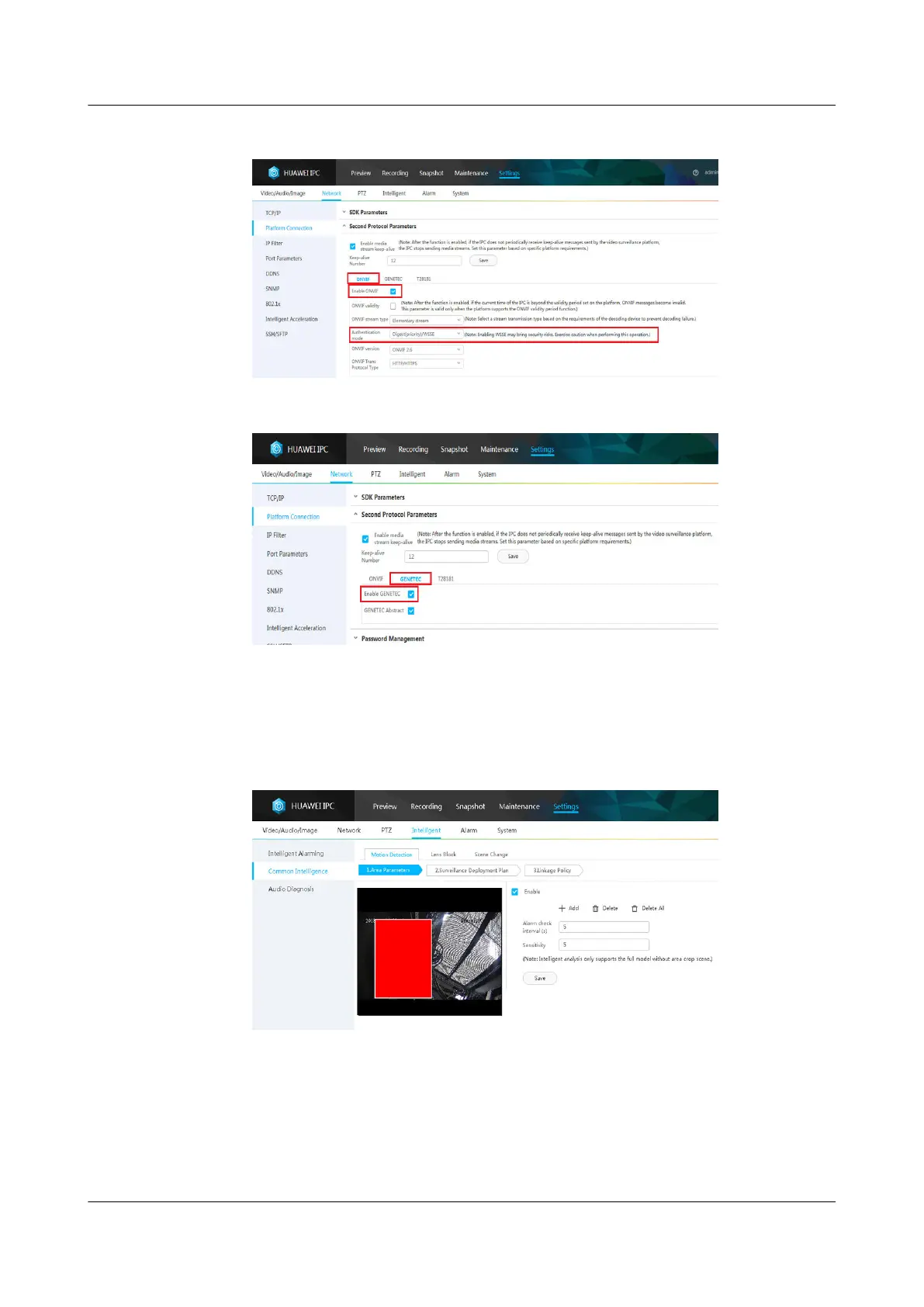
Figure 6-58 Setting platform connection parameters
Figure 6-59 Setting platform connection parameters GENETEC
3. Choose Settings > Intelligent > Common Intelligence > Motion Detection
> Area Parameters.
4. Select Enable, click Add, add motion detection areas, set motion detection
parameters, and click Save.
Figure 6-60 Setting motion detection parameters
5. If there are multiple cameras, repeat Step 8.1–Step 8.3.
----End
ECC800 Data Center Controller
User Manual (for ECC800-Pro) 6 Feature Description
Issue 02 (2020-09-07) Copyright © Huawei Technologies Co., Ltd. 195



 To Next Page