Item Specications
Address DIP
switch
4-pin address DIP switch (reserved)
Fuse 16 A, 250 V AC
Spare fuse box Two 16 A, 250 V AC fuses
E-label Supported
Indicators
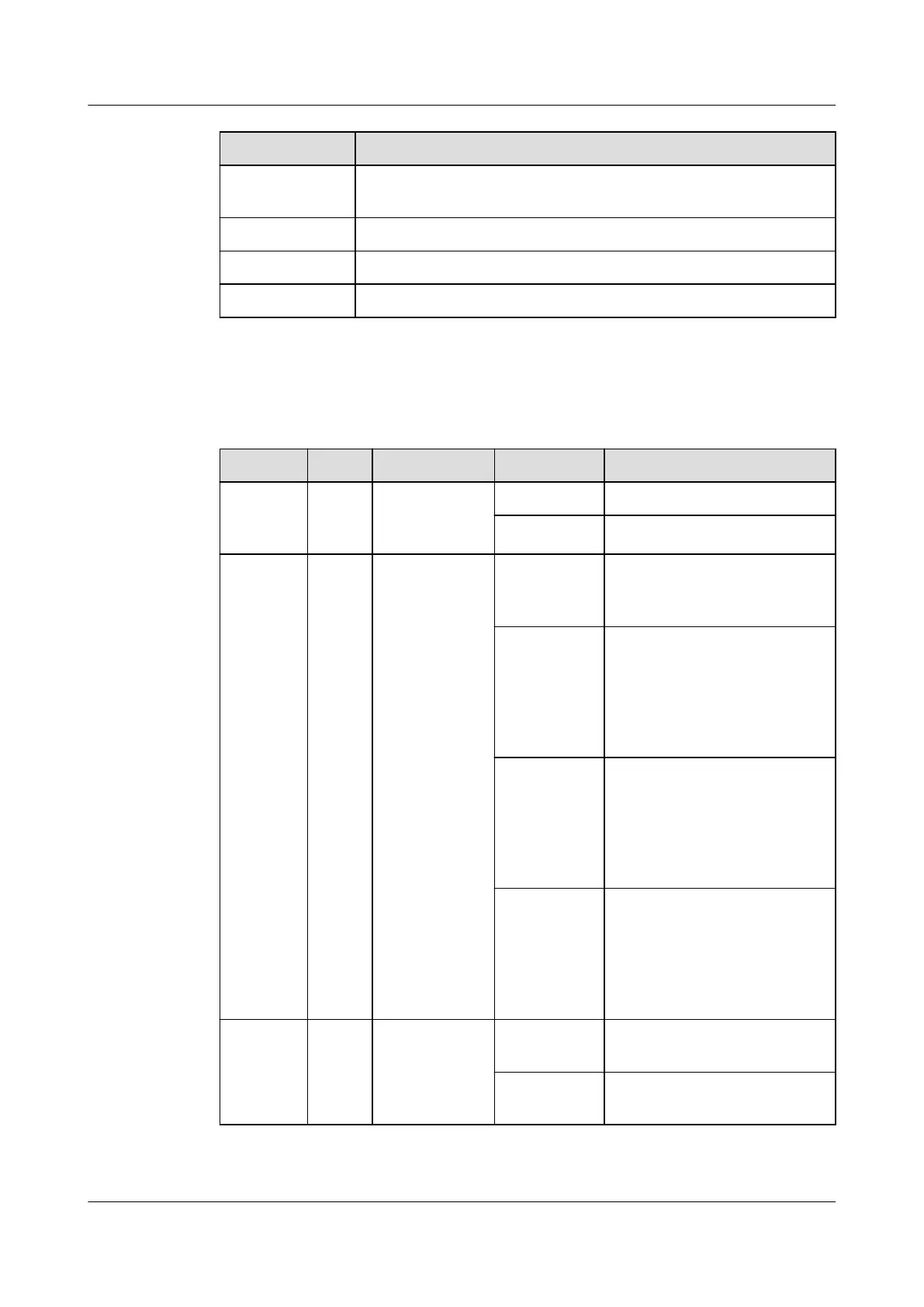
Table 3-40 Indicators
Indicator Color Name Status Description
Power Green Power input
status
indicator
Steady on The power input is normal.
O There is no power input.
RUN Green Running
status
indicator
O The power is abnormal or
the board program is
loading.
Blinking at
long
intervals
The smart module actuator
successfully registers with
the ECC800-Pro and the
software runs properly (the
indicator blinks at 0.5 Hz, on
for 1s and then
o for 1s).
Blinking at
short
intervals
The communication fails or
the smart module actuator
fails to register with the
ECC800-Pro (the indicator
blinks at 4 Hz, on for 0.125s
and then
o for 0.125s).
Blinking The indicator blinks at super
short intervals for 0.5s
(blinking at 10 Hz, on for
0.05s and then o for 0.05s)
and then turns o for 0.5s.
The cycle lasts for 5s.
ALM Red Alarm
indicator
Steady on A system failure alarm is
generated.
O No system alarm is
generated.
ECC800 Data Center Controller
User Manual (for ECC800-Pro) 3 Device Description
Issue 02 (2020-09-07) Copyright © Huawei Technologies Co., Ltd. 46



 To Next Page