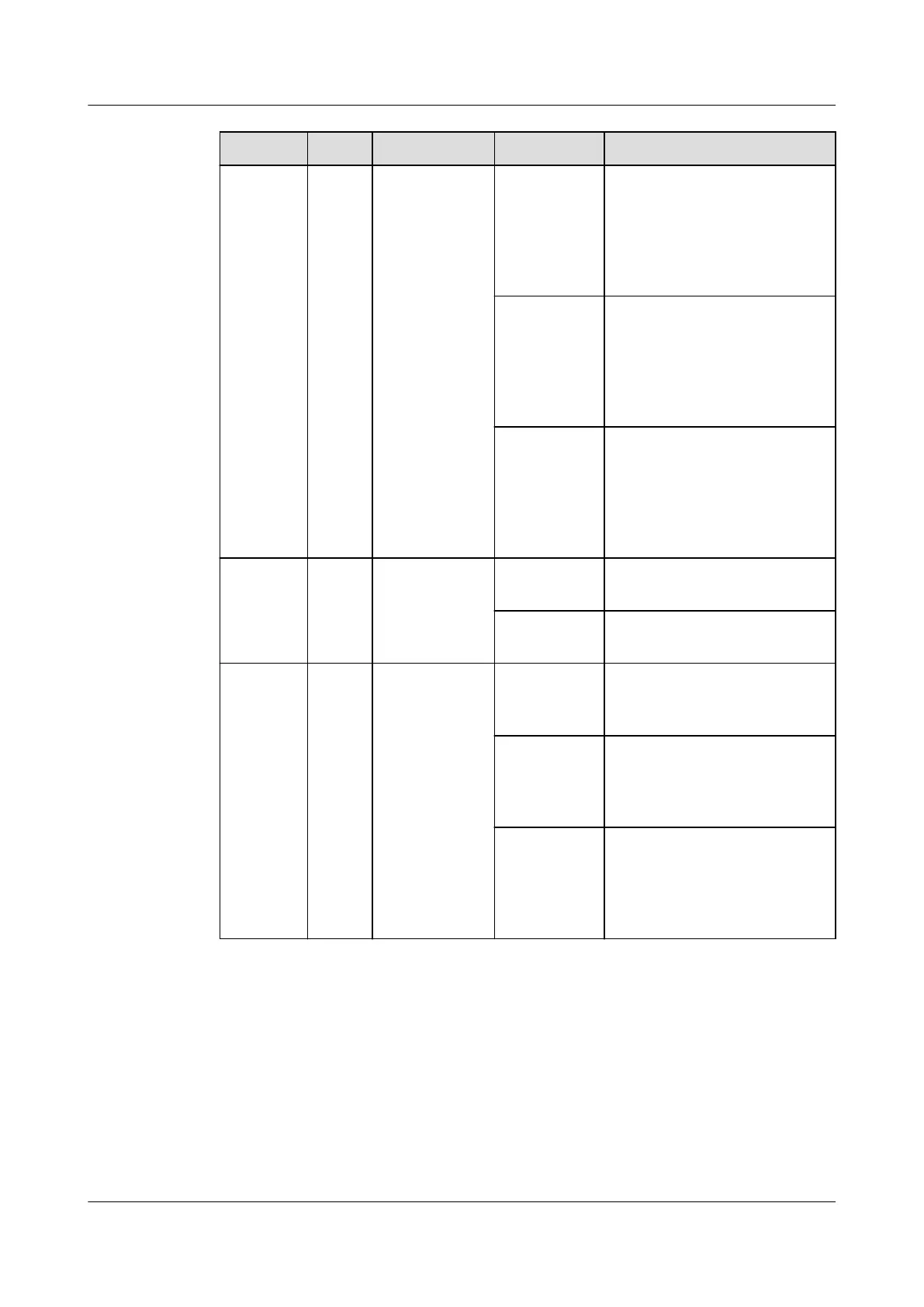
Indicator Color Name Status Description
Blinking at
long
intervals
The skylight actuator
successfully registers with
the ECC800-Pro and the
software runs properly (the
indicator blinks at 0.5 Hz, on
for 1s and then
o for 1s).
Blinking at
short
intervals
The communication fails or
the skylight actuator fails to
register with the ECC800-Pro
(the indicator blinks at 4 Hz,
on for 0.125s and then o
for 0.125s).
Blinking The indicator blinks at super
short intervals for 0.5s
(blinking at 10 Hz, on for
0.05s and then o for 0.05s)
and then turns o for 0.5s.
The cycle lasts for 5s.
ALM Red Alarm
indicator
Steady on A system failure alarm is
generated.
O No system alarm is
generated.
RF_Z Green Communicati
on status
indicator
Steady on No network parameters
exist, or a network is to be
created.
Blinking at
long
intervals
A network is set up, and no
node access is allowed (the
indicator blinks at 0.5 Hz, on
for 1s and then o for 1s).
Blinking
intermittent
ly at super
short
intervals
The skylight actuator is
searching for a network (the
indicator blinks at super
short intervals for 0.5s and
then turns o for 0.5s).
Communications Ports
The skylight actuator provides one DO port (LOCK/GND) and one DI port
(BUTTON/GND). Table 3-45 lists the LOCK/GND/BUTTON/GND port pin
denitions.
ECC800 Data Center Controller
User Manual (for ECC800-Pro) 3 Device Description
Issue 02 (2020-09-07) Copyright © Huawei Technologies Co., Ltd. 52



 To Next Page