● If the battery string is congured with the neutral wire, measure the currents of the positive
and negative battery string cables. If the battery string is not congured with the neutral
wire, measure the current of either the positive or negative battery string cable. The
following uses the scenario where the battery string is
congured with the neutral wire as an
example.
● When an iBOX manages multiple battery strings, rst connect the Hall eect sensors on the
positive and negative cables of battery string 1 respectively to the corresponding ports on
the iBOX. Then connect the Hall
eect sensors on battery string 2 to the iBOX in the same
way, and so on.
● If the positive or negative battery string cable is too thick to be routed through the Hall
eect sensor, or the measurement range of the Hall eect sensor is not enough, use multiple
Hall eect sensors to monitor the current of one battery string. The iBOX supports the sum
of the monitoring results of multiple Hall eect sensors, which is set through Multi-Hall cur.
setting.
● The value of Multi-Hall cur. setting equals the number of positive or negative Hall
eect
sensors in a single battery string and should be greater than or equal to 1.
BCB Port
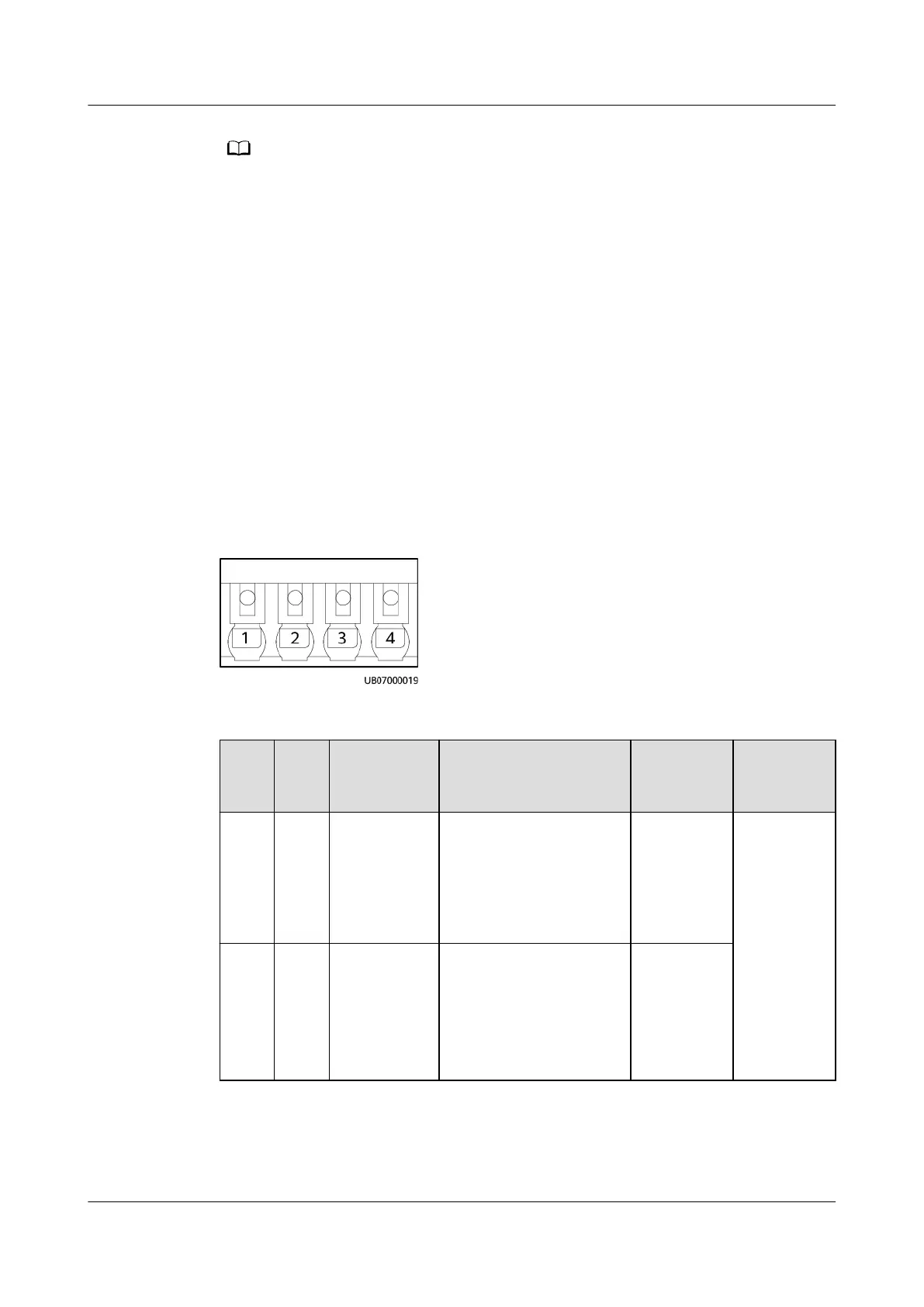
Figure 3-52 BCB port pins
Table 3-79 BCB_1–BCB_4 port pin denitions
Pin
De
nitio
n
Signal
Description
Status Description Initial
Status
Descriptio
n
1 OL Monitors
whether the
BCB
connects to
the signal
input port.
● Grounded: BCB
connected.
● Disconnected: BCB
not connected.
Disconnect
ed
The four
BCBs can
separately
manage
tripping of
four
battery
routes.
2 STA Monitors
the battery
circuit
breaker
● Grounded: The
battery circuit
breaker is ON.
● Disconnected: The
battery circuit
breaker is OFF.
Disconnect
ed
ECC800 Data Center Controller
User Manual (for ECC800-Pro) 3 Device Description
Issue 02 (2020-09-07) Copyright © Huawei Technologies Co., Ltd. 83



 To Next Page