2014-03-24
18
1.2 Printer Installation and Instructions
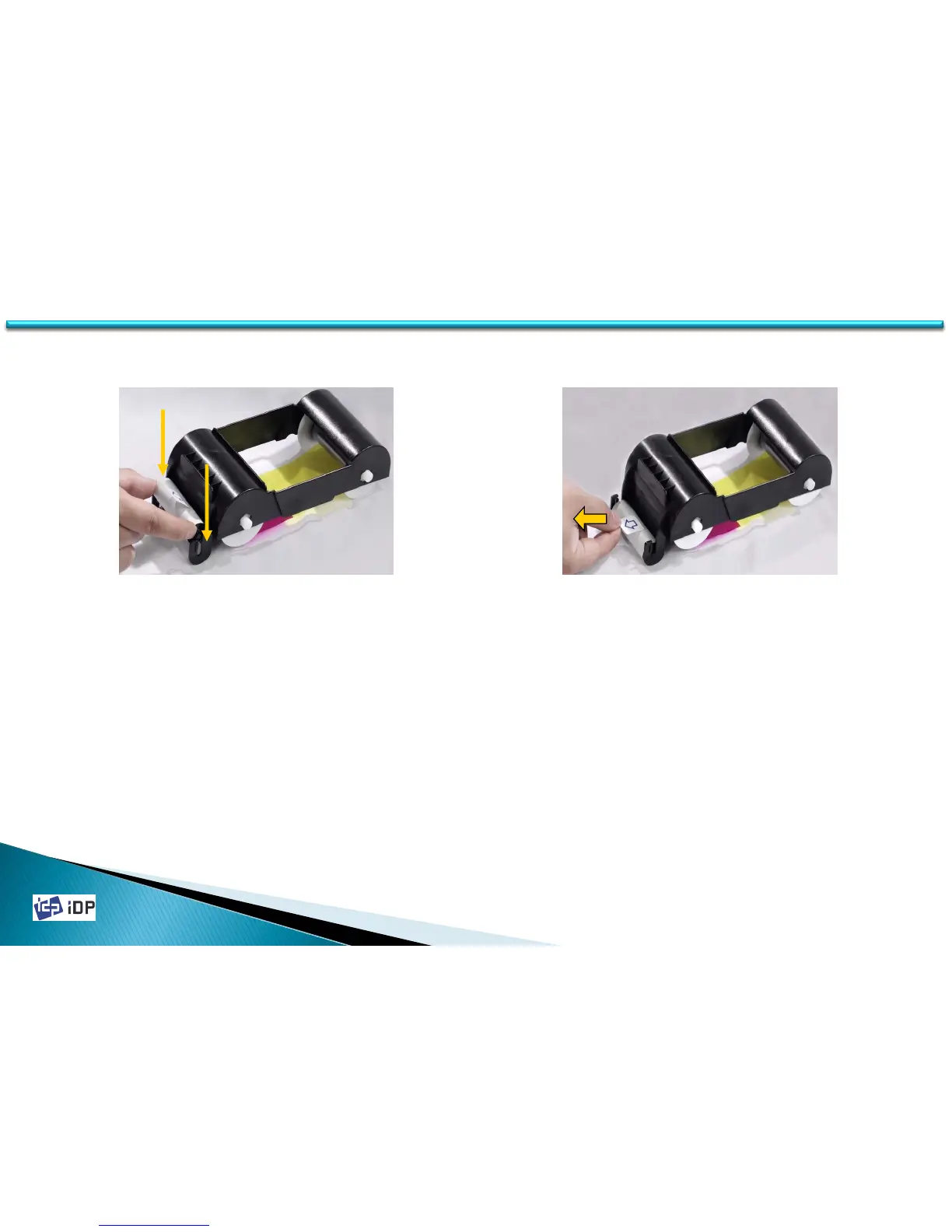
6. Install the disposable cleaning roller to
the ribbon cartridge.
Fig.2-5 Install the cleaning roller
Fig.2-6 Peel the protective wrapper
7. Peel the protective wrapper from the
cleaning roller.
To avoid contamination, always hold the
cleaning roller. Be careful to touching,
dust and contamination because it is
adhesive.
※ Caution! Do not use without peeling off the
protective wrapper. The cleaning roller do
not perform its function.



 To Next Page