ISOBUS operation
143
Pos: 26.15 /BA/Inf o-Center/CCI-I SOBUS-Terminal/Menü 9 ISO-Ei nstellungen/Haup tmenü 9 ISO-Einstellungen @ 83\mod_13171259694 82_78.docx @ 727355 @ @ 1
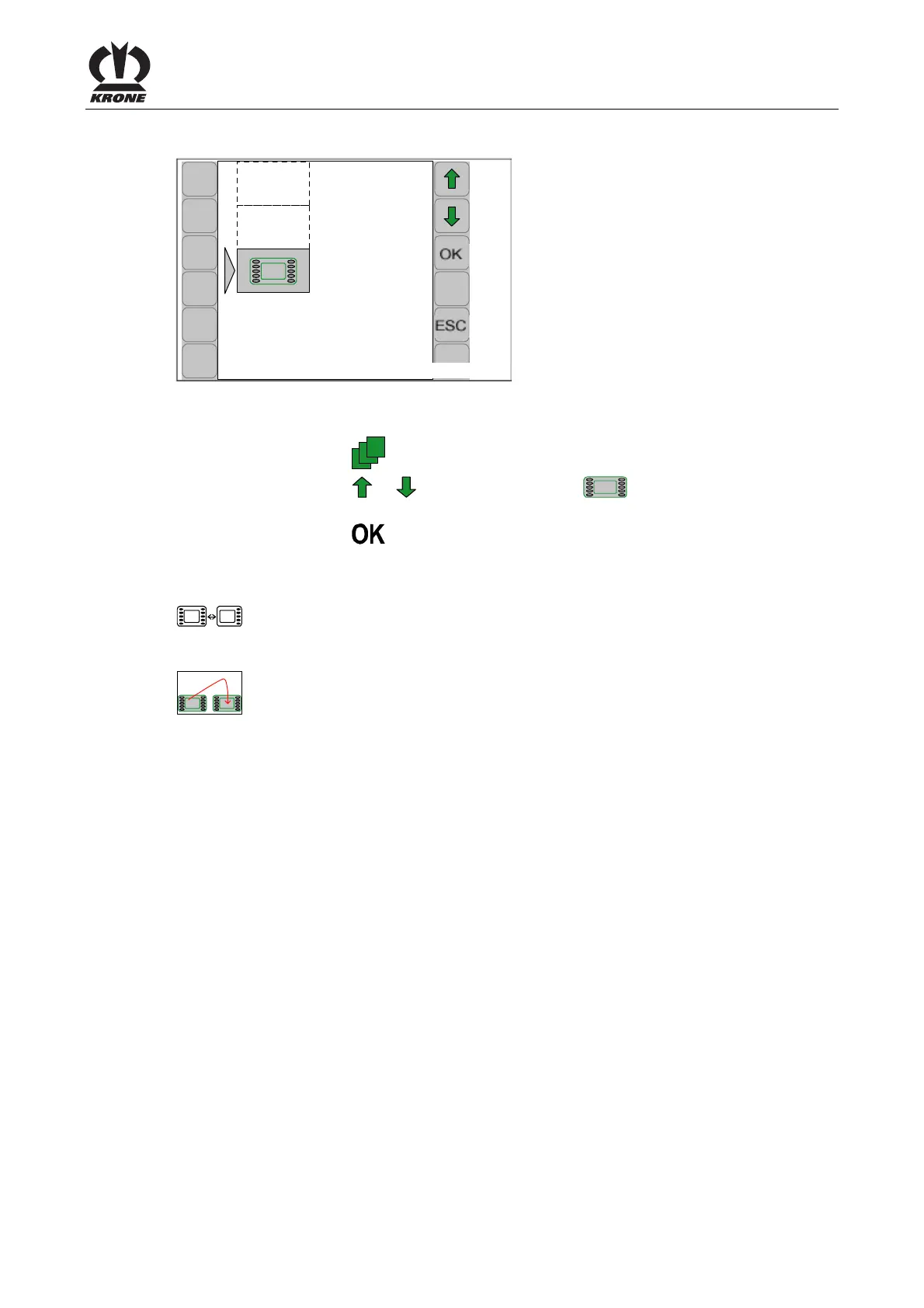
7.3 Main menu 9 "ISO settings info"
CC000484
9
Fig. 86
Calling the main menu
• Press function key
to access the menu level via the basic screen
• Press function key
or to select main menu 9 ( ).tο σύμβολο επισημαίνεται με
γκρι χρώμα.
• Press function key
The display shows menu level 9 "ISO settings". Menu level 9 "SO settings" optionally displays
the following menus:
= Menu 9-1
"Softkeys ISO terminal" (appears only on terminals with less
than 10 keys"
or
= Menu 9-2
Switching between terminals" (appears only when multiple ISO
terminals are connected)
Pos: 26.16 /BA/--- ------------ Seitenumbruch------ ---------- @ 0\mod_119617 5311226_0.doc x @ 4165 @ 3 @ 1









 To Next Page