KRONE ISOBUS-Terminal CCI 100
96
Pos: 22.85 /BA/Inf o-Center/CCI-I SOBUS-Terminal/CCI-Bi G Pack/Hauptmenüs/ Hauptmenü 1 Einstellungen/ Menü 1-5 „Feuchtigkeit smessung“ @ 120\mod_1342 617756034_78.doc x @ 1092801 @ 3 @ 1
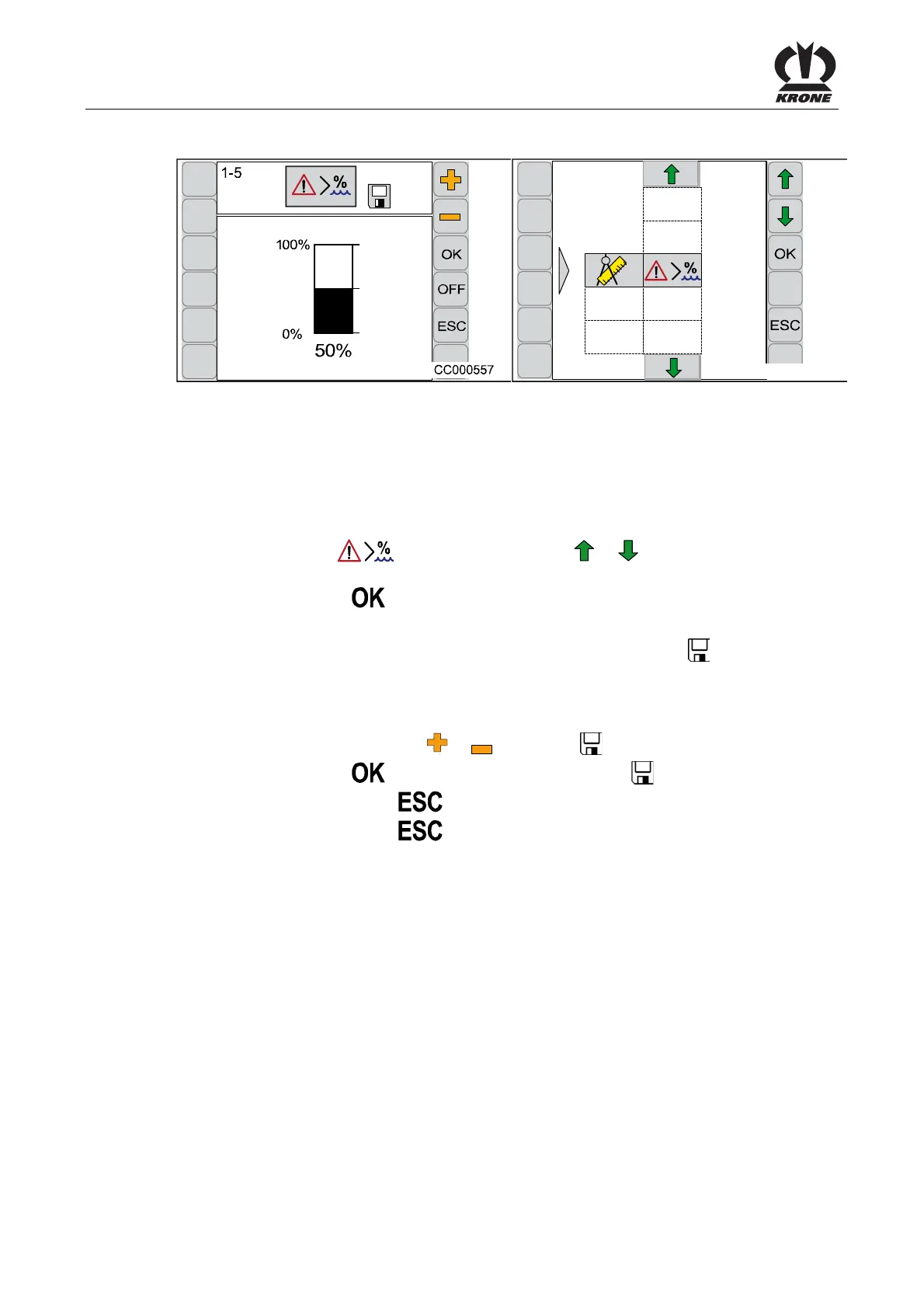
6.10.8 Menu 1-5 „Moisture Measuring“
CC000556
1-5
Fig. 60
In the menu 1-5 “Moisture Measuring” the value is set starting at which the message “136 crop
too moist” appears in the display. Moreover the message for the display can be deactivated or
activated in this menu.
Calling the Menu
Main menu 1 “Settings” is displayed.
• Select menu 1-5
by pressing function key or , the symbol is highlighted in
grey
• Press function key
The display shows menu 1-5 “Moisture Measuring”.
The bar display and the percentage value show the set value. The symbol
in the upper line
indicates that the displayed value is saved.
Changing and Saving the Value
• Set the value via function key
or , the symbol in the upper line goes out
• Press function key
, the set value is saved, the symbol in the upper line appears
• Pressing the function key
closes the called up menu
• Pressing the function key
and holding it down brings up the basic screen
Activating / Deactivating Message “136 Crop Too Moist”
OFF / ON = Deactivating / Activating the Message
• Press function key ON to deactivate the message (the symbol OFF appears in the
display)
• Press function key OFF to activate the message (the symbol ON appears in the display)
Pos: 22.86 /BA/--- ------------ Seitenumbruch------ ---------- @ 0\mod_119617 5311226_0.doc x @ 4165 @ @ 1









 To Next Page