KRONE ISOBUS-Terminal CCI 100
84
Pos: 22.61 /BA/Inf o-Center/CCI-I SOBUS-Terminal/CCI-Bi G Pack/Hauptmenüs/ Hauptmenü 1 Einstellungen/ Hauptmenü „Einstel lungen“ HS Baureihe (2013- 02-05 07:36:23) @ 99\mod_1 329906354271_78.doc x @ 884760 @ 3 @ 1
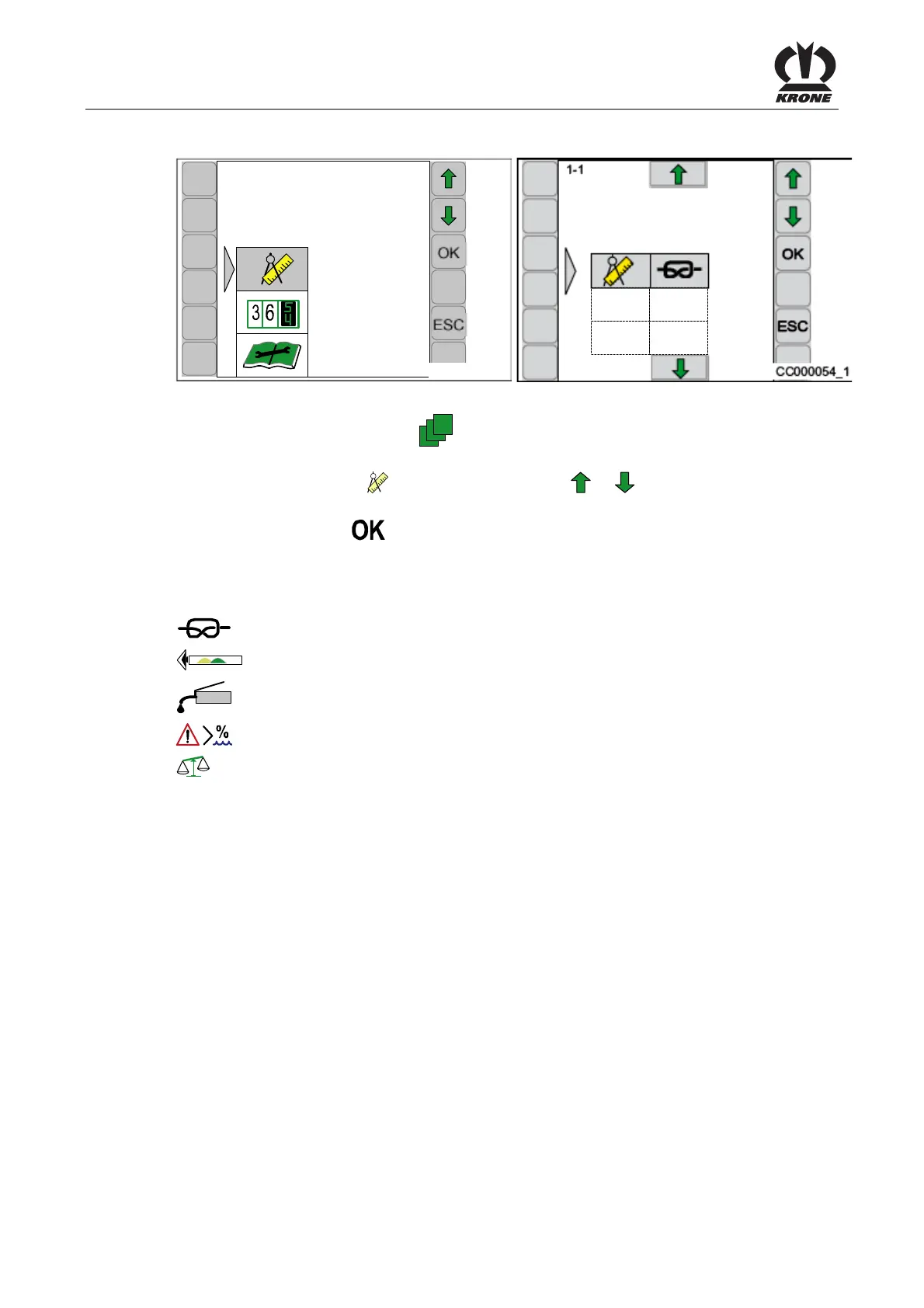
6.10 Main Menu 1 „Settings“
CC000028
1
CC000054_1
1-1
Fig. 50
• By pressing the function key
from the basic screen you get into the menu level of
the machine
• Select main menu 1 (
) by pressing function key or , the symbol is highlighted in
grey
• Press function key
The display shows menu level 1 "Settings". The menu level 1 "Settings" is divided into up to 5
menus, depending on how the machine is equipped:
= Menu 1-1 “Knotter settings"
= Menu 1-3 “Sensitivity of direction display”
= Menu 1-4 "Central lubrication"
= Menu 1-5 “Moisture measuring”
= Menu 1-6 “Bale balance”
Pos: 22.62 /BA/--- ------------ Seitenumbruch------ ---------- @ 0\mod_119617 5311226_0.doc x @ 4165 @ @ 1









 To Next Page