KRONE ISOBUS-Terminal CCI 100
88
Pos: 22.69 /BA/Inf o-Center/CCI-I SOBUS-Terminal/CCI-Bi G Pack/Hauptmenüs/ Hauptmenü 1 Einstellungen/ Menü 1-1-3 „Knoterkon trolle“ @ 99\mod_1330001 612225_78.docx @ 887653 @ 4 @ 1
6.10.4 Menu 1-1-3 „Knotter Monitoring“
With comfort version electronics design, the machine is serially equipped with an electronic
knotter monitoring. Each knotter is in this process monitored individually by one sensor. If an
error occurs on the knotter, the appropriate error message appears in the display of the
operation terminal. The knotters are numbered in direction of travel from left to right from 1 to 4
(BP 890) or from 1 to 6 (BP 1270/1290/4x4).
CC000078_1
1-1-3
1/2
Fig. 54
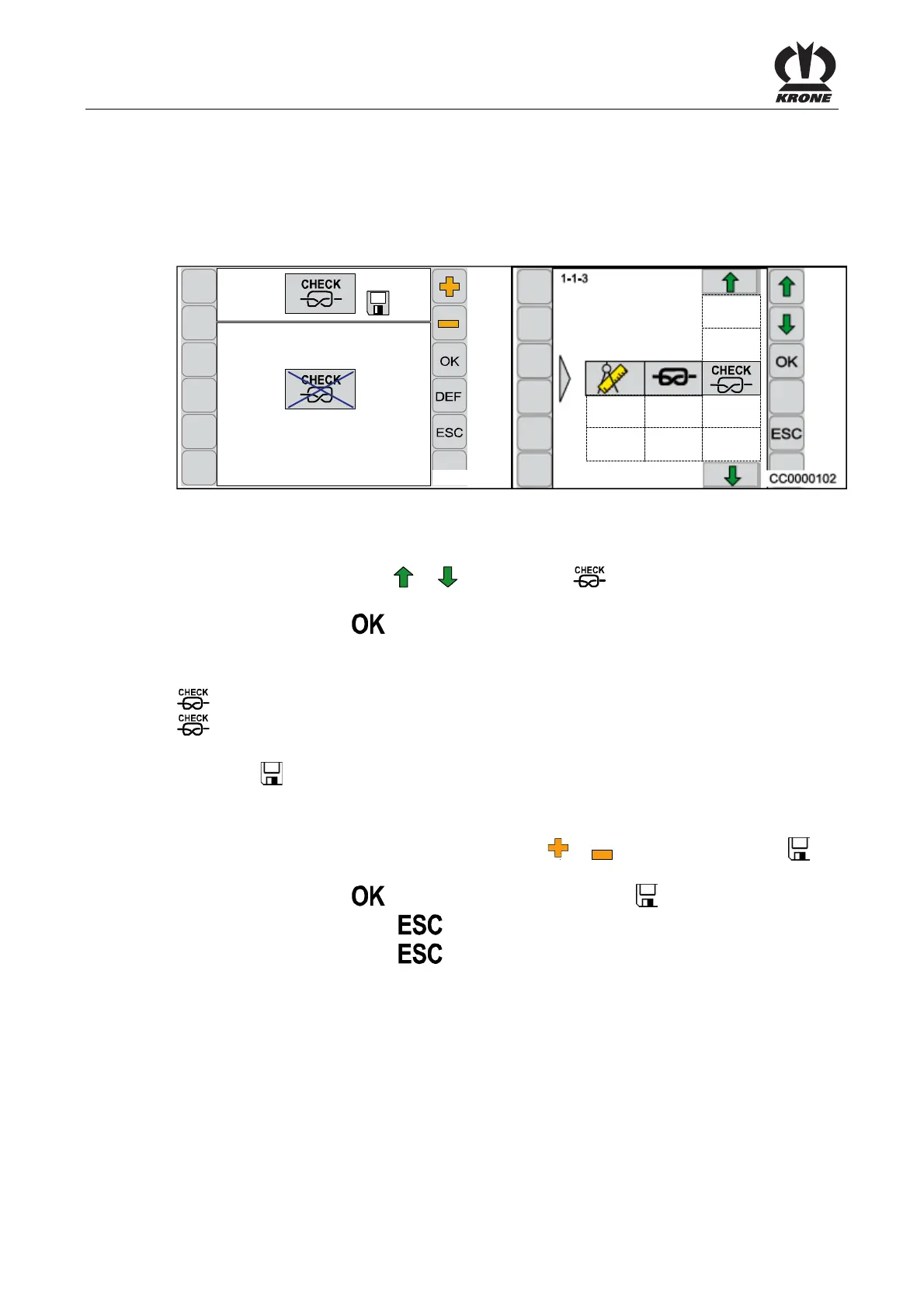
Calling the Menu
The main menu 1-1 “Knotter Settings” is called up.
• By pressing function key
or , the menu 1-1-3 is selected, the symbol is
highlighted in grey
• Press function key
The display shows menu 1-1-3 “Knotter monitoring".
The current status is displayed as an icon:
= Knotter monitoring activated
= Knotter monitoring deactivated
The symbol
in the upper line indicates that the displayed status is saved.
Changing and Saving Status
• Set the status accordingly with the function key
or in a way that the symbol in
the top line goes out
• Press function key
, the set status is saved, the symbol in the upper line appears
• Pressing the function key
closes the called up menu
• Pressing the function key
and holding it down brings up the basic screen
Pos: 22.70 /BA/--- ------------ Seitenumbruch------ ---------- @ 0\mod_119617 5311226_0.doc x @ 4165 @ @ 1









 To Next Page