KRONE ISOBUS-Terminal CCI 100
95
Pos: 22.83 /BA/Inf o-Center/CCI-I SOBUS-Terminal/CCI-Bi G Pack/Hauptmenüs/ Hauptmenü 1 Einstellungen/ Menü „Zentralschmier ung“ T2/2 @ 44\mod_12753716 39750_78.docx @ 391129 @ @ 1
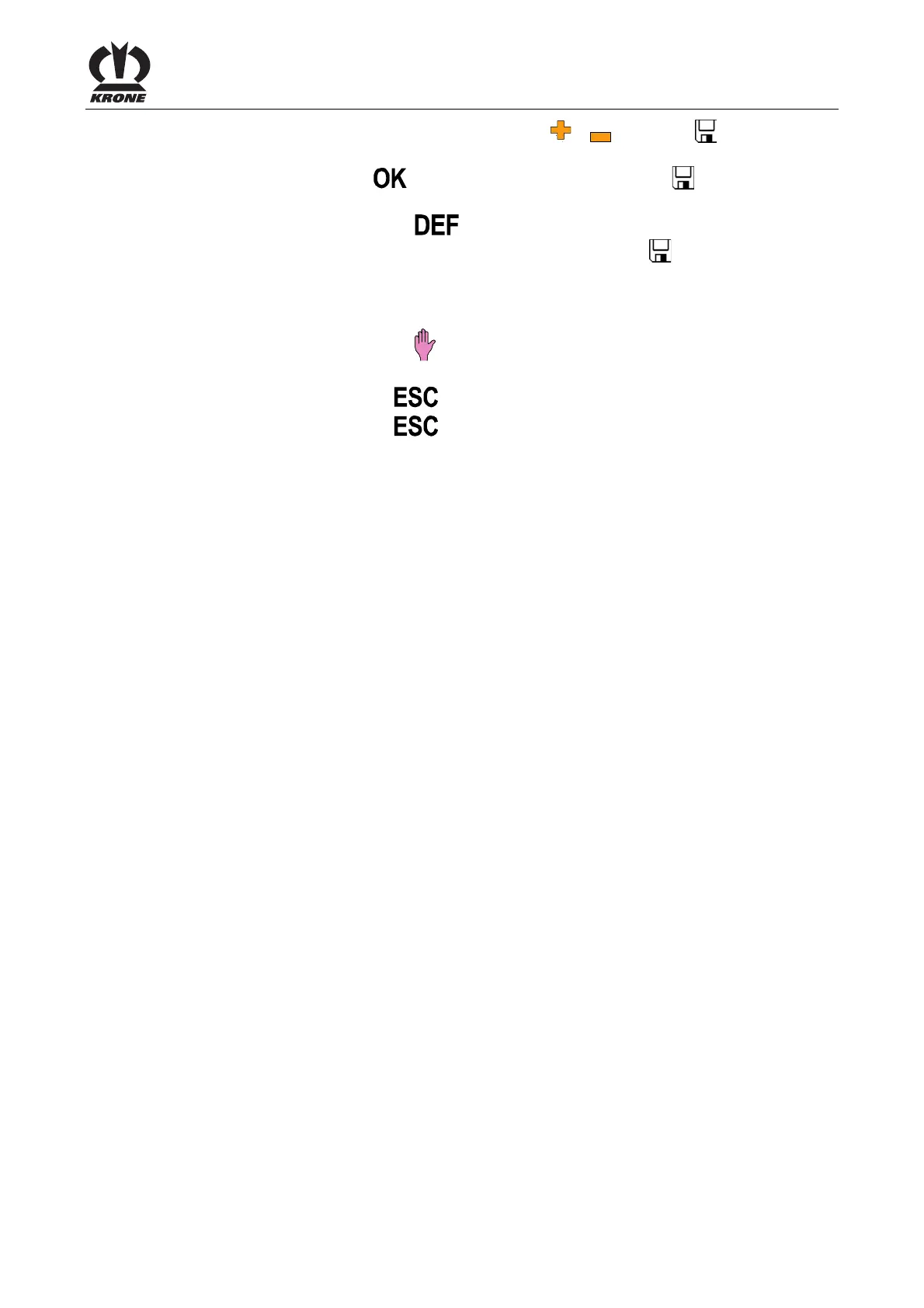
• Set the lubrication duration with the function key or , the symbol in the top line
goes out
• Press the function key
. The set time is saved and the symbol appears in the
upper line
• By pressing the function key
the value of the factory setting appears (press function
keyv, the value of the factory setting will be saved, the symbol
appears in the upper
line)
Initiate the lubrication process manually
• By pressing the function key
the lubrication process is started for the set duration of
lubrication
• Pressing the function key
closes the called up menu
• Pressing the function key
and holding it down brings up the basic screen
Pos: 22.84 /BA/--- ------------ Seitenumbruch------ ---------- @ 0\mod_119617 5311226_0.doc x @ 4165 @ @ 1









 To Next Page