Page 94 of 182 TP1A002–1 English
Aug 2015
Linx 8900 Operating Manual —
Add other fields
Linx 8900
6.3.4 Delete a shift code item
If any shift code items exist, the Delete button is enabled on the Shift List screen (see Figure
97 on page 92). To delete an item within a shift code:
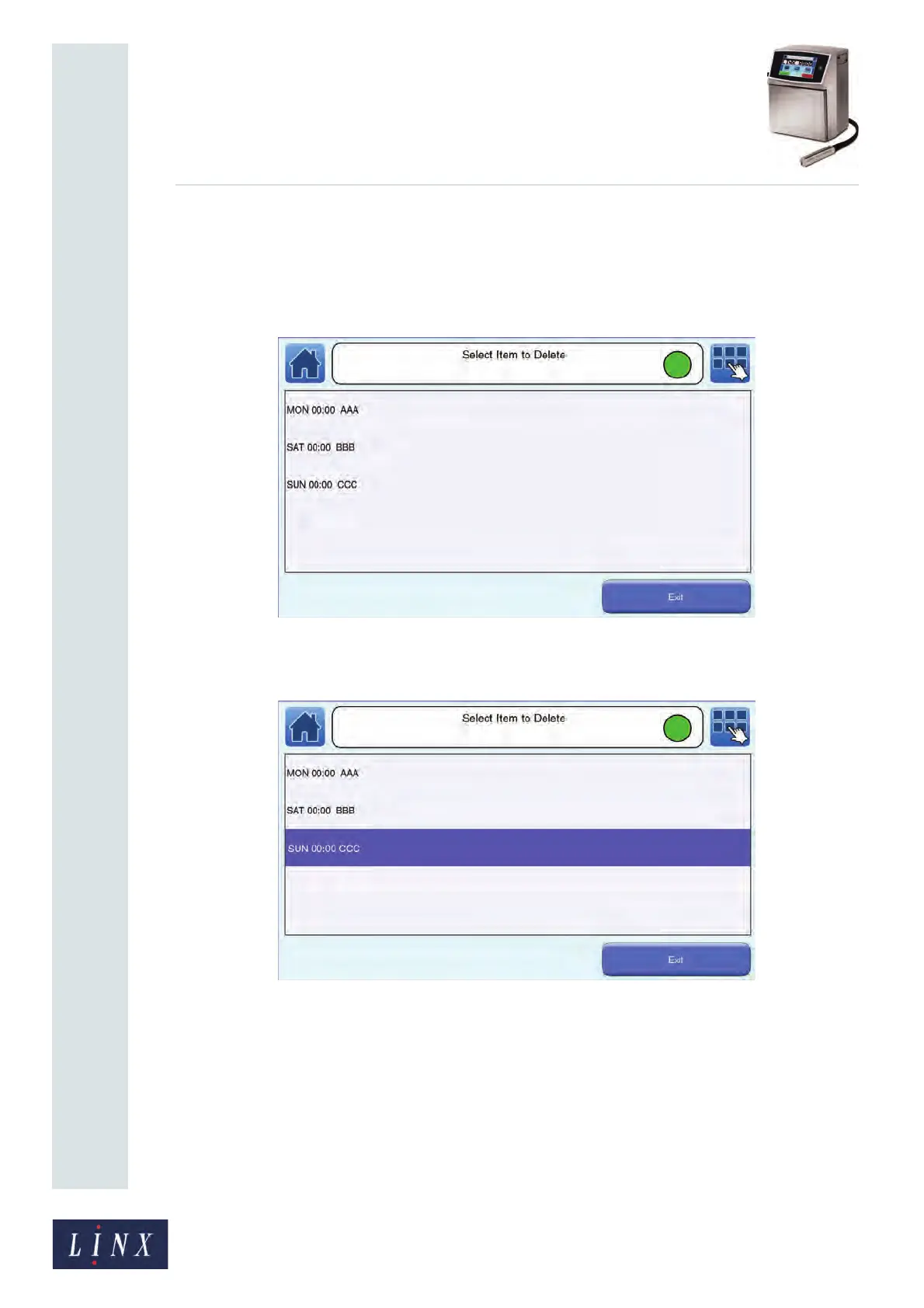
1 Touch the Delete button to display the Select Item to Delete screen.
Figure 99. Select Item to Delete screen
2 Touch the shift code item that you wish to delete to highlight that item.
Figure 100. Select Item to Delete screen: item selected
3 Touch the Delete button. The selected shift code item is deleted.
4 Touch the Exit button to return to the Shift List screen.
89178



 To Next Page