Page 13 of 182 TP1A002–1 English
Aug 2015
Linx 8900 Operating Manual —
Printer user interface
Linx 8900
2.1.5 Information screens
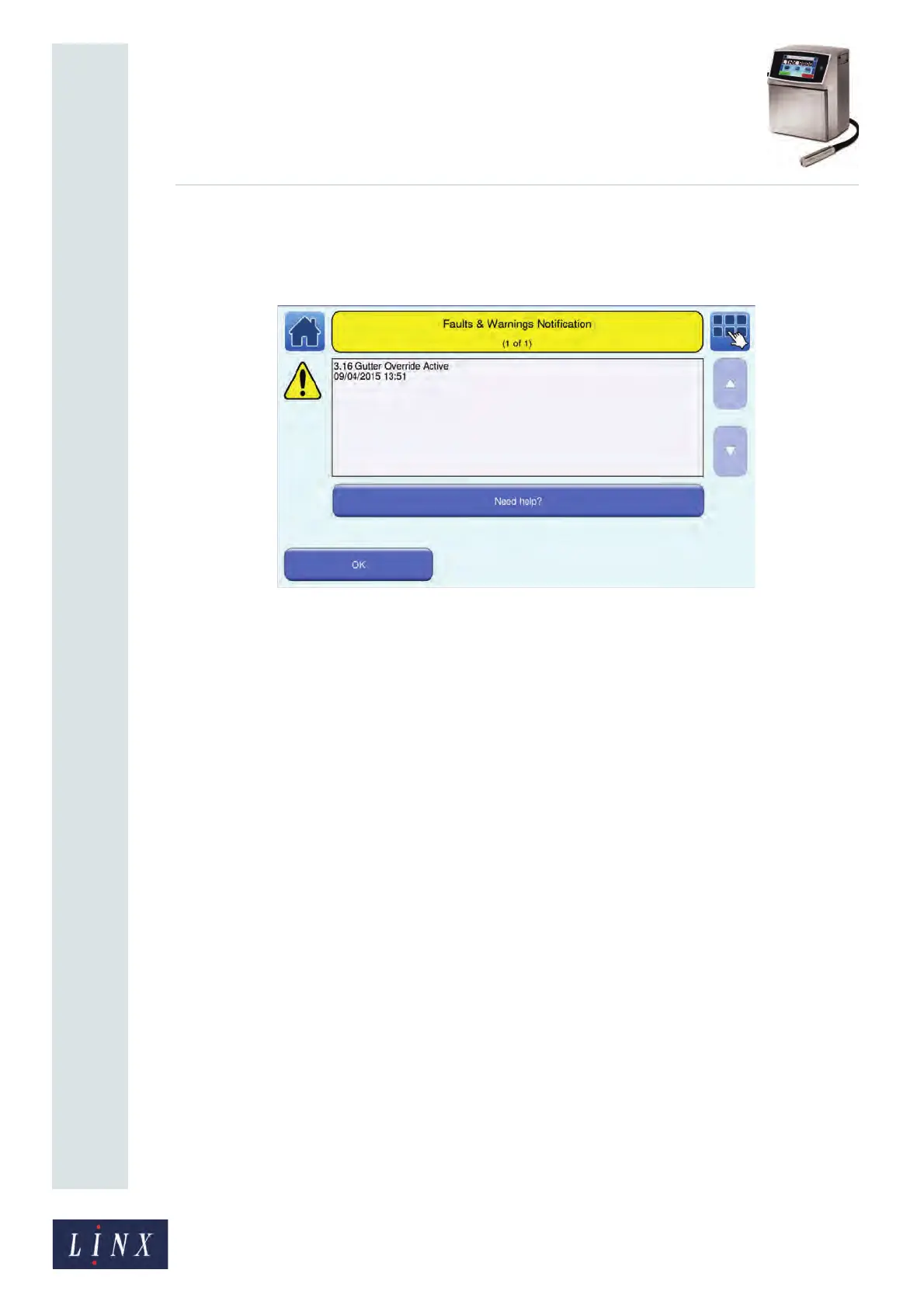
If the printer needs attention (for example, there is a problem with the printer), it displays
an information screen:
Figure 10. Example information screen
An information screen contains a message about a system event and a Need Help? button
for more information about the system event. A system event can be a Warning, a System
Failure, a Print Failure, or an Information event. See ‘Faults and Warnings screens’ on
page 173 for more information about information screens.
To close an information screen, touch the OK button.
89104



 To Next Page