Page 170 of 182 TP1A002–1 English
Aug 2015
Linx 8900 Operating Manual —
Look after your printer
Linx 8900
9.10.5 Test Print
This option allows you to generate and print a test message to help with fault diagnosis.
The option is only available when the printer is in the ‘Printing’ state.
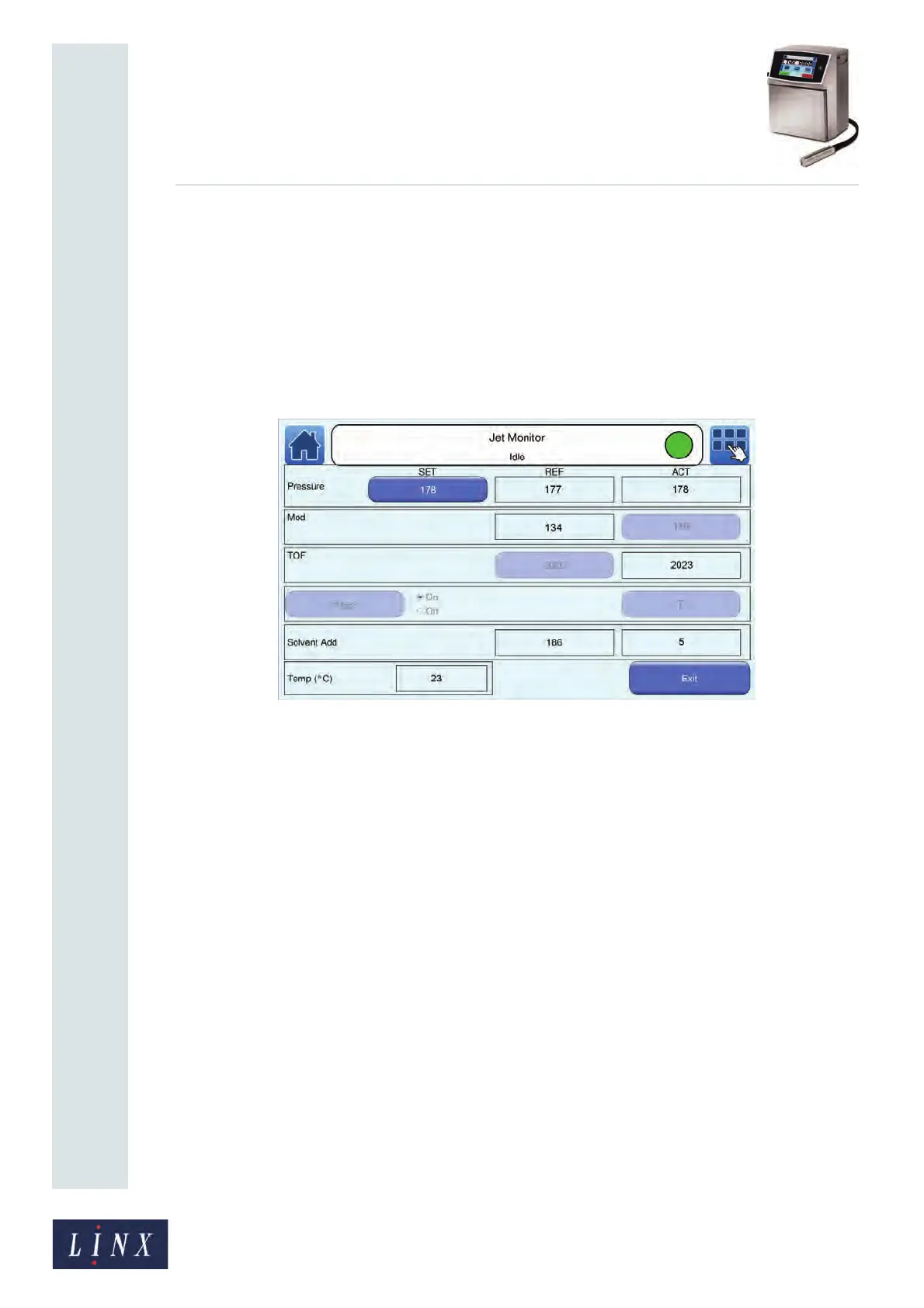
9.10.6 Jet Monitor
This option displays the Jet Monitor screen. The Jet Monitor screen allows you to review
information about the state of the printer jet (for example, jet pressure and Time of Flight).
You can use this information to diagnose problems with the printer.
Figure 169. Jet Monitor screen
9.10.7 Nozzle Clear
This option allows you to perform a Nozzle Clear sequence. See ‘Clear the nozzle’ on
page 165 for more information.
9.11 From Storage
This option prepares the printer for operation after an extended shutdown (that is, after a
period of more than four weeks). Do not use this option for daily startups.
9.12 Into Storage
This option prepares the printer for an extended shutdown (that is, for a period of more
than four weeks). Do not use this option for daily shutdowns.
NOTE: When you use the printer after an extended shutdown, you must use the From
Storage option to restart the printer.
9.13 Valve Reset
This option operates all of the valves on the printer to reset them. You will not need to use
this option unless asked to by your local Linx Distributor.



 To Next Page