Page 73 of 182 TP1A002–1 English
Aug 2015
Linx 8900 Operating Manual —
Line and message settings
Linx 8900
NOTE: The default alarm mode for all system events is None.
3 Touch the Save button to confirm your selection. The printer displays the Alarm
Setup screen with the selected alarm mode for the system event.
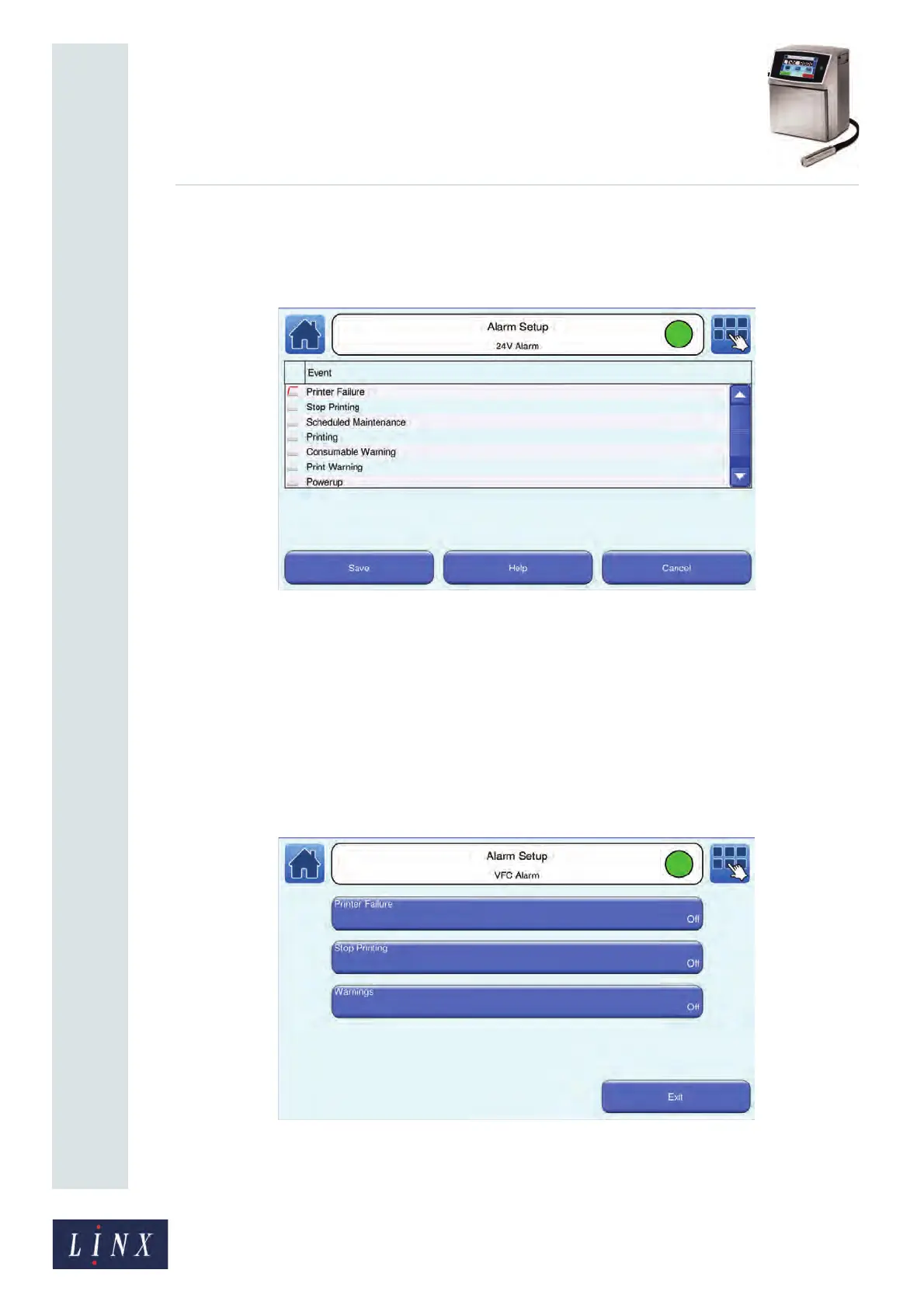
Figure 74. Alarm Setup: alarm mode selected screen
4 Touch the Save button to save your changes and return to the Line Settings screen.
5 Repeat steps 1 to 4 to set the alarm options for other system events.
NOTE: You can touch the Help button for more information about the alarm setup and
alarm modes.
5.5.2 Set the VFC alarm options
1 On the Alarm Setup screen, touch the VFC Alarm button to display the VFC
Alarm screen for your selected line.
Figure 75. VFC Alarm screen
89154
89155



 To Next Page