Page 44 of 182 TP1A002–1 English
Aug 2015
Linx 8900 Operating Manual —
Change the printer setup
Linx 8900
4.1.6 Security Options
These options allow you to control access to the printer functions to prevent use that is not
authorised.
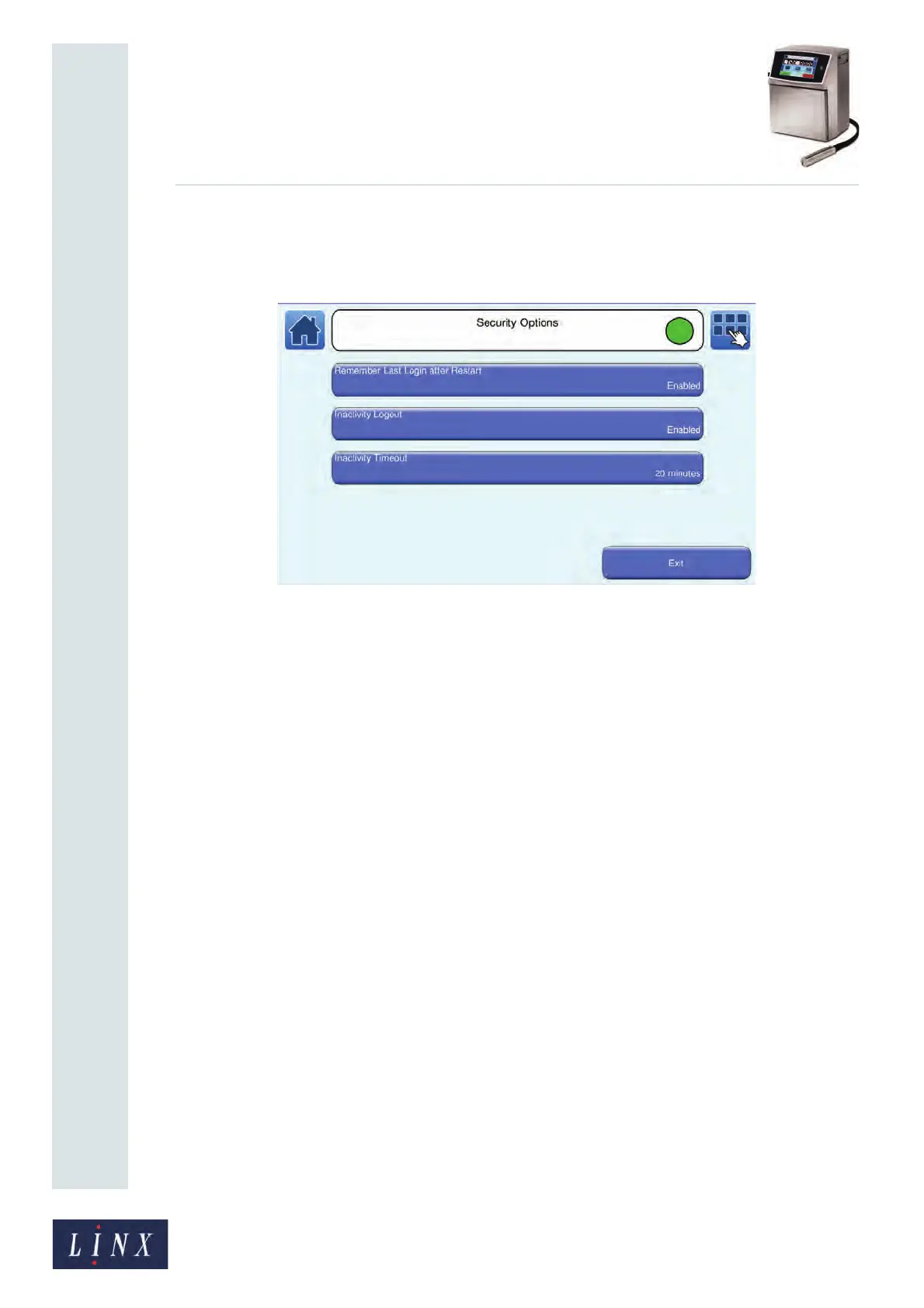
Figure 46. Security Options screen
The following options are available.
Remember Last Login after Restart
Select either Enabled or Disabled. If this option is enabled, the last user is automatically
logged in when you restart the printer. The option is enabled by default. If the option is
disabled, you must use the User Login option on the Main Menu screen to log in.
Inactivity Logout
Select either Enabled or Disabled. If this option is enabled, the printer logs out the current
user and displays the Home screen if the printer is not active for a set time. You can use the
Inactivity Timeout option to set this value.
Inactivity Timeout
If the Inactivity Timeout option is enabled, this option allows you to set a time, between 1
and 60 minutes. When this period expires, the printer logs out the current user and displays
the Home screen. You must use the User Login option on the Main Menu screen to log in
again.



 To Next Page