Page 60 of 182 TP1A002–1 English
Aug 2015
Linx 8900 Operating Manual —
Line and message settings
Linx 8900
5.2.7 Default Message Style
This option allows you to select a default message style for the line. This message style is
applied to all messages that you create for the selected line.
A default message style defines the number of lines in the message, the message height (in
number of ink drops) and the character set used (for example “Western” or “Chinese”). For
example, a 1 x 25 Western message style has one line of message, a message height of 25
drops and uses the Western character set.
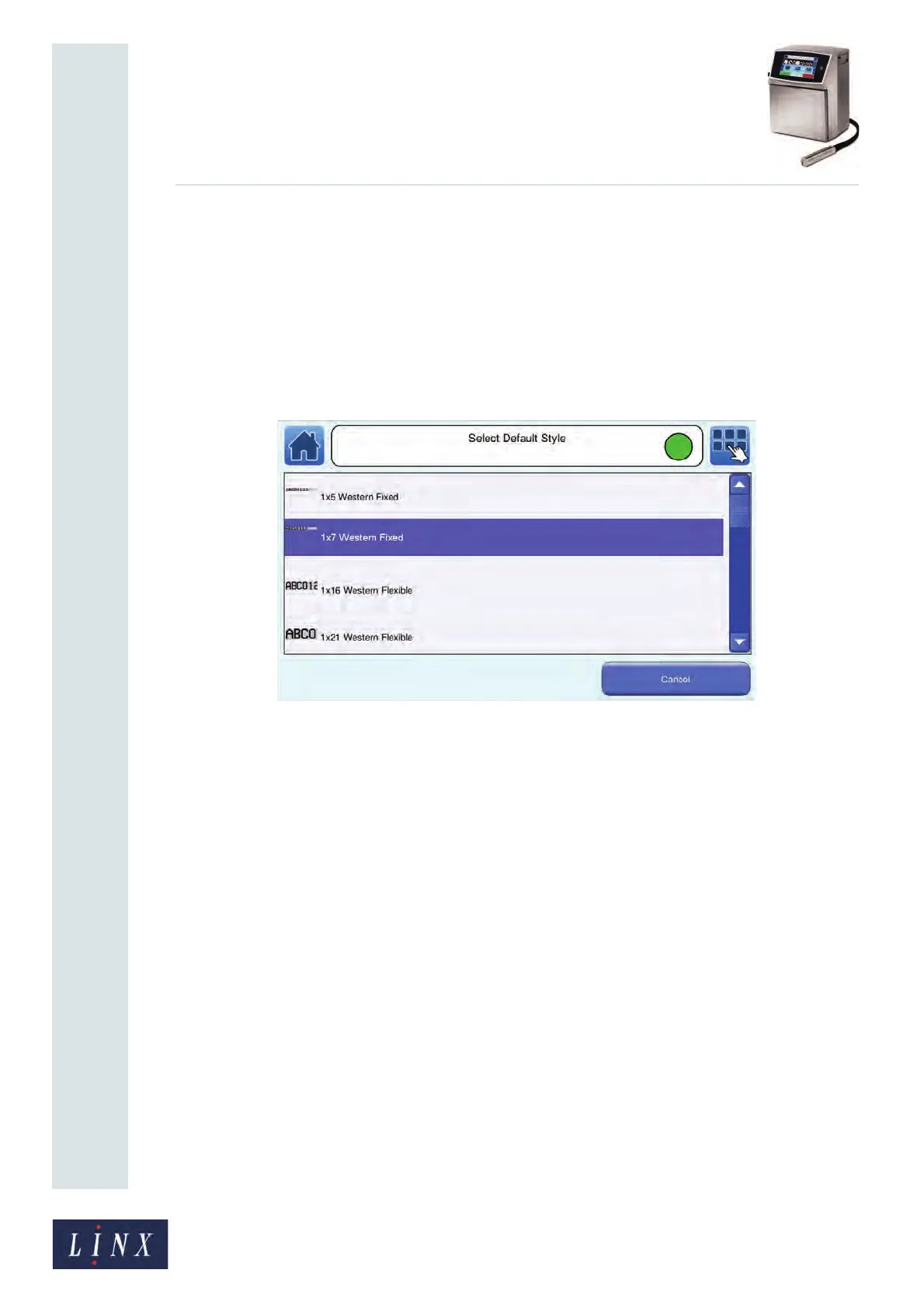
Touch the Default Message Style button to display the Select Default Style screen.
Figure 59. Select Default Style screen
Use the scroll bar to move through the available styles. Each style has a graphic for
information. Touch the name of the default message style you require to select that style for
your selected line.
5.2.8 Photocell Type
This option allows you to specify the type of photocell used to trigger a print. Touch the
Photocell Type button to display the Photocell Type screen. The following options are
available:
• NPN
• PNP
Touch the name of the required type to select that type.
5.2.9 Photocell Deadtime
This option allows you to set a delay period for a photocell during which the photocell does
not respond to any trigger signals. This allows the printer to filter out any potential false
trigger signals caused by, for example, printing on a reflective substrate. You can set the
deadtime period to 0ms, 1ms, or 5ms.



 To Next Page