Page 132 of 182 TP1A002–1 English
Aug 2015
Linx 8900 Operating Manual —
Printer communications
Linx 8900
7.2 Copy messages, line settings, and graphics
IMPORTANT: Make sure that you read and understand the information above before you
start.
7.2.1 Copy messages to USB
To copy messages from the printer to a memory device:
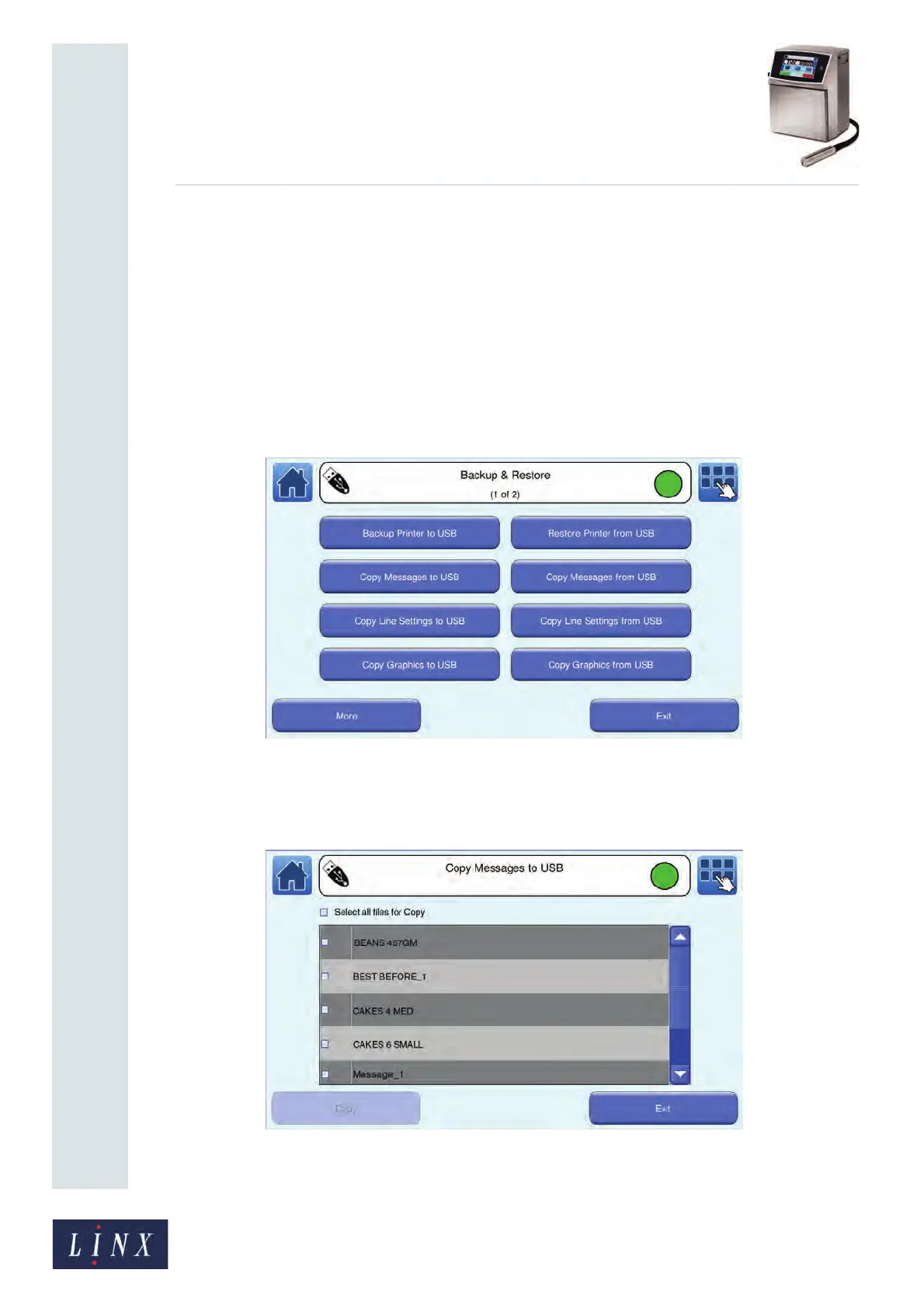
1 On the Home screen, touch the Menu button to display the Main Menu screen, and
then touch the Backup & Restore button. The Backup & Restore screen is
displayed.
Figure 139. Backup & Restore screen
2 Touch the Copy Messages to USB button to display the Copy Messages to USB
screen. The printer displays a list of messages that are saved in the printer.
Figure 140. Copy Messages to USB screen



 To Next Page