Page 35 of 182 TP1A002–1 English
Aug 2015
Linx 8900 Operating Manual —
Change the printer setup
Linx 8900
4 Change the printer setup
This section describes the setup options for the 8900 printer. The following options are
described:
• Printer language (locale), keyboards, and secondary keyboards
• Date and time
• Installation options
• Add, edit, and delete printer users
• Printer security options
• User interface settings
• Network settings
• Communications options
• Remote fields
• Auto powerdown options
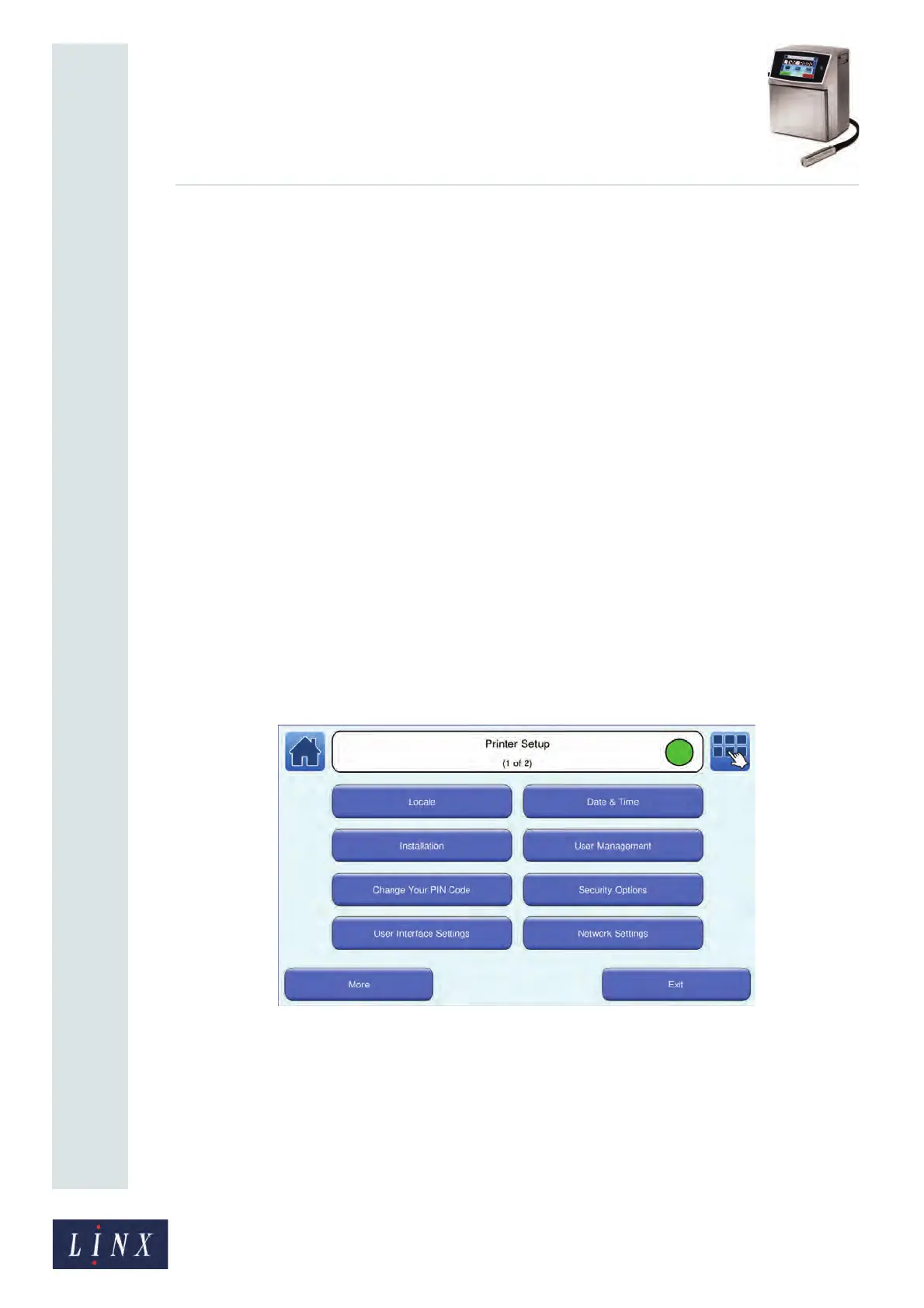
4.1 Printer Setup screen
The Printer Setup menu option allows you to set the system language (locale), date and
time, manage users, and set security options. On the Home screen, select Menu > Printer
Setup. The printer displays the Printer Setup screen.
Figure 36. Printer Setup screen



 To Next Page