Page 131 of 182 TP1A002–1 English
Aug 2015
Linx 8900 Operating Manual —
Printer communications
Linx 8900
7 Printer communications
7.1 USB connection
You can use the USB connection of the 8900 printer to save messages, graphics, and line
settings from the printer to a USB memory device and transfer messages, graphics, and line
settings to the printer from a memory device. This chapter also describes how to use the
USB connection to make a backup of the printer settings to a memory device. You can
restore the settings to the same printer, or transfer the settings to another printer.
NOTE: The copy, backup and restore functions are available in the ‘Idle’ state. Copy
functions are also available in the ‘Jet Running’ state. These functions are not
available in the ‘Printing’ state. You must insert a memory device into the USB
connector at the front of the printer before you can perform any of these functions.
Linx recommends that you use a memory device of 512 MB to 32 GB capacity to
save and copy messages, and back up and restore printer settings. Do not use a
memory device that is near its memory capacity. A memory device that becomes
full during a save and copy operation, or back up and restore operation, can cause
the operation to fail.
You need Advanced security access rights to copy messages, graphics, line settings, and
fields from one printer to another printer.
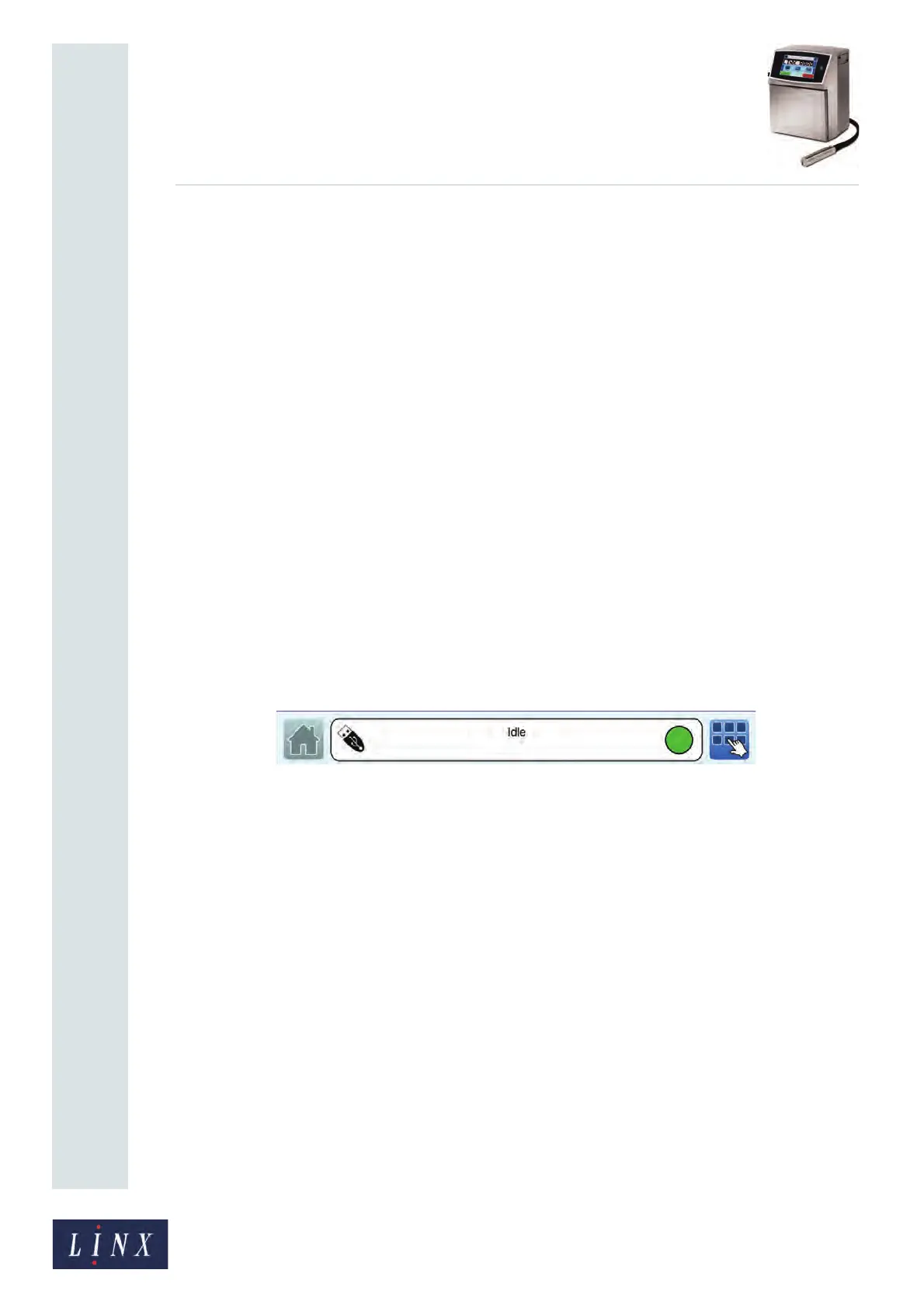
When you insert a USB memory device, the USB icon is displayed in the printer status bar,
as shown in Figure 138.
Figure 138. Home screen printer status bar with USB icon



 To Next Page