Page 25 of 182 TP1A002–1 English
Aug 2015
Linx 8900 Operating Manual —
Printer user interface
Linx 8900
2.5.2 Delete a log entry
NOTE: You must have Advanced security access rights to delete a log entry.
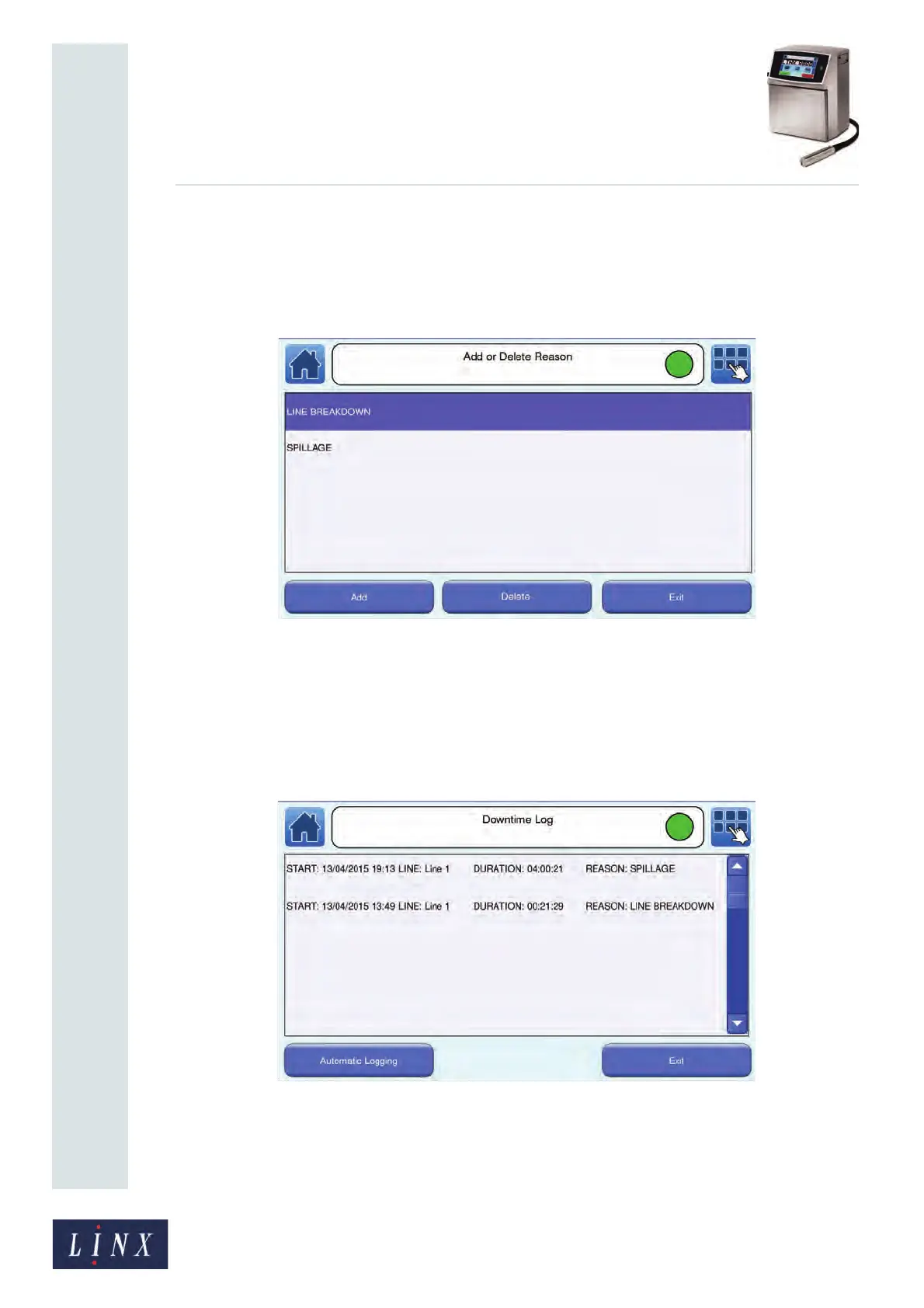
Touch the Add or Delete Reason button on the Add Log Entry screen to display the Add or
Delete Reason screen. Highlight the required entry, and then touch the Delete button.
Figure 21. Add or Delete Reason screen: delete entry
The printer displays a confirmation screen. Touch the Yes button to delete the reason. Touch
the No button to return to the Add or Delete Reason screen.
2.5.3 View log entries
To view the downtime log, touch the View Log button on the Add Log Entry screen.
Figure 22. Downtime Log screen
89127



 To Next Page