Page 78 of 182 TP1A002–1 English
Aug 2015
Linx 8900 Operating Manual —
Line and message settings
Linx 8900
Change the Print Width
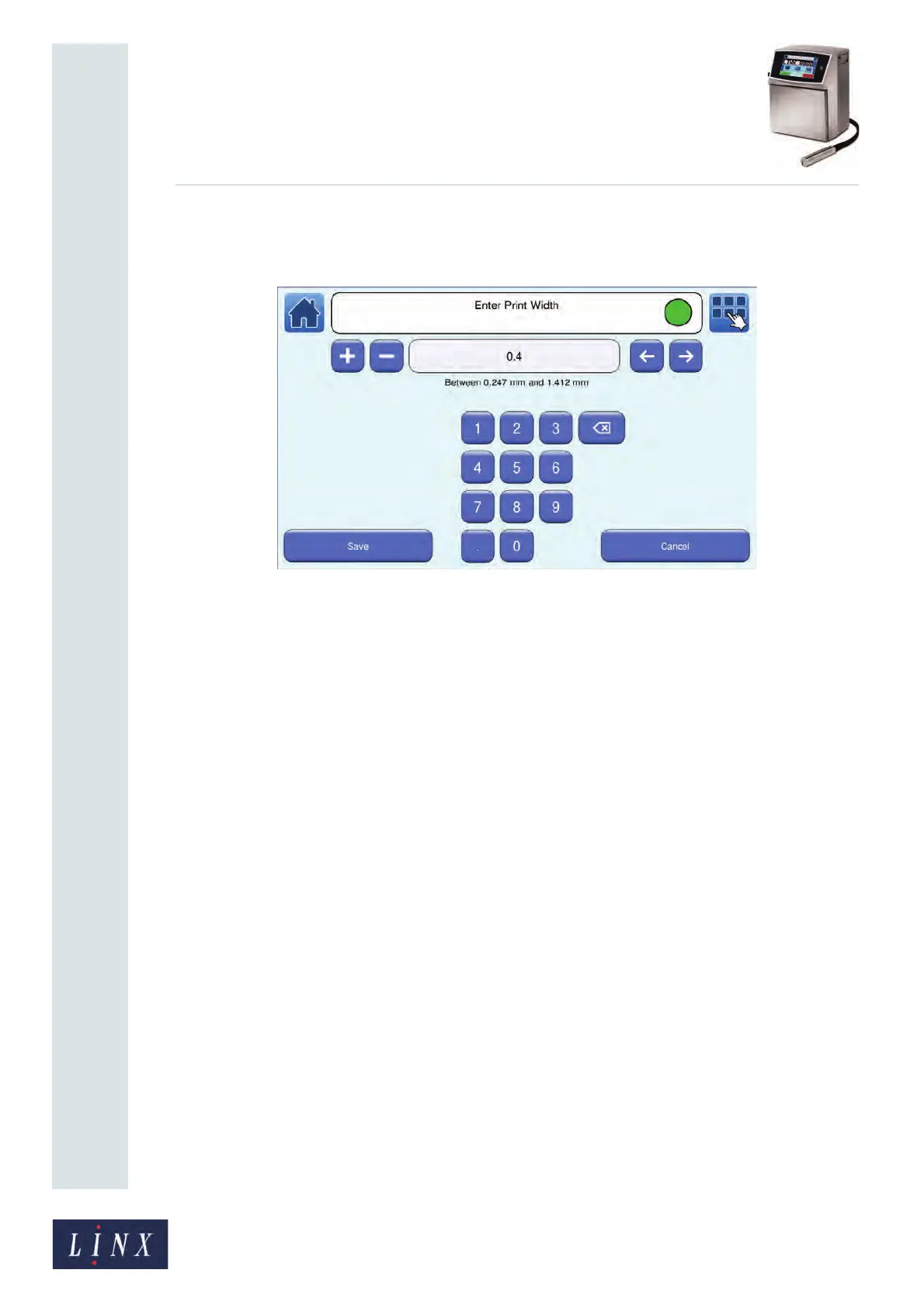
Touch the Print Width button to display the Enter Print Width screen.
Figure 80. Enter Print Width screen
To change the Print Width:
• Use the keypad to enter a new Print Width value.
• Use the plus and minus buttons to increase or decrease the Print Width value.
Touch the Save button to save the selected value and return to the Message Settings screen.
Touch the Cancel button to discard any changes and return to the Message Settings screen.
5.6.4 Print Height
You can make small adjustments to the height of the printed message. The adjustment
range depends on the message type.
You can apply the setting and test the result while you are printing.
When you change the setting, the change applies only to the selected message. You can use
a different setting for each message.



 To Next Page