Page 71 of 182 TP1A002–1 English
Aug 2015
Linx 8900 Operating Manual —
Line and message settings
Linx 8900
5.4.2 Volt-free contact (VFC) alarm
You can use a VFC alarm to connect a mains-powered alarm beacon to the printer. It is
normally used to indicate any failure that stops printing on a production line. The alarm
can indicate
• if there is printer failure (Printer Failure option).
• if the printer stops printing (Stop Printing option).
• if there is any other system event not in the above categories (Warning option).
You can set the alarm options to either On or Off. If set to On, and a system event in the
selected category occurs, the alarm is activated. If set to Off, and a system event in the
selected category occurs, the alarm is not activated.
NOTE: A printer power failure will also trigger the VFC alarm irrespective of the alarm
options chosen.
5.5 Alarm setup
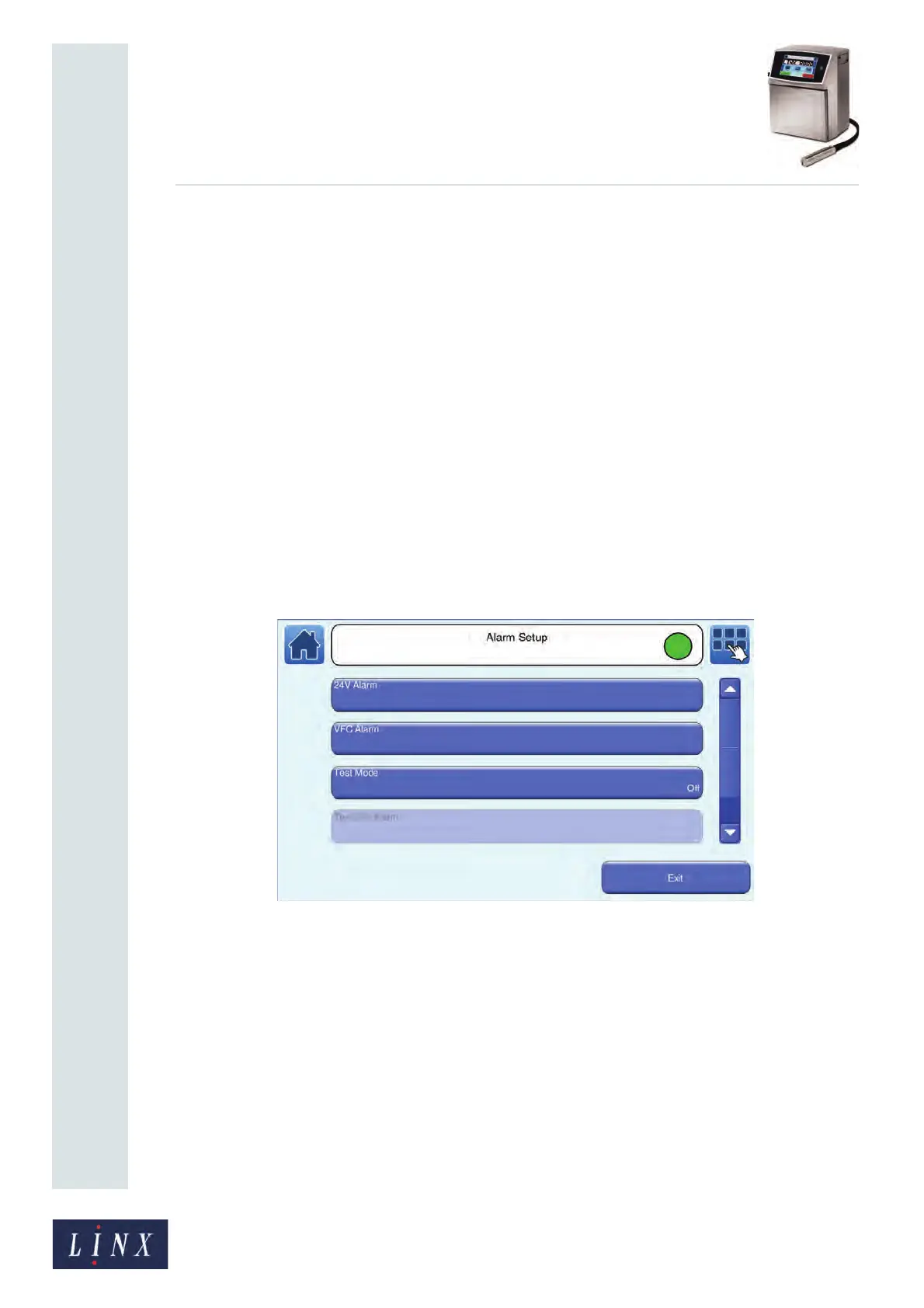
To access the alarm setup screen, touch the Alarm button on the Line Settings screen to
display the Alarm Setup screen for your selected line.
Figure 71. Alarm Setup screen



 To Next Page