Page 8 of 182 TP1A002–1 English
Aug 2015
Linx 8900 Operating Manual —
Printer user interface
Linx 8900
2 Printer user interface
This section describes standard printer screens other than the Home screen and the printer
keyboard. It also describes the Output Logging and Downtime Logging options, which
you can use to gather information about printer performance.
2.1 Other printer screens
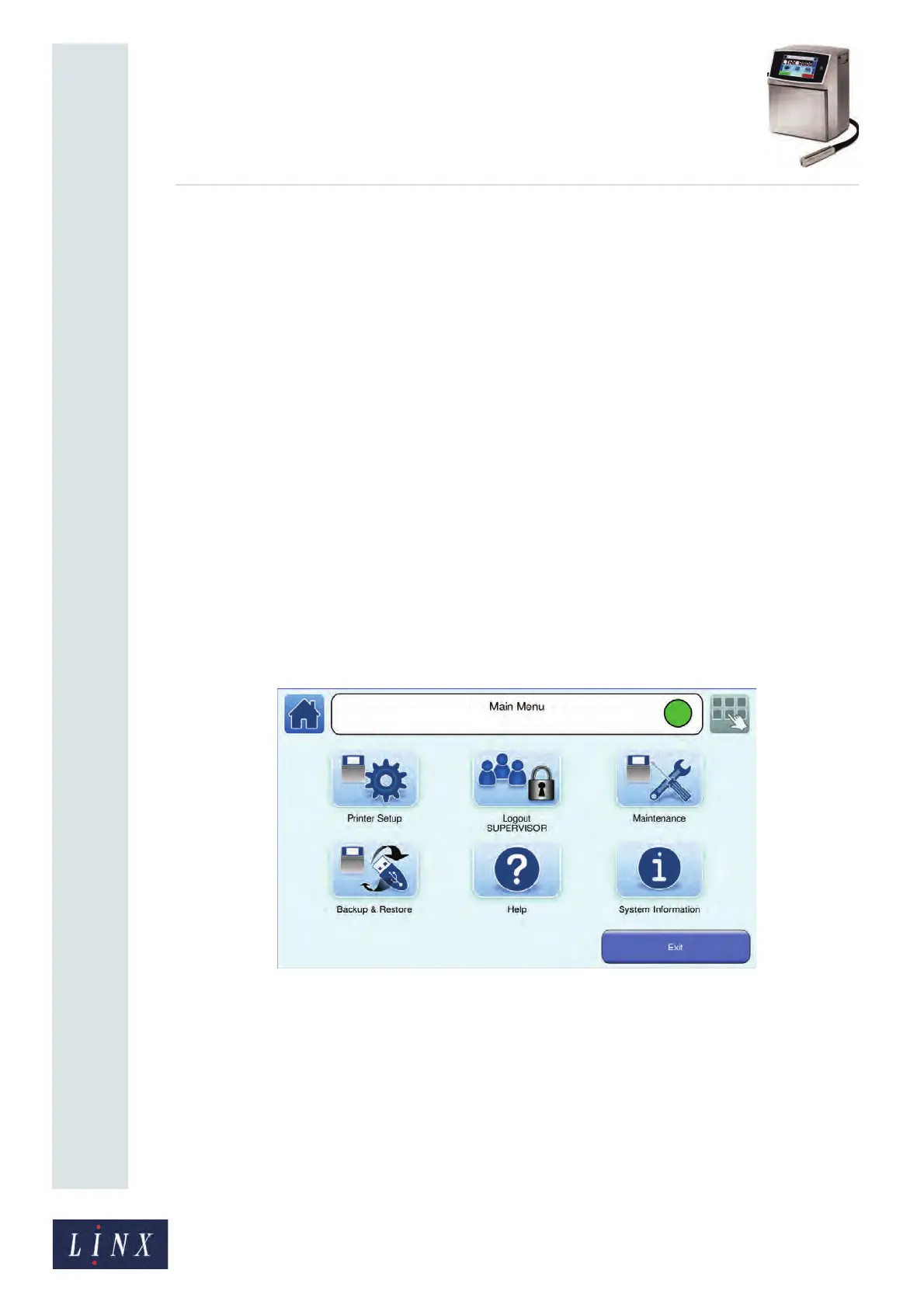
2.1.1 Main Menu screen
From the Main Menu screen you can access screens that allow you to do the following
tasks:
• Change the printer setup (for example, set the printer language and keyboard, set the
date and time, and create and manage users).
• Log in and log out as a given user.
• Maintain the printer.
• Back up and restore printer data (for example, messages and logos) with a USB
memory stick.
• Get help for common printer functions.
• View information about the printer.
Figure 4. Main Menu screen
Touch the Exit button or the Home button to return to the Home screen.
Printer Setup
Touch the Printer Setup button to access the printer settings options. For example, you can
set the printer language and keyboard, set the date or time, and create and manage users.
See ‘Change the printer setup’ on page 35 for more information.
89053



 To Next Page