Page 40 of 182 TP1A002–1 English
Aug 2015
Linx 8900 Operating Manual —
Change the printer setup
Linx 8900
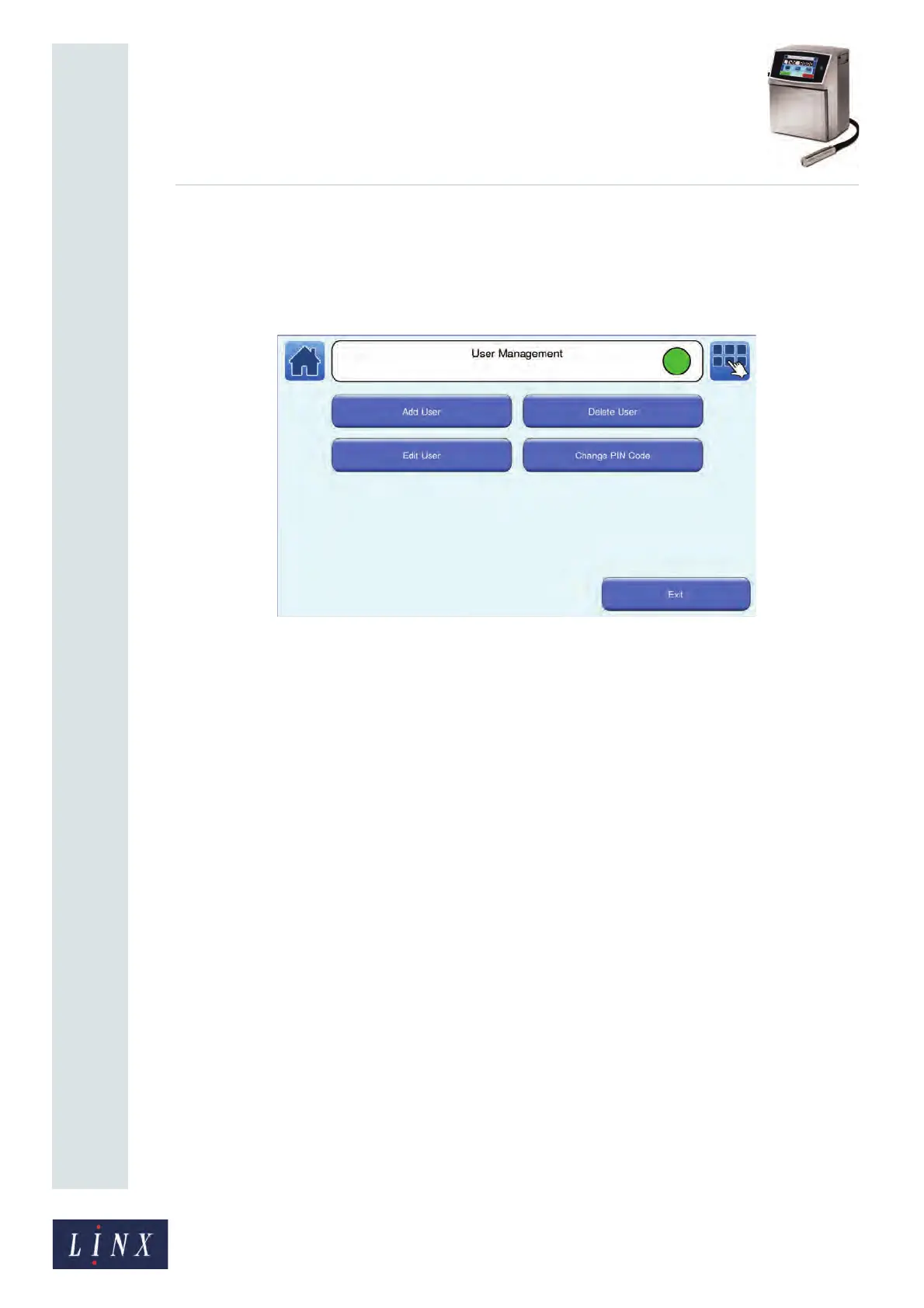
4.1.4 User Management
This option allows you to add, edit, and delete user accounts, and change user passwords.
You can assign each user different levels of access to common printer functions.
Refer to the Linx 8900 Quick Start Guide for information about printer users.
Figure 41. User Management screen
You can control access to the following printer functions:
Print Control— this option allows access to message selection and allows you to start and
stop the printer.
Maintenance—this option allows access to the Maintenance screens.
Message Store—this option allows access to the Message Store to create, edit, and delete
messages.
Message Settings—this option allows access to the Message Settings screens.
Line Settings—this option allows access to the Line Settings screens.
Printer Settings—this option allows access to the Printer Setup screens.
Security Settings—this option allows access to the User Management screens to create,
edit, and delete users, and allows access to the Security Options screens.
Communications Access—this option allows access to the Communications screens to set
up remote communication options for the printer.
Data Backup—this option allows you to back up, and restore, messages, graphics, and
printer settings with a USB memory stick.
Printer Upgrade—this option allows you to update the printer software with a USB
memory stick.
You can assign the following levels of security access rights to users:
• No Rights—the user cannot access any of the related printer functions.
• Basic—the user can access some of the related printer functions.
• Advanced—the user can access all of the related printer functions.



 To Next Page