Page 39 of 182 TP1A002–1 English
Aug 2015
Linx 8900 Operating Manual —
Change the printer setup
Linx 8900
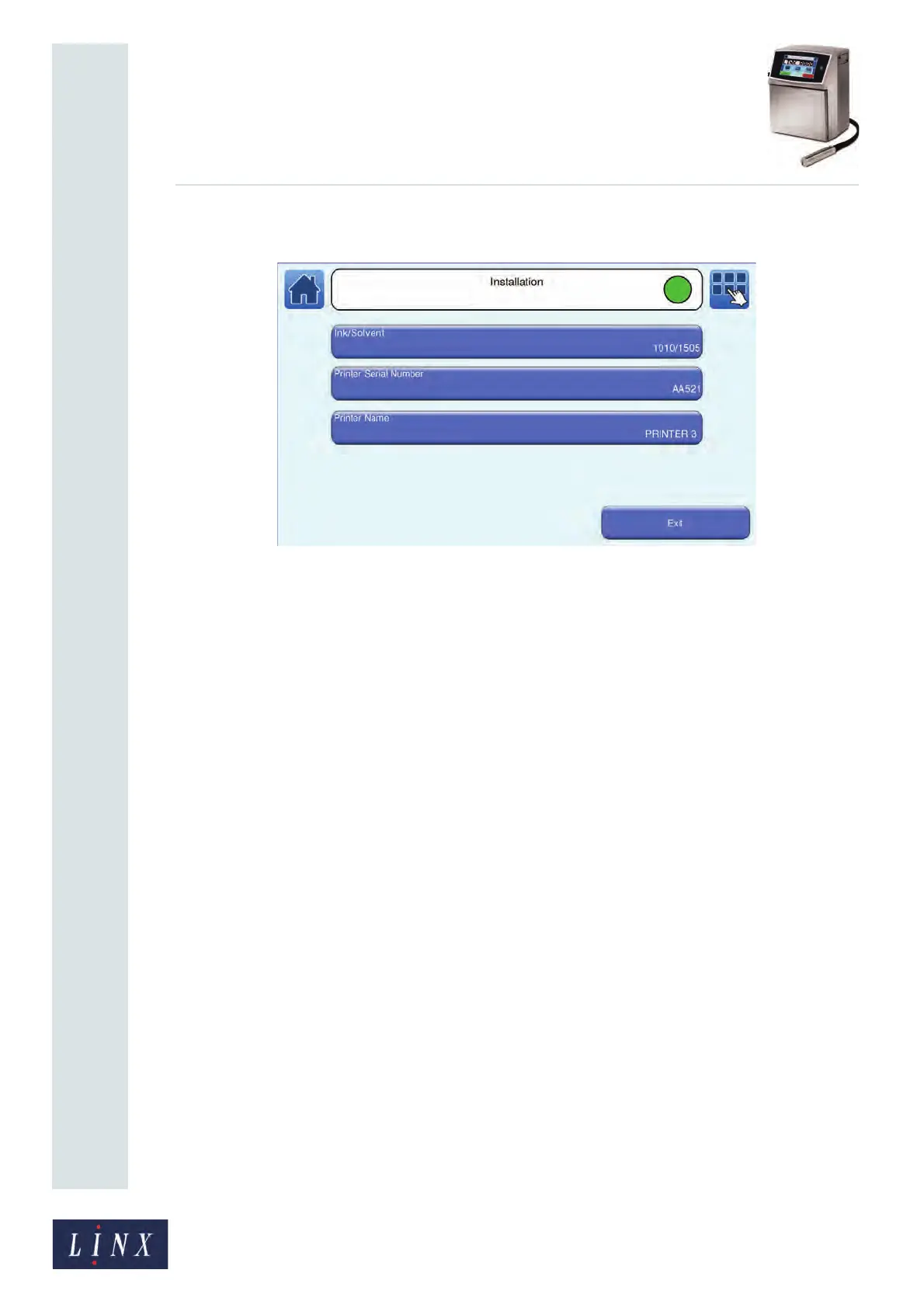
4.1.3 Installation
Figure 40. Installation screen
Ink/Solvent
This option shows you the ink and solvent type used by the printer. This option is for
display only. You cannot select the option or change the type.
Printer Serial Number
This option shows the serial number of the printer. This option is for display only. You
cannot select the option or change the serial number.
Printer Name
The default printer name is the same as Host Name of the printer (see ‘Host Name’ on
page 49). You can use the Printer Name option to enter another name to identify the printer
(for example, to identify back-ups of printer data that you use on other printers). Touch the
Printer Name button to display the Enter Printer Name screen. Enter a name for the
printer, and the touch the Enter button. The printer displays the Installation screen with
your entered printer name displayed on the Printer Name button.
89110



 To Next Page